
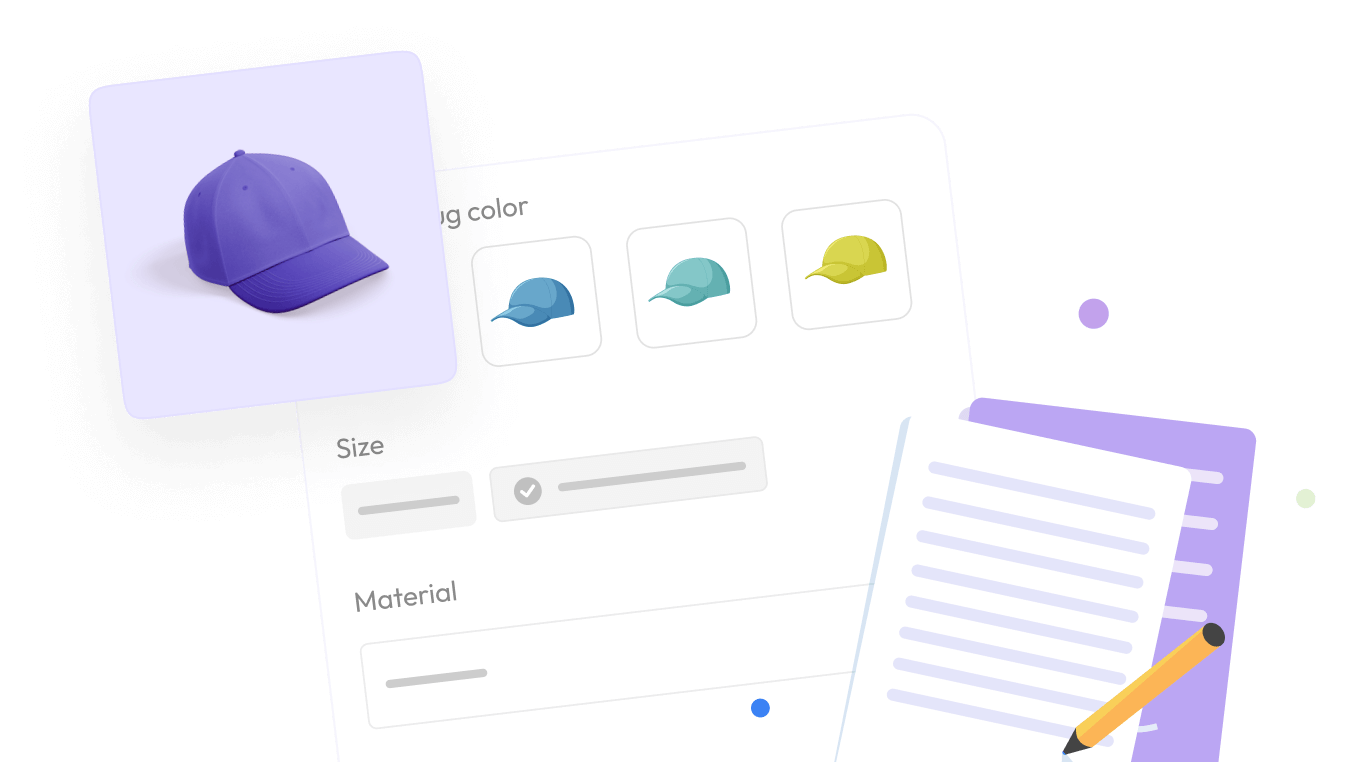

If you have ever set up a product on Shopify, you have probably run into the terms “options” and “variants.” Shopify uses both, but it is never quite explained how they are different or how they connect. Most store owners learn through trial and error.
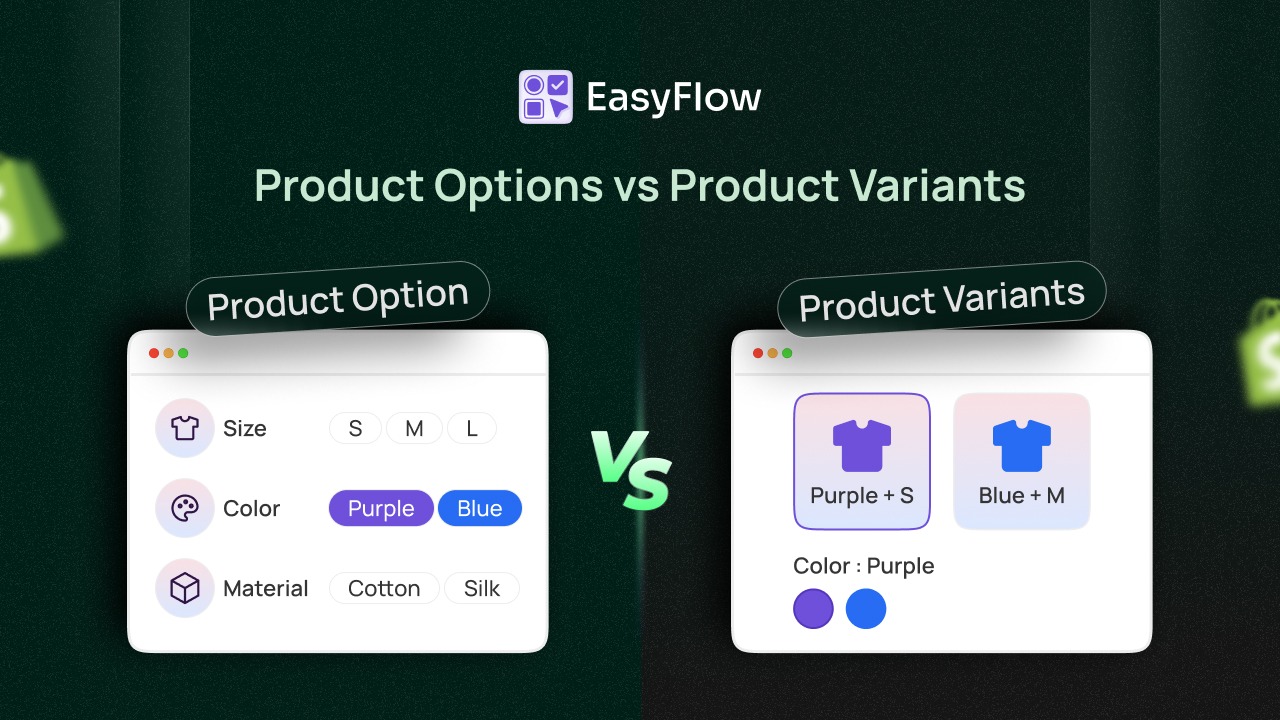
This guide cuts straight to the question: product options vs product variants: what is the difference?
TL;DR (Quick Summary)
If you are short on time, here is the core of what this blog covers:
| Topic | What You Need to Know |
| What are product options? | Choice categories on your product page — like Size, Color, or Material. They are just labels with no price, SKU, or inventory attached. |
| What are product variants? | The actual combinations Shopify creates from your options — like “Small / Black” or “Large / White.” Each one has its own price, SKU, and stock count. |
| Who creates variants? | What does a customer add to the cart? |
| Shopify’s limits | 3 options and 100 variants per product on standard plans. Shopify Plus raises the variant limit to 2,000. |
| What does a customer add to cart? | Always a variant — never just an option. |
| Need more flexibility? | Third-party apps like EasyFlow, Globo, or Easify remove Shopify’s native restrictions. |
| Bottom line | Options are the labels. Variants are the actual products. Get this right and your store setup becomes a lot easier. |
Still confused? Keep reading. The full guide explains everything with real examples, a step-by-step setup walkthrough, and answers to the most common questions.
What Are Product Options?
A product option is a category of choice. It answers the question: “What can a customer choose about this product?”
Think of options as the labels, the headings that appear on a product page. For example, if you sell a t-shirt, your options might be Size and Color. The option “Size” could have values like Small, Medium, and Large. The option “Color” could have values like Red, Blue, and Black.
Options are not specific to any one item. They are just the framework of choices you offer. A candle store might use “Scent” and “Jar Size.” A soap shop might use “Skin Type” and “Fragrance.” You can name your options anything that makes sense for your products.
Shopify allows you to add up to 3 options per product natively. This is a fixed limit on all standard Shopify plans. If you need more than 3 options, you will need a third-party app, but more on that later.
What Are Product Variants?
A product variant is what you actually sell. It is one specific combination of all the option values you have set up.
If your product has two options, such as Size and Color, then every unique pairing of those values becomes its own variant. A t-shirt with 3 sizes (S, M, L) and 2 colors (Black, White) would generate 6 variants: S/Black, S/White, M/Black, M/White, L/Black, and L/White. Shopify creates all of these combinations automatically once you enter your options.
Here is the most important thing to understand: each variant is its own individual record in Shopify. That means each variant can have its own price, its own SKU, its own barcode, its own weight, its own inventory count, and its own image. This is where the real power of variants comes in. You can charge more for larger sizes, track stock separately for each color, and show the right product photo when a customer picks a specific option.
Why the Confusion Exists Between Product Options And Product Variants?
Shopify’s interface does not always make the distinction between options and variants obvious. When you set up a product, you fill in the option names and values and Shopify quietly creates the variants in the background. Many sellers do not even realize variants exist as separate records until they try to set individual prices or stock levels and can’t figure out where to do it.
There is also a subtle language issue. In everyday conversation, people say “a product comes in different options”, but in Shopify, what they actually mean is “this product has different variants.” The word “option” in Shopify specifically refers to the label or choice category, not the thing being sold. The thing being sold is always a variant.
A good way to think about it: options are questions, variants are answers. “What size do you want?” is the option. “Medium” is one of the option values. “Medium / Black” is the variant; the actual product that gets added to the cart and shipped.
A Real Example of Product Options And Product Variants
Let us make this concrete. Imagine you sell a basic crew-neck T-shirt. You want customers to pick a size and a color. Here’s how that maps to Shopify’s product structure.
The Options (what you configure)
Option 1 — Size: Small, Medium, Large, XL, XXL (5 values)
Option 2 — Color: White, Black, Navy, Red, Grey (5 values)
The Variants (what gets generated)
Every combination of the above becomes a separate variant automatically. Shopify builds the full matrix for you:
| Variant | Size | Color |
| Variant 1 | Small | White |
| Variant 2 | Small | Black |
| Variant 3 | Small | Navy |
| Variant 4 | Small | Red |
| Variant 5 | Small | Grey |
| Variant 6 | Medium | White |
| … | … | … |
| Variant 25 | XXL | Grey |
Total variants = 5 sizes × 5 colors = 25 variants.
Each of those 25 variants can have its own price, its own stock count, its own SKU, and its own product image. They are fully independent records — even though they share the same product page.
Product Options vs Product Variants: The Key Differences
Before going deeper, here is the clearest possible definition and comparison of each term.
| Concept | Product Option | Product Variant |
| What it is | A category of difference (Size, Color, Style) | A specific purchasable combination of options |
| What it does | Defines the questions you ask customers | Becomes the item that actually gets added to cart |
| Level | Sits at the product level | Sits one level below the product |
| Has its own price? | No | Yes — every variant can have a unique price |
| Has its own inventory? | No | Yes — tracked independently per variant |
| Has its own SKU? | No | Yes — assigned per variant |
| Shopify limit | 3 per product | 100 per product |
The simplest way to understand the difference is this: options are labels, and variants are products.
Options have no price, no SKU, no inventory, and no image. They are just the structure that defines what choices exist. Variants carry all the actual product data: the price, the stock level, the weight, and the barcode. When a customer picks a size and a color and clicks “Add to Cart,” they are selecting a specific variant, not just an option.
Options are created manually by you. Variants are created automatically by Shopify based on the option values you enter. You control what options exist. Shopify calculates all the possible combinations.
Another key difference is limits. You can have up to 3 options per product. The number of option values within each option is flexible. But the total number of variants, which is the product of all your option values, is capped at 100 on standard plans.
The Shopify Variant Limit And What It Means for You
This is where things get tricky, and where a lot of growing stores run into problems. Shopify has hard limits you need to plan around.
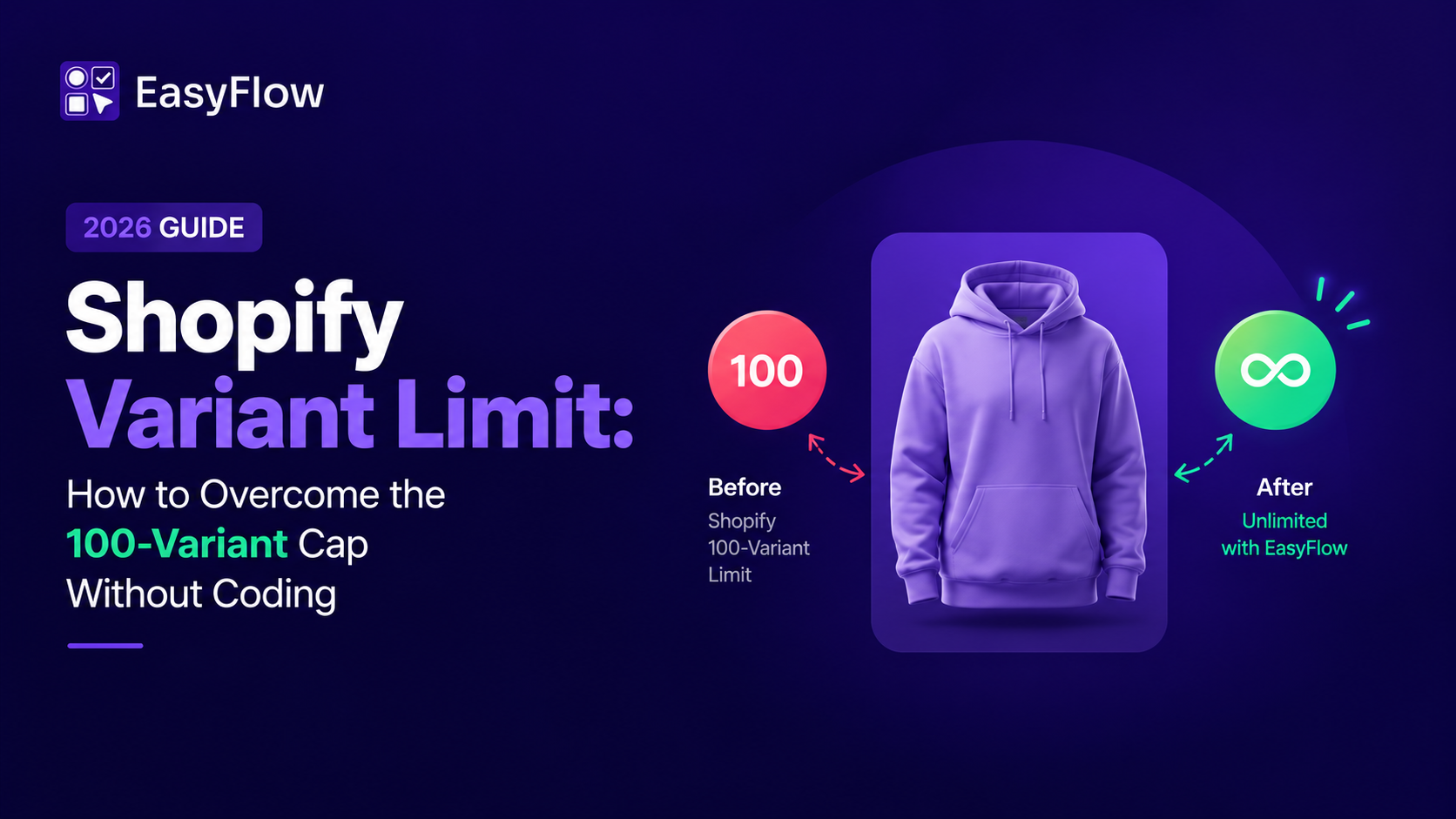
On standard Shopify plans, you can have a maximum of 3 options and 100 variants per product. On Shopify Plus, the variant limit increases to 2,000 per product. The option limit stays at 3 regardless of your plan.
These limits matter a lot once your product catalog grows. Imagine a shoe with 8 sizes and 15 colors, that is already 120 variants, which exceeds the standard plan limit. If you try to add that combination, Shopify will simply stop generating variants once you hit 100.
If you sell products with many combinations, your main options are to upgrade to Shopify Plus, use a third-party app to handle the overflow, or split a complex product into multiple separate listings. Each approach has trade-offs, so it is worth planning your product structure early rather than restructuring later.
Not every product needs options and variants. If you sell a single item with no customization like one specific book, a fixed-size print, or a digital download, you do not need to add any options. Shopify will treat it as a single-variant product automatically, and everything works fine.
Only add options when customers genuinely need to choose to buy. Adding unnecessary options clutters your product page and creates extra variants you have to manage. Keep it simple unless the product actually requires it.
When Native Shopify Product Options Are Not Enough
Sometimes customers need to make choices that do not fit the standard options-and-variants model. These usually involve open-ended inputs rather than fixed choices. Common examples include custom text engraving, a gift message field, a file upload for custom printing, or a checkbox to add gift wrapping.
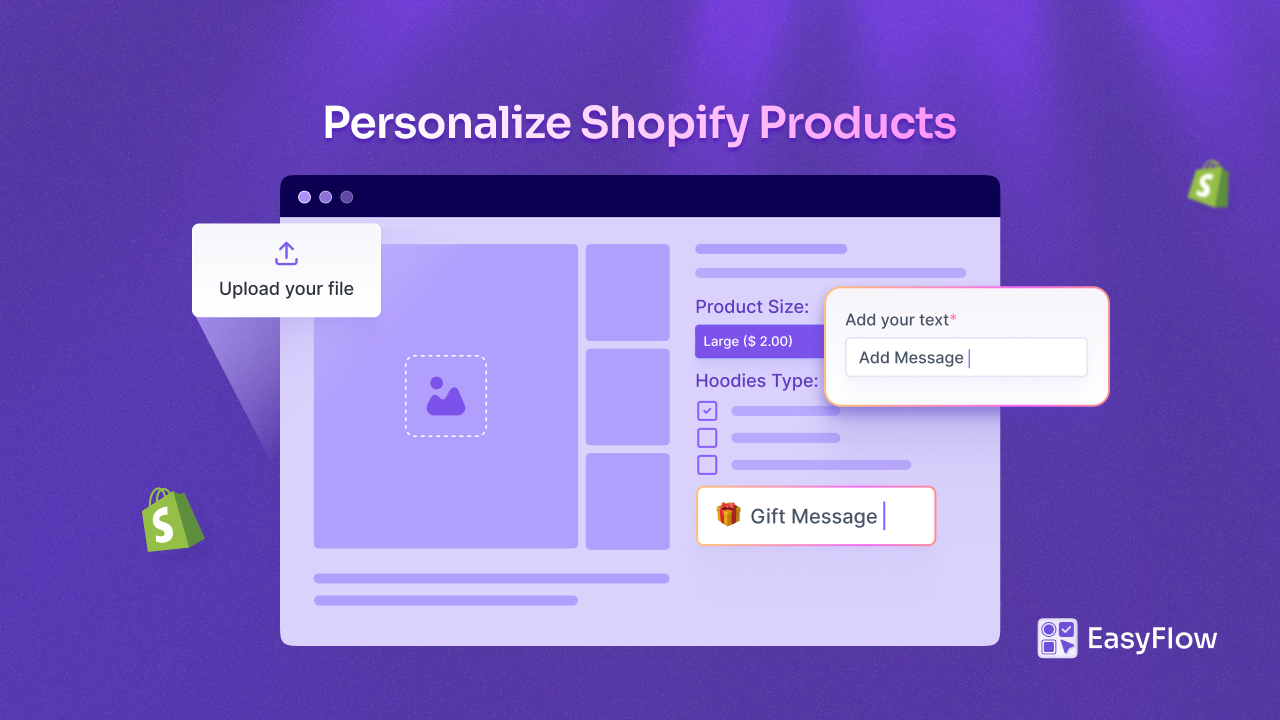
These are not true Shopify variants, because they do not create separate inventory records or affect stock. They are additional inputs collected at checkout.
Shopify’s built-in product options work well for simple stores. But once your products get more complex, the 3-option and 100-variant limit becomes a real problem fast. That is where third-party Shopify product options apps come in.
Best Shopify Product Options Apps That You Can Use
The Shopify product options apps remove Shopify’s default restrictions and let you offer unlimited customization; things like custom text fields, file uploads, color swatches, date pickers, live previews, and conditional logic. They also help you charge extra for premium add-ons, support multiple currencies, and manage options across large product catalogs without spending hours doing it manually.
Read the blog on the top Shopify product customization apps to choose the right product options app for your store.
Meet EasyFlow: A Shopify Product Options App Worth Checking
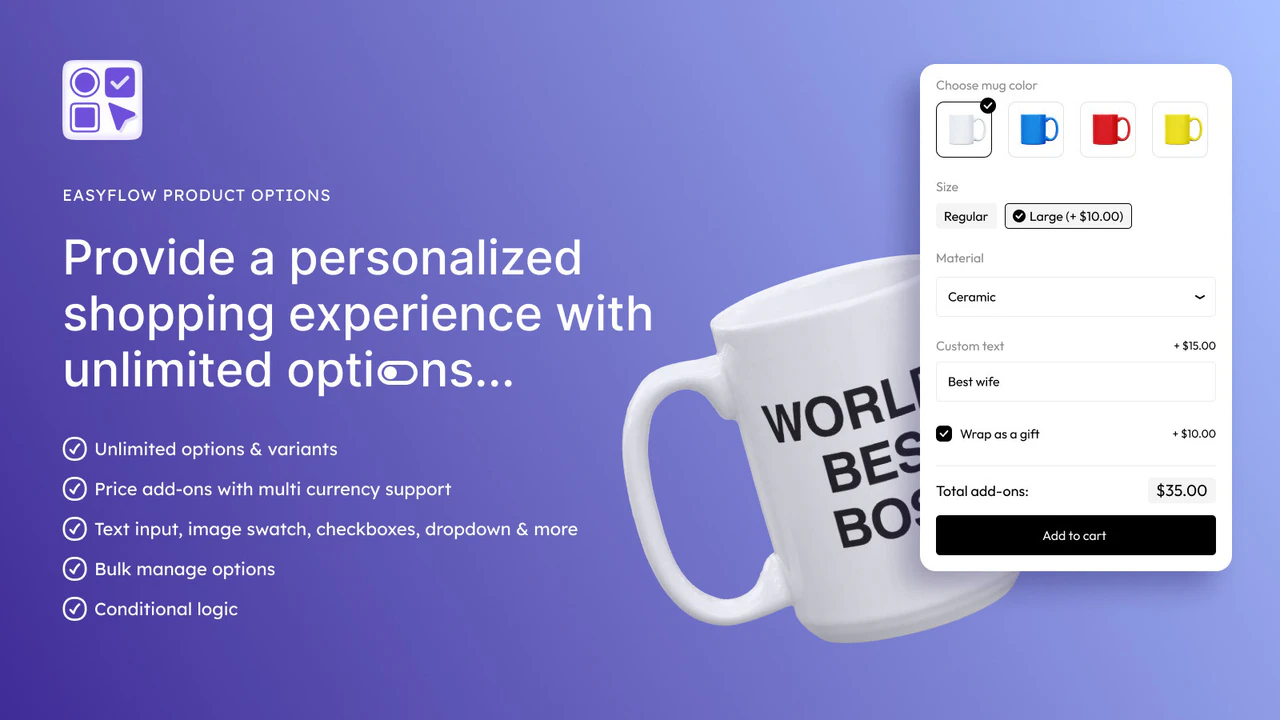
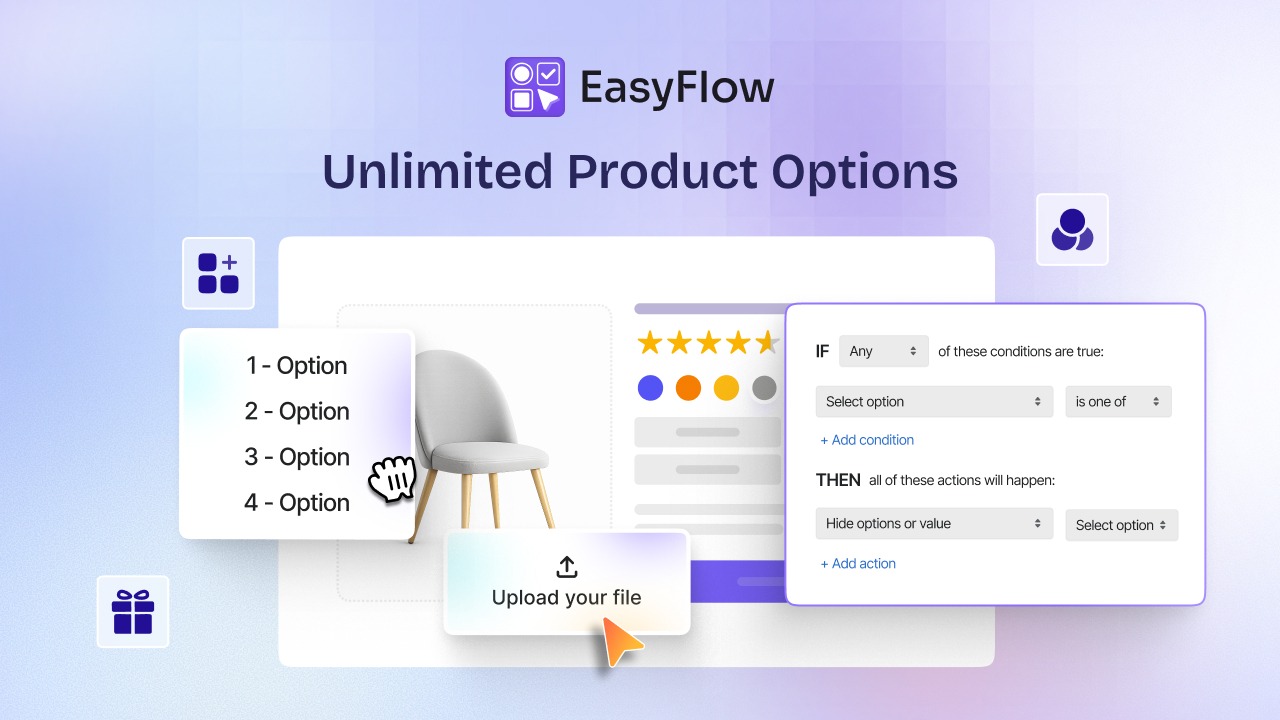
EasyFlow Product Options is currently the highest-rated app in this category with a 5/5 rating and the“Built for Shopify” badge. It is fast-loading, supports unlimited options and variants, and offers advanced conditional logic, meaning you can show or hide certain options based on what a customer selects. It is best for stores that need both performance and scale.
If your products need more than 3 option types, or you want to offer custom inputs like engraving text or conditional logic that adapts to what customers have already selected, EasyFlow is built to help you with that.
The right Shopify product options app depends on your store size, product complexity, and budget. If you are just starting out, a free plan works well. If you are scaling and need reliability and speed, EasyFlow is worth the investment. Most of these apps offer free trials, so test before you commit.
It is important to understand that custom fields from these apps are separate from your Shopify inventory system. A customer typing their engraving text does not reduce stock on any variant. If you need to track that separately, you will need to build that workflow manually or through additional tools.
Build a Scalable Shopify Store with the Right Options & Variants Setup
Shopify’s options and variants system is logical once you understand the relationship. Options define the structure of customer choice. Variants are the inventory records that result from it.
Everything transactional, price, stock, SKU, shipping, lives at the variant level, not the option level. If you get this architecture right from the start, and your catalog scales cleanly and if you get it wrong, and you end up with pricing inconsistencies, missing SKUs, and inventory you can not track. So, you need to get this relationship right at the start and inventory tracking, pricing, reporting, and fulfillment all become far easier to manage.
The good news: the system is consistent. Once you have worked through it on one complex product, the logic applies everywhere in your store. Build it correctly once, and it scales cleanly.
If you found this blog helpful, please subscribe for more expert guides, tutorials, and tips on unlocking the full potential of your Shopify store.