


Selling on Shopify is exciting. You have got your products ready, your store looks great, and customers are starting to visit. But then comes a challenge that almost every growing Shopify merchant faces — product options.
Maybe you sell custom t-shirts and need customers to choose a size, colour, and add a personalised text. Maybe you sell gift boxes that require customers to select individual items, add a note, and choose a wrapping style. Or maybe you sell furniture and need buyers to pick dimensions, materials, and finishes.
Shopify’s default variant system is useful, but it has limits. It caps out at 100 variants per product and offers only basic option types. For merchants with complex or customisable products, that is simply not enough. That is where Shopify product options apps come in. These apps extend what Shopify can do natively, giving you the ability to add unlimited options, conditional logic, custom inputs, and much more.
But here is the thing — there are dozens of product options apps on the Shopify App Store. They all promise to solve your problems. How do you know which one is actually right for your store?
This blog walks you through 5 clear factors to consider when you choose the product options app for Shopify, so you can make a confident, informed decision.
TL;DR
| Factor | What to Check | Why It Matters |
| Option Type Range | Does the app support all the option fields your products need (now and later)? | Ensures flexibility as your Shopify product customisation grows. |
| Conditional Logic | Can you create rules that show/hide options based on selections without coding? | Makes product configuration smarter and easier for customers. |
| Pricing Add-Ons | Can the app adjust prices based on selected options and show them clearly? | Prevents confusion and ensures accurate pricing during checkout. |
| Performance & Compatibility | Does the app load quickly, work with your theme, and perform well on mobile? | Keeps your store fast and maintains a smooth shopping experience. |
| Support & Reliability | Is the app regularly updated with responsive support from the developer? | Reduces risk and ensures long-term stability for your store. |
First, Let’s Understand What a Shopify Product Options App Actually Does
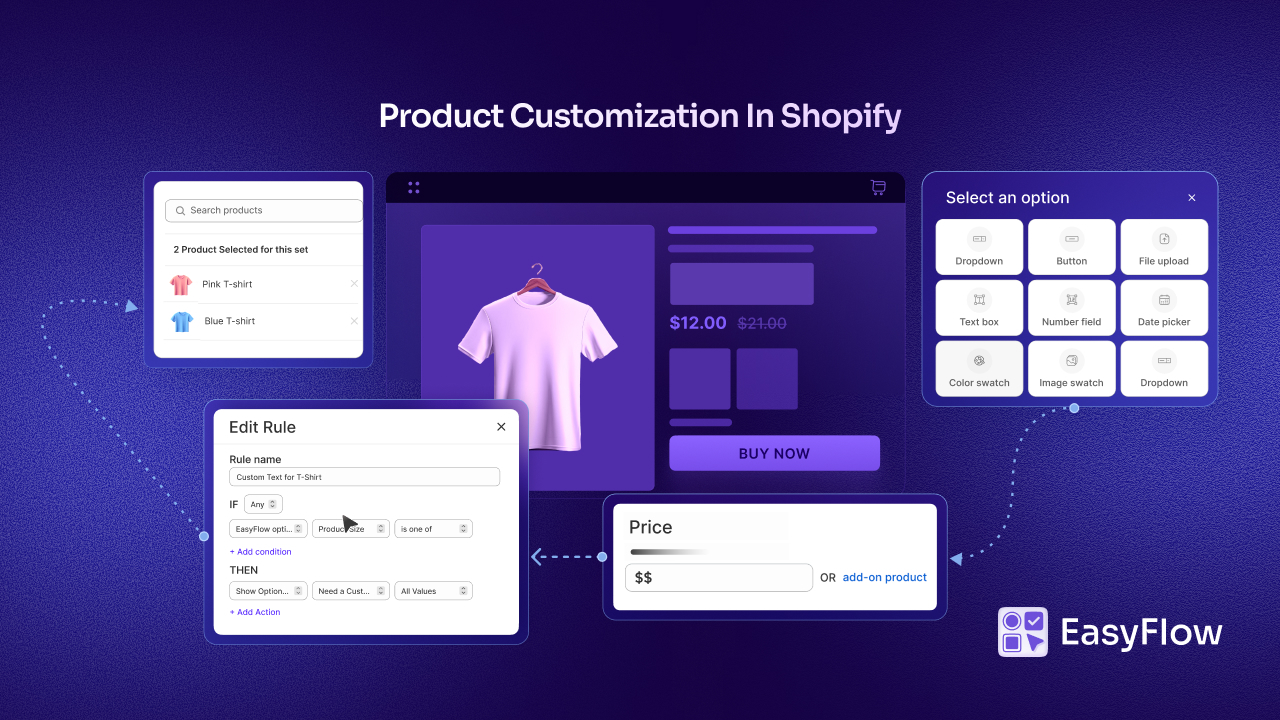
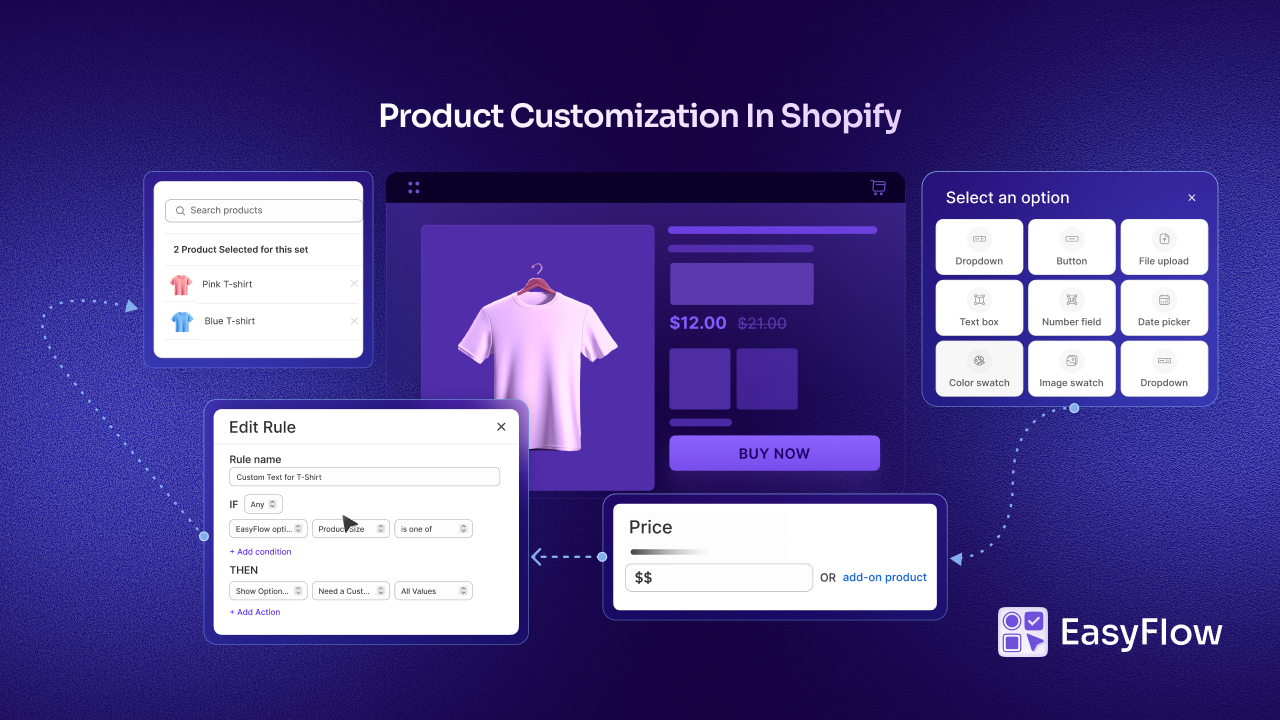
Before diving into the factors, it is worth being clear on what these apps offer. A Shopify product options app lets you add custom fields and option types to your product pages. Instead of being limited to dropdown menus for size and colour, you can offer:
- Text boxes for personalisation messages
- Image swatches for colour or pattern selection
- Checkboxes for add-ons
- File upload buttons for custom designs
- Date pickers for delivery or event scheduling
- Conditional logic that shows or hides options based on previous selections
The right app makes your product pages more interactive, more informative, and more tailored to what your customers actually need. It reduces confusion, increases satisfaction, and helps boost conversions.
Now, let’s talk about how to choose the right product options app for Shopify.
Factor 1: The Range And Flexibility of Option Types
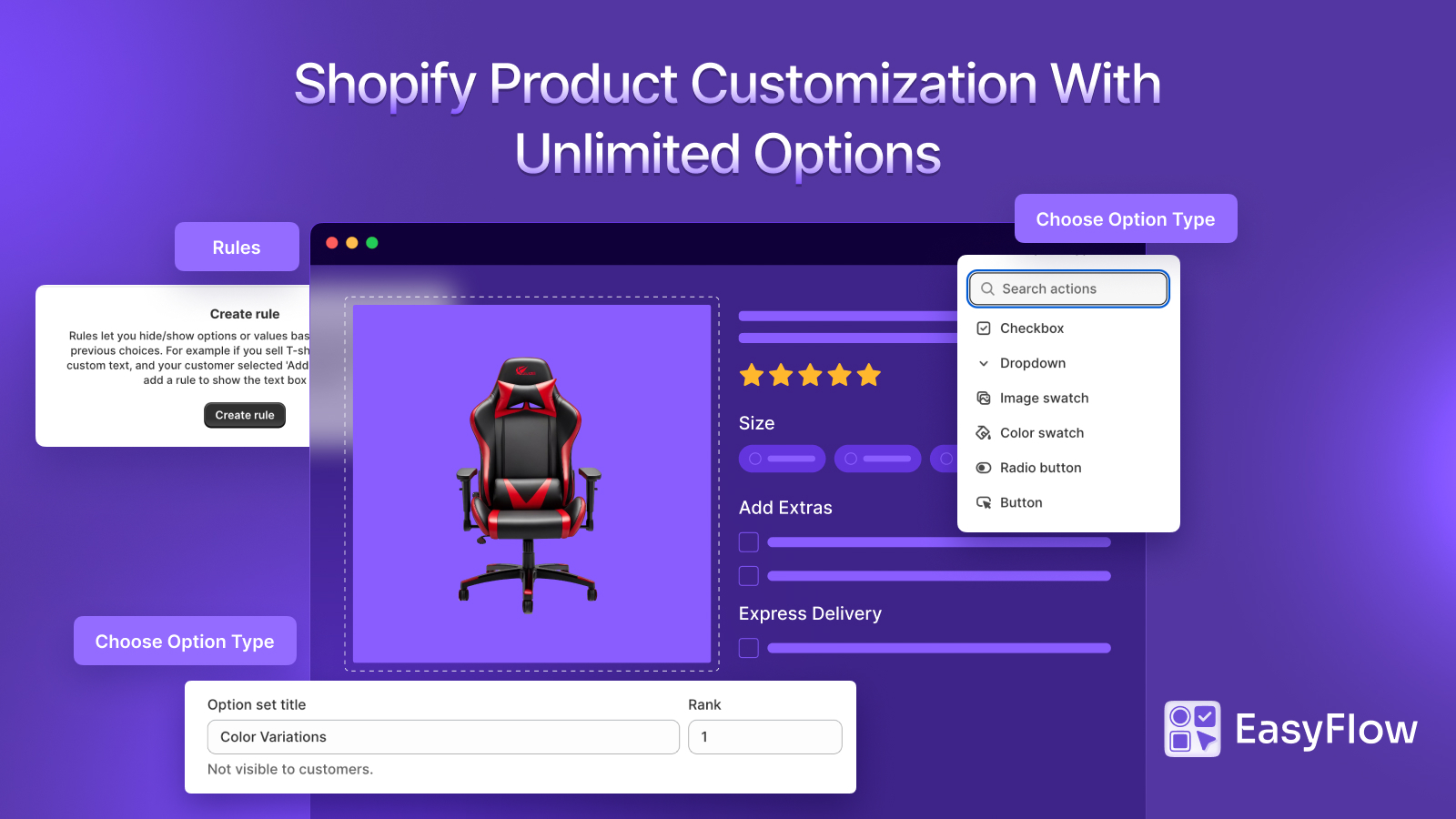
The first thing to look at while choosing the product options app for Shopify is what kind of options the app actually supports. Not all apps are built the same. Some offer a handful of basic fields. Others give you a rich library of option types that can handle almost any use case.
Think carefully about your products before evaluating any app. Ask yourself — what does my customer actually need to tell me before I can fulfil their order? The answer will tell you what option types you need.
If you sell personalised jewellery, you will need text input fields and possibly file uploads. If you sell clothing, colour swatches and size selectors are essential. If you sell built-to-order products, you might need number inputs for dimensions and dropdown menus for materials.
The best product options apps offer a wide variety of field types — dropdowns, radio buttons, checkboxes, text fields, image swatches, colour swatches, file uploads, date pickers, and more. The more flexibility an app gives you, the better equipped you are to handle your current products and any new ones you add down the line.
For example, apps like EasyFlow Product Options offer a comprehensive set of option types that cover both simple and complex product customisation needs. Whether you are running a straightforward clothing store or a fully custom product business, having that range of options available means you are not building workarounds or compromising on the customer experience.
When evaluating any Shopify product customisation app, do not just look at what you need today. Think about where your product catalogue might be in six months or a year. Choose an app that can grow with you.
Factor 2: Conditional Logic — Does the App Think the Way You Do?
This is one of the most important and often underestimated factors when you are trying to choose the right Shopify custom product options app.
Conditional logic, also called display logic or dependent options, is the ability to show or hide certain options based on what the customer has already selected. It is what makes a product page feel intelligent rather than cluttered.
Here is a simple example. You sell custom mugs. If a customer selects “Add a personal message,” a text box should appear. If they do not select it, the text box should stay hidden.
Without conditional logic, every customer sees every option, even the ones that do not apply to them. That creates confusion and a messy buying experience. For stores with complex, multi-step product customisation, conditional logic is not a nice-to-have. It is essential. Good conditional logic allows you to:
- Show additional options only when relevant
- Hide fields that do not apply to a customer’s previous selection
- Create a step-by-step guided customisation flow
- Avoid overwhelming customers with too many choices at once
When reviewing apps, test the conditional logic thoroughly. Is it easy to set up without coding? Is it stable and reliable on the front end? Does it work smoothly on mobile?
EasyFlow Product Options is built with conditional logic as a core feature rather than an add-on. The logic is intuitive to configure, which is particularly useful for merchants who are not developers but still want sophisticated product page behaviour. The result is product pages that feel clean and guided, creating a much better experience for the customer.
Factor 3: Pricing Impact — Can the App Handle Price Add-Ons?
Many product customisations are not just about collecting information; they change the price. A customer who wants their name engraved on a pendant pays more than one who does not. A customer who selects premium leather on a bag pays more than one who chooses standard fabric.
This is called conditional pricing or price add-ons, and it is a critical feature for many Shopify merchants. If the custom product options app you are considering does not support it — or supports it in a clunky, unreliable way — it can create real problems for your business.
Think about the implications. If price add-ons are not reflected clearly in the cart and checkout, customers may be surprised by a higher total. That leads to abandoned carts, refund requests, and customer frustration. None of which you want.
When evaluating a product options app, look at how it handles pricing:
- Can you assign a price increase to specific options or selections?
- Is the updated price shown clearly in real time on the product page?
- Does the cart and checkout accurately reflect any price adjustments?
- Can you set percentage-based add-ons as well as fixed amounts?
A reliable app will handle all of this smoothly. EasyFlow Product Options supports price add-ons in a way that is straightforward to configure and, importantly, clearly visible to the customer throughout their shopping journey. That transparency at the pricing level builds trust and reduces the chance of cart abandonment.
If your store relies on customisation-based pricing in any form, make sure this is a factor you scrutinise carefully before committing to an app.
Factor 4: Performance, Compatibility And User Experience
A product options app lives on your product pages. That means it has a direct impact on your store’s performance and how customers experience your brand. This factor is one that merchants sometimes overlook until it is too late — after the app is installed and problems start appearing. Here is what to consider under this umbrella:
- Page speed. Apps that add a lot of code to your product pages can slow them down. And page speed matters enormously, both for customer experience and for SEO. A slow-loading product page loses customers before they even get to the options. Before installing any app long-term, test how it affects your page load times.
- Theme compatibility. Shopify stores run on a wide variety of themes — Debut, Dawn, Brooklyn, Prestige, and many more. Some apps play well with all themes. Others have compatibility issues that cause display bugs, broken layouts, or options that do not render correctly. Always check whether an app is compatible with your specific theme before committing.
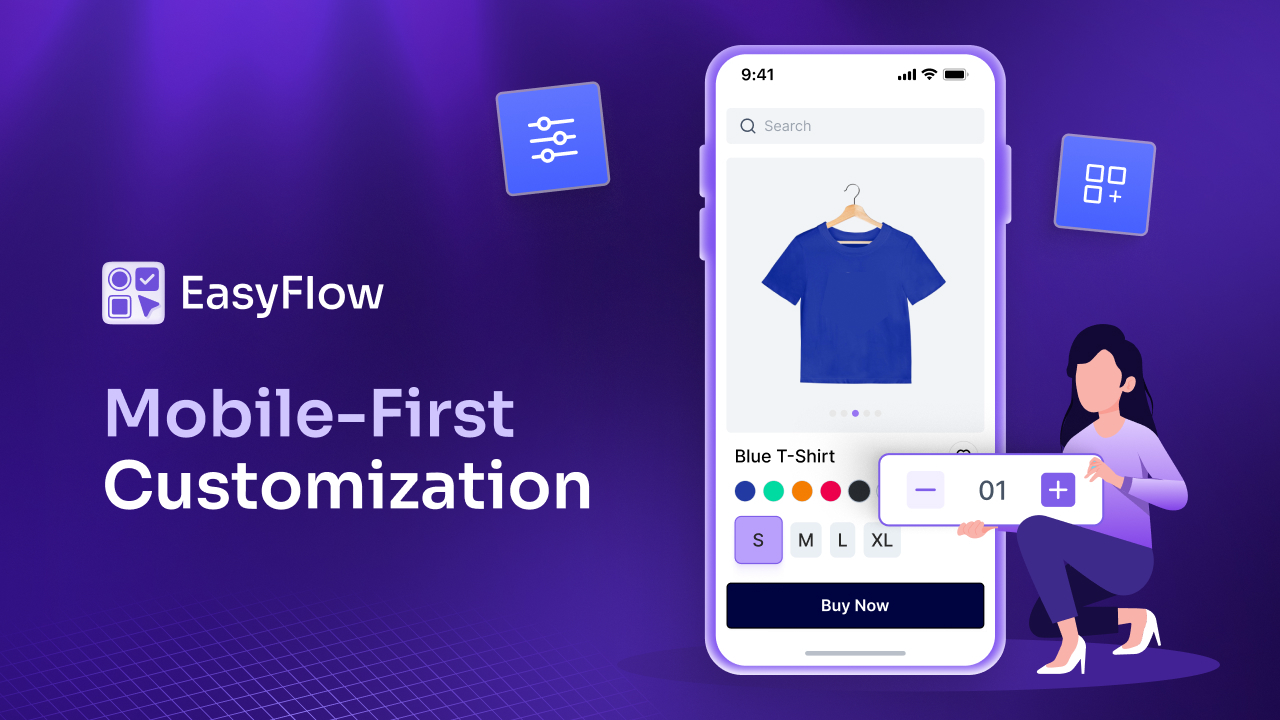
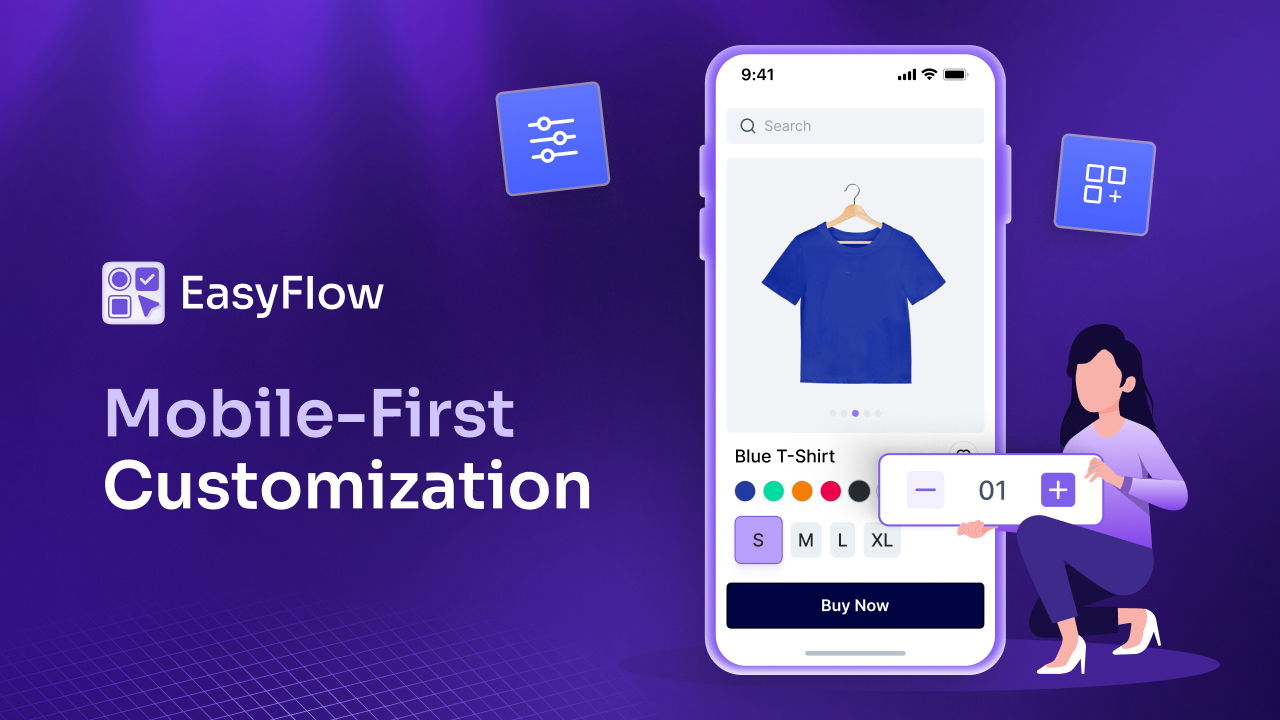
- Mobile experience. A significant portion of Shopify traffic comes from mobile devices. Your product options need to look and function just as well on a phone screen as they do on a desktop. Options that are cluttered, too small to tap, or difficult to navigate on mobile will directly hurt your conversions.
- Visual design. The way your options look matters. If the option fields look out of place or clash with your store’s design, it undermines the overall professionalism of your brand. Look for apps that offer customisation of the option styles like fonts, colours, layout, etc so they blend seamlessly with your store.
EasyFlow Product Options is designed with storefront performance and aesthetics in mind. It is built to integrate cleanly with Shopify themes and presents options in a way that feels natural and on-brand, rather than bolted on. For merchants who take their store design seriously, this level of polish matters.
The golden rule here is simple: your app should enhance the shopping experience, not disrupt it.
Factor 5: Support, Reliability And Long-Term Trust
This is the factor that separates apps you can build a business on from apps that become a headache six months down the line.
Product options are deeply embedded in your product pages, your orders, and your fulfilment process. When something goes wrong and at some point, something always does, you need responsive, knowledgeable support to get it resolved quickly. A broken product options setup does not just cause inconvenience. It can mean lost sales, incorrect orders, and unhappy customers.
When evaluating an app’s support, look beyond the star rating. Read the reviews carefully. What do merchants say about how support handled their problems? Were issues resolved quickly? Was the team helpful and clear in their communication? Did they actually fix the problem, or just close the ticket?
Beyond support, think about reliability and the app developer’s track record:
- How often is the app updated?
- Does the developer actively maintain and improve it?
- Are there regular updates to stay compatible with Shopify’s evolving platform?
- Is there documentation, tutorials, or a help centre you can refer to independently?
An app that was last updated two years ago is a risk. Shopify regularly updates its platform, and apps that are not maintained can break or become incompatible without warning.
EasyFlow Product Options is actively maintained and developed. The team behind it is responsive and genuinely invested in helping merchants get the most out of the app. For Shopify merchants who are building for the long term, that ongoing commitment to improvement and support is exactly what you want in a product options partner.
Before installing any app permanently, test the support. Send a pre-sales question and see how quickly and helpfully they respond. That interaction tells you a lot about what working with them long-term will feel like.
👉 Bonus Consideration: Ease/Flexibility of Use
This did not make the core list of five factors, but it deserves a mention because it affects your day-to-day life as a merchant.
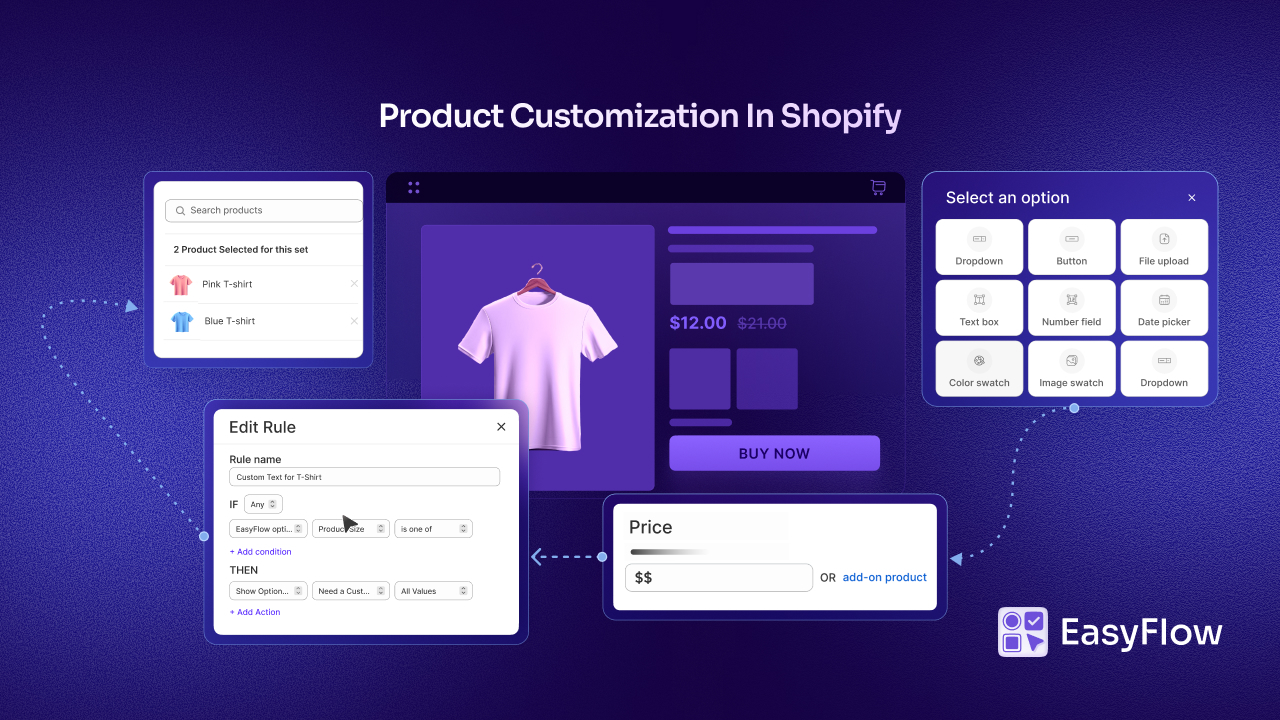
A product options app should be easy to configure without needing a developer. You should be able to set up option sets, apply them to products, build conditional logic rules, and make updates; all from a clean, intuitive interface.
Some apps are powerful but overwhelming. The interface is complex, the learning curve is steep, and what should take twenty minutes ends up taking hours. That is frustrating, and it eats into time you could be spending on growing your business. When you are evaluating apps, look for one that balances capability with usability.
- A demo or free trial is the best way to test this.
- Spend thirty minutes trying to set up a real-world scenario, like a customisable product with conditional logic and a price add-on. If you get stuck frequently or find the interface confusing, that is a signal.
EasyFlow Product Options is built with this balance in mind. It is designed to be approachable for merchants who are not technical, while still being capable enough for complex product configurations. The setup process is guided, the interface is clear, and most merchants can get their first option set live without needing any outside help.
No app will be perfect across every single dimension. But using these five factors gives you a structured, objective way to compare your options; rather than just going with whichever app has the most reviews or the most aggressive marketing.
Why the Right Product Options App for Shopify Is Worth Taking Time Over
It can be tempting to just grab the first product options app that seems popular and move on. But this is a decision that sits at the heart of your product experience. It affects what your customers see, how they interact with your store, and ultimately whether they buy.
Getting it right the first time saves you a lot of pain. Migrating from one product options app to another, once you have built out dozens of products and option sets, is not fun. It is time-consuming, sometimes technically messy, and disruptive to your store.
So, take the time up front to evaluate your options properly. Most apps offer free trials. Use them. Set up a test scenario that reflects your actual products. Push the app a little. See how it handles edge cases. Read the recent reviews with a critical eye.
The Shopify App Store is full of capable tools. The right one for your store is the one that fits your specific product complexity, matches your design standards, performs reliably, and is backed by a team that will be there when you need help.
Choose Your Shopify Product Option App with Confidence
The ability to offer rich, flexible product options is one of the most powerful things you can do for your Shopify store. It elevates the customer experience, reduces order errors, opens up higher-value customisation, and helps you stand out in a competitive market.
But that power only delivers results when the app behind it is the right fit. Use the five factors mentioned in this blog to guide your decision with clarity. Apps like EasyFlow Product Options are worth exploring as part of that process.
However, at the end of the day, the best app is the one that solves your specific problems, fits your workflow, and helps your customers have a better experience on your store. Choose thoughtfully, test thoroughly, and build with confidence.
Was this blog helpful? If you want more guides, tutorials and tips like this, please subscribe to get the updates.