

Running a Shopify store is exciting, but getting visitors to actually buy something? That is the hard part. Most store owners focus heavily on driving traffic, but they overlook what happens after someone lands on their product page. This is where sales funnel automation changes everything.
If you want to increase Shopify conversions, reduce cart abandonment and close more deals on autopilot, you need a smart, automated sales funnel. And if you are selling products with options like sizes, colours, bundles, add-ons, the way you present those choices matters more than most people think.
In this guide, we will break down exactly how Shopify sales funnel automation works, what stages matter most, and how the right tools can help you turn more browsers into buyers.
What Is a Sales Funnel for Shopify?
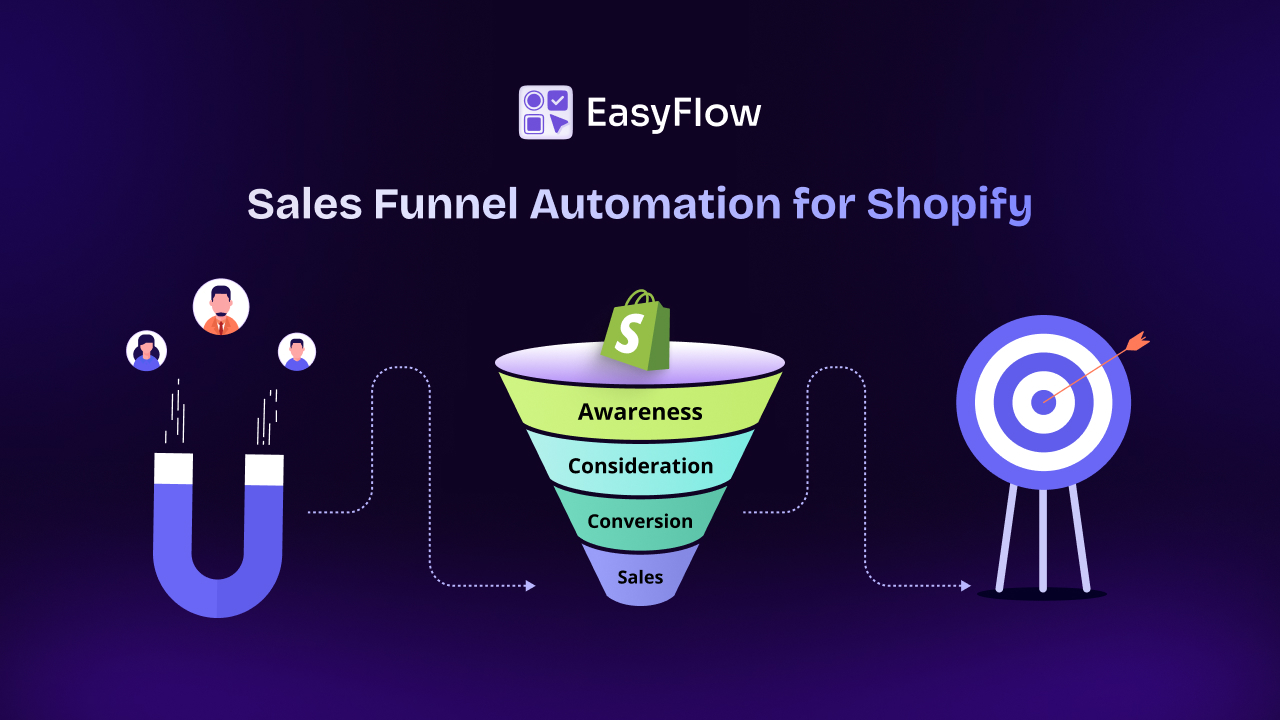
A sales funnel is the journey a customer takes from first discovering your store to completing a purchase. Think of it as a path with multiple stages. At the top, you have lots of visitors. As they move through the funnel, browsing, adding to cart, checking out, some drop off at each step. Your job is to keep as many of them moving forward as possible.
A typical Shopify sales funnel has four key stages:
- Awareness – The customer finds your store through ads, SEO, or social media.
- Interest – They browse your product pages and engage with your content.
- Decision – They evaluate your product, pricing and options.
- Action – They add to the cart and complete the purchase.
Sales funnel automation for Shopify means using tools and workflows to guide customers through each of these stages without you having to do everything manually. It is like having a sales team working 24/7 in the background.
Why Store Owners Need Shopify Sales Funnel Automation?
Manual follow-up does not scale. You can not personally email every abandoned cart, upsell every customer, or remind every hesitant buyer to come back. Automation does all of that for you consistently, at scale and without burning you out.

The global cart abandonment rate sits above 70%, and without automated recovery flows, most of that revenue is simply lost forever. Here is what happens when Shopify merchants skip automation:
- They miss easy upsell and cross-sell opportunities.
- They spend hours on repetitive tasks instead of growing their business.
- Their customer experience feels inconsistent and disconnected.
Shopify funnel automation solves all of these problems. It creates a smooth, personalized experience for shoppers while freeing up your time to focus on strategy.
The Core Stages of Shopify Sales Funnel Automation
So, what are the core stages of the Shopify sales funnel automation? Let us know about the stages below in this section.
1. Top of Funnel: Capturing Attention
At the top of the funnel, your goal is to attract the right people and capture their information before they leave. Automated tools like pop-ups, spin-to-win wheels or any kind of email capture forms play a big role here. When a first-time visitor lands on your Shopify store, you have just a few seconds to grab their attention.
Once you have their email, you can bring them back even if they do not buy right away. Top-of-funnel automation typically includes welcome email sequences, first-purchase discount offers, and retargeting ad flows triggered by website visits.
2. Middle of Funnel: Building Interest And Trust
This is where most conversions are won or lost. A shopper is looking at your products but has not committed yet. They need more information, more trust and sometimes a little nudge.
Middle-of-funnel automation on Shopify includes things like product recommendation emails, browse abandonment emails (triggered when someone views a product but leaves) and social proof pop-ups that show recent purchases.
This is also the stage where your product page experience matters most. If a customer is confused about their options, like what size to choose, what features are included, or whether they can customise the product, they will leave. Reducing friction at this stage directly impacts your conversion rate.
3. Bottom of Funnel: Closing the Deal
This is where shoppers are close to buying; they may have added something to the cart or started checking out. Automation at this stage focuses on removing the last barriers to conversion. Key automation tactics at the bottom of the funnel include:
- Abandoned cart email sequences (a 3-part series works best: immediate reminder, 24-hour follow-up, final discount offer)
- Exit-intent pop-ups with a time-limited offer
- One-click checkout options to reduce friction
- Live chat or chatbot support to answer last-minute questions
Getting these automations right can recover a significant portion of lost sales, often 10–15% of abandoned carts, which adds up quickly.
4. Post-Purchase: Turning Buyers into Loyal Customers
The funnel does not end at purchase. Post-purchase automation is one of the most underused strategies in Shopify marketing. After a customer buys, they are at peak trust and satisfaction. This is the perfect moment to encourage a repeat purchase or upsell.
Automated thank-you emails, cross-sell recommendations, loyalty program invites and review request sequences all help keep customers coming back. Repeat buyers cost far less to acquire than new ones and they tend to spend more over time.
How Product Customization Fits into Your Sales Funnel
One thing that does not get talked about enough in sales funnel strategy is the product page experience itself. You can have the best email automation, but if your product page is confusing, cluttered, or hard to navigate, you will still lose sales.
This is especially true for stores that sell products with multiple options. Think about a clothing store with sizes, colours and fit types. Or a print-on-demand store where customers can add custom text or logos. Or a gift shop where buyers want to bundle multiple items together.
When product options are presented clearly and intuitively, customers feel confident in their purchase. When they are confused or when the default Shopify product options are not flexible enough, customers hesitate, second-guess and leave.
This is a real friction point in the middle of the funnel that automation alone can not fix. It requires the right product experience on the page itself.
How EasyFlow Can Solve Middle-Funnel Friction?

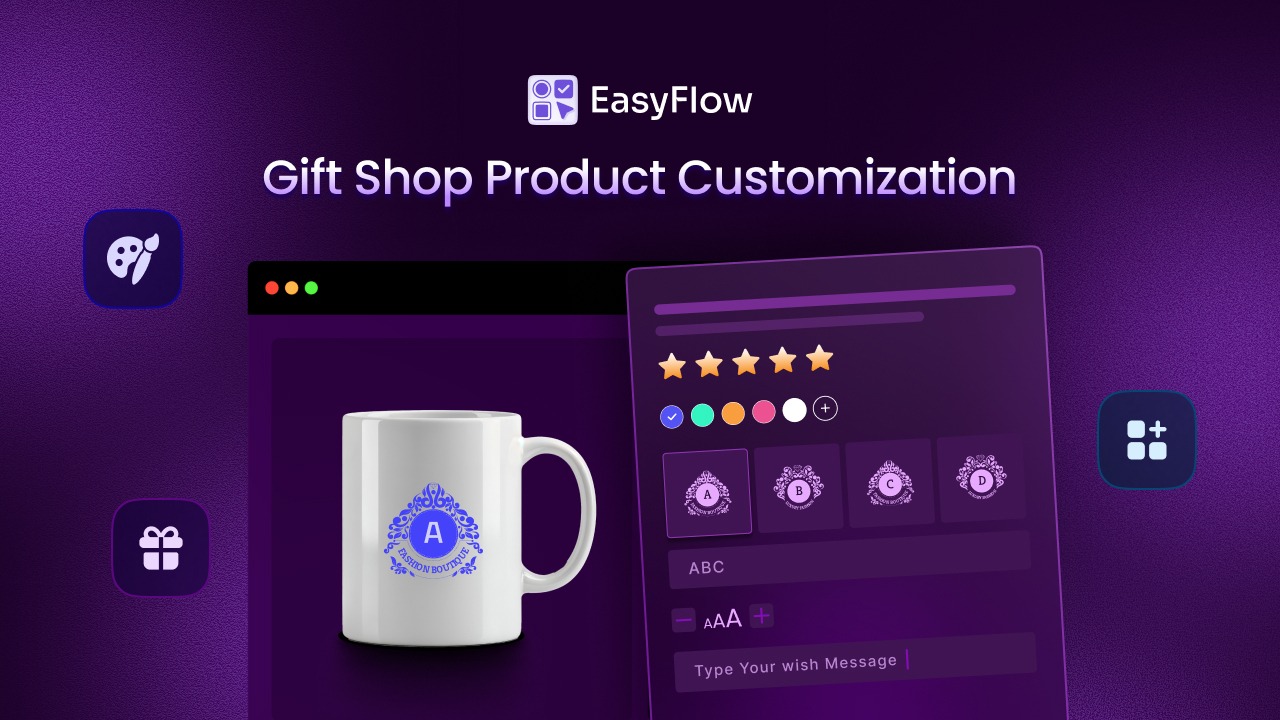
Imagine a customer landing on a product page for a customized gift store. They want to order a personalized mug. But the page is confusing. There are too many dropdowns, unclear instructions for uploading images, and no clear indication of which options are required. The shopper hesitates, gets frustrated, and eventually leaves the page.
This kind of confusion is a common middle-funnel problem in eCommerce. Customers are already interested in the product, but the purchasing process becomes difficult because the product configuration experience is not smooth. This is exactly where EasyFlow helps.
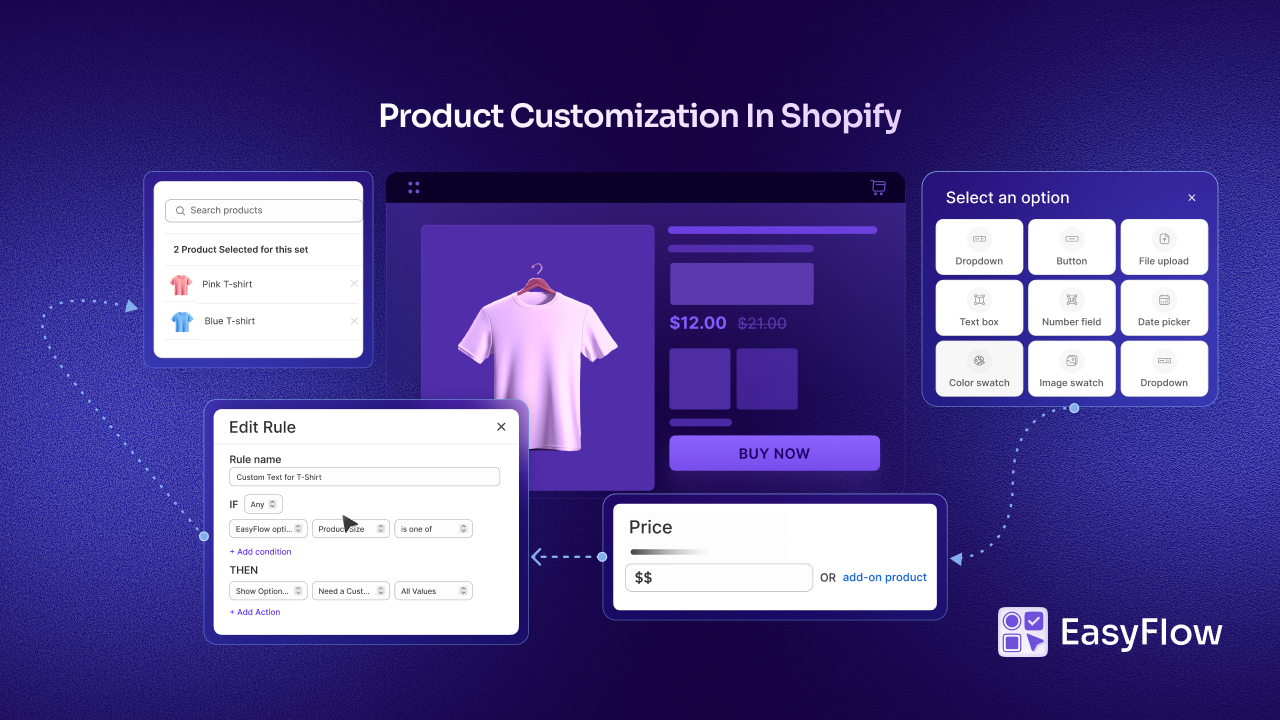
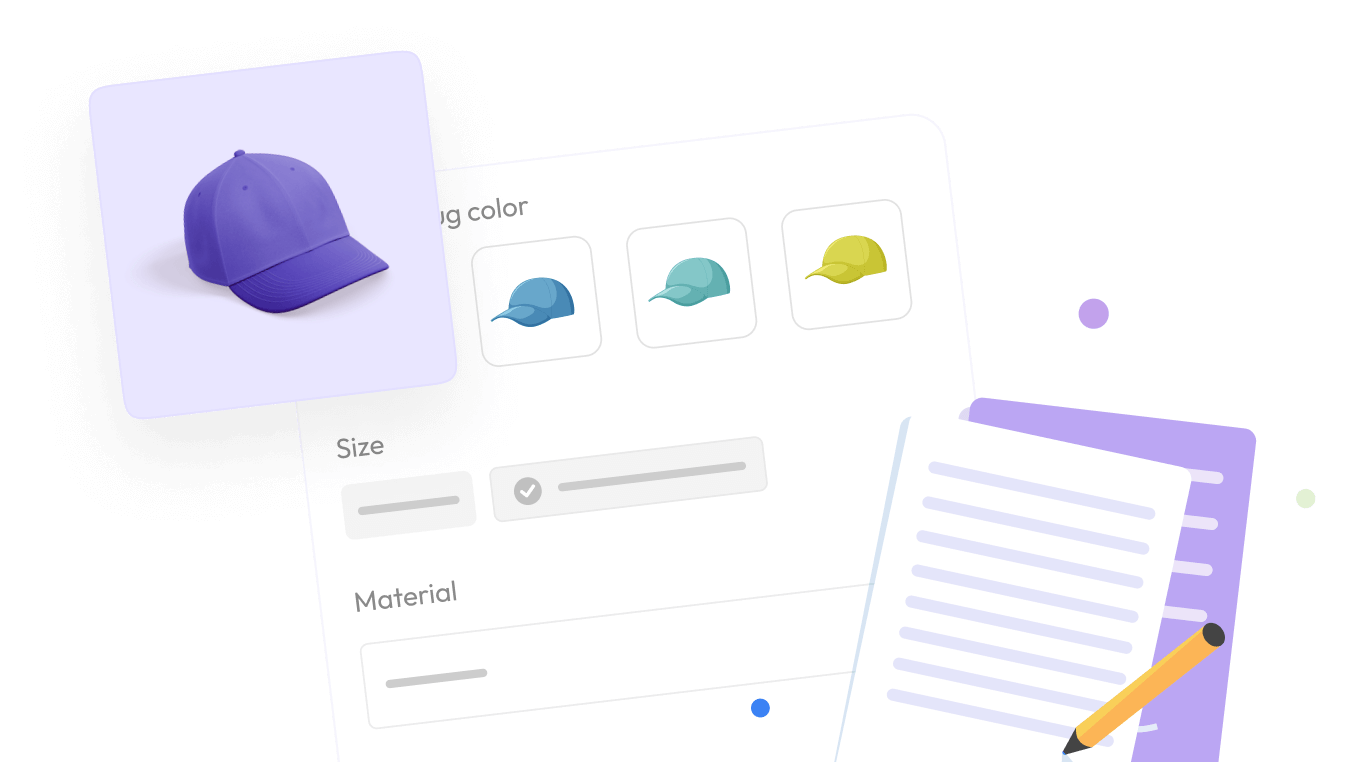
EasyFlow is a powerful Product Options app for Shopify that allows merchants to create flexible, easy-to-understand product configuration experiences without overwhelming customers.
Instead of forcing shoppers through confusing forms, EasyFlow lets store owners design clean, dynamic option flows that guide customers step-by-step.
Example: A Custom Gift Store
Let’s say a Shopify store sells custom-engraved jewelry. With EasyFlow, the merchant can create structured product options such as:
- Selection-Based Options
- Radio buttons for Pendant Size
- Image swatches for Metal Type (Gold, Silver, Rose Gold)
- Colour swatches for Chain Colour
- Buttons or dropdowns for Packaging Type
- Input-Based Options
- Text fields for Engraving Message
- File uploads for the custom logo or image
- Date picker for Delivery scheduling
This allows customers to configure the product quickly and clearly, without confusion.
Smart Options That Adapt to Customer Choices
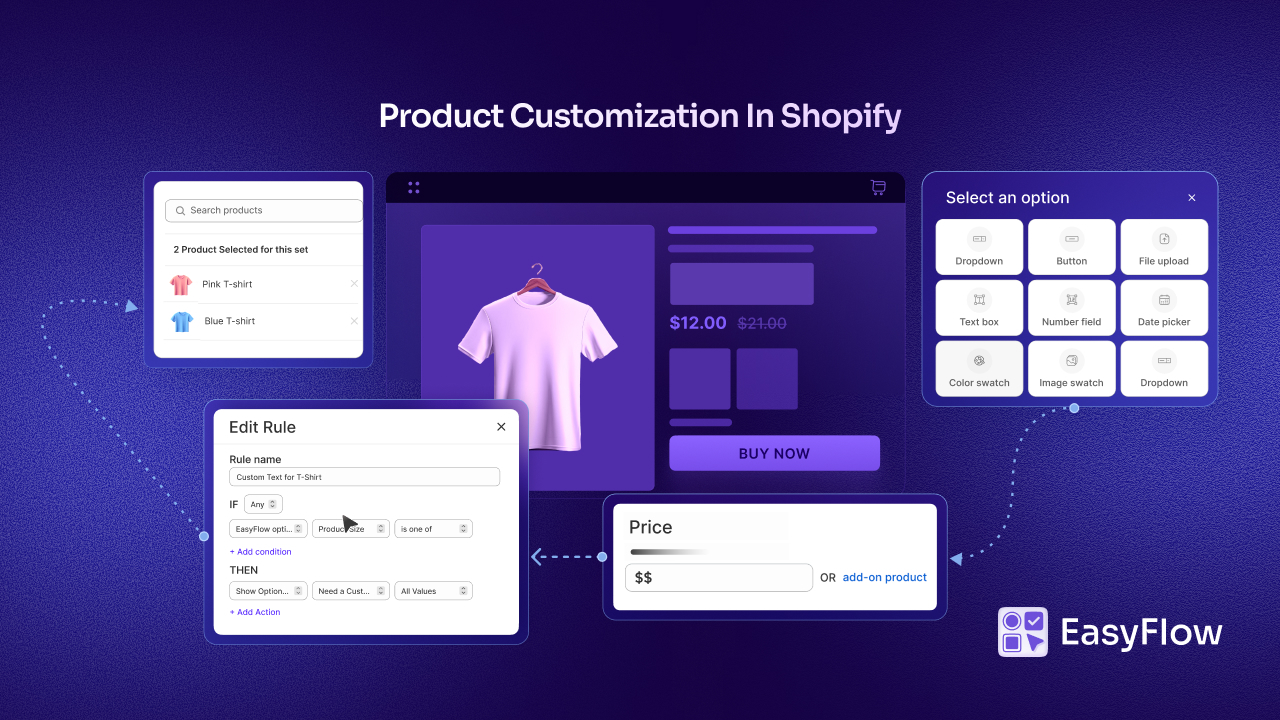
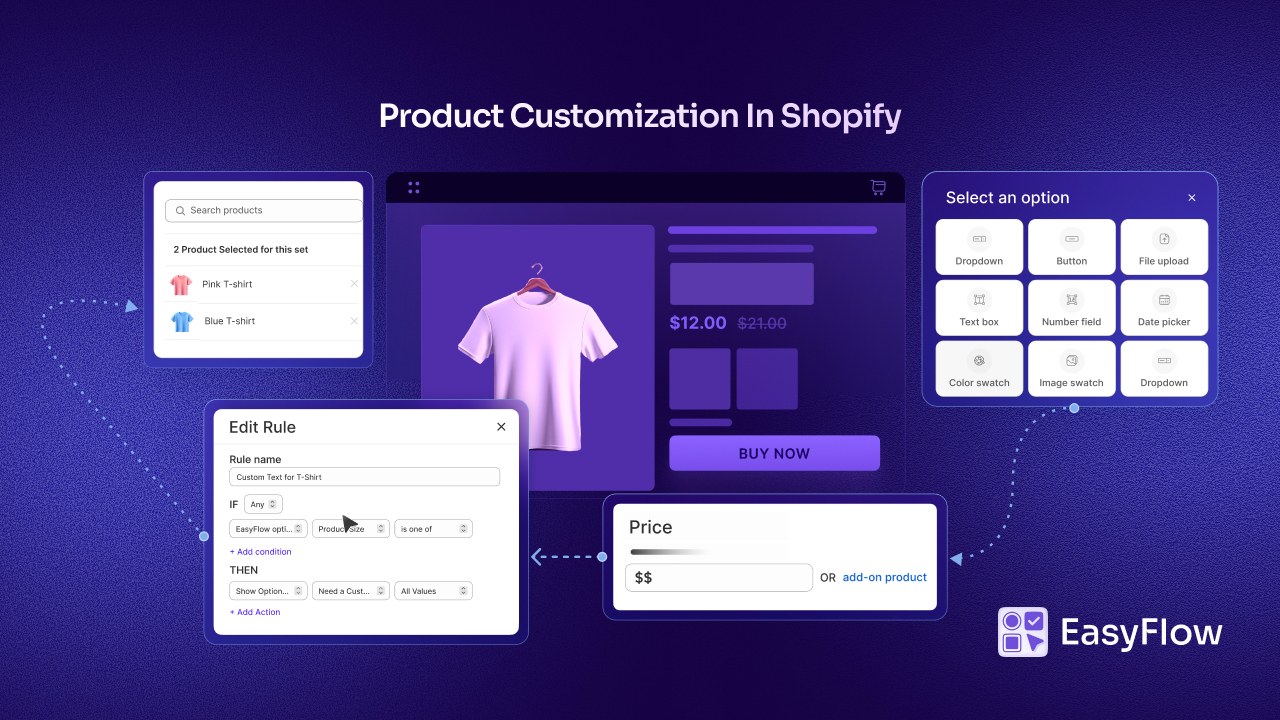
One of the biggest causes of mid-funnel friction is too many irrelevant choices. EasyFlow solves this using conditional logic, which allows product options to change dynamically based on customer selections. For example:
- If a customer selects a particular size, then the available colours for that size will only appear
- If they select Premium Gift Box, an Add-On Price can be applied automatically.
- If a customer selects “Engraving: Yes”, a Text Box appears for entering the engraving message.

Instead of overwhelming customers with every possible option, EasyFlow shows only the choices that matter at that moment. This reduces decision fatigue and keeps customers moving smoothly toward checkout. This Shopify product option app is designed for stores that need advanced product configuration, offering features such as:
- Unlimited Product Options – Add as many options, option sets, and values as needed.
- Reusable Option Sets – Create an option set once and reuse it across multiple products.
- Flexible Option Types – Choose from checkboxes, dropdowns, swatches, buttons, text fields, file uploads, and more.
- Add-On Pricing – Charge extra for premium selections or upgrades.
- Conditional Rules – Show or hide options dynamically based on customer choices.
- Bundle Add-On Products – Offer related products as optional bundles.
- Advanced Styling Controls – Customize fonts, colours, buttons, and swatches to match your store design.
- Global Settings – Manage pricing behaviour, cart display, and option logic from one place.
These features allow merchants to create highly customized buying experiences without making the product page complicated. EasyFlow does not just reduce friction; it can also increase revenue opportunities. For example, a store selling custom T-shirts could:
- Offer Premium Fabric (+$5) using add-on pricing
- Allow Custom Artwork Upload via file upload
- Suggest Matching Cap as a Bundle with an add-on product
Customers can easily understand and select these options without leaving the page, which improves both conversion rates and average order value.
In a sales funnel, marketing tools like email automation, ads, or retargeting campaigns are designed to bring customers back to the product page. But if the product page itself is confusing, the funnel breaks down. EasyFlow strengthens the most critical part of the funnel, the moment customers configure and commit to a purchase.
Think of EasyFlow as the on-page conversion layer of your funnel automation. When customers arrive with purchase intent, EasyFlow ensures the buying process is clear, flexible, and friction-free, making it far more likely they will complete the checkout.
Tips for Building a High-Converting Shopify Sales Funnel
Before you start installing apps and building flows, take a step back and map your current funnel. Understand where people are dropping off. Use Shopify Analytics, Google Analytics, or heatmap tools like Hotjar to see exactly where you’re losing people.
👉 Start with one automation at a time: Most stores benefit most from setting up abandoned cart emails first. Once that is running, add a welcome email series, then post-purchase flows. Do not try to do everything at once.
👉 Test, measure and improve: Funnel automation is not a “set it and forget it” strategy. Check your open rates, click-through rates and conversion rates regularly. Small tweaks,like changing a subject line or adjusting offer timing, can lead to big results.
👉 Personalise where you can: Generic automation feels cold. Use your customer’s name, reference the specific product they viewed, and tailor offers based on their browsing history. Most email platforms make this easy to set up.
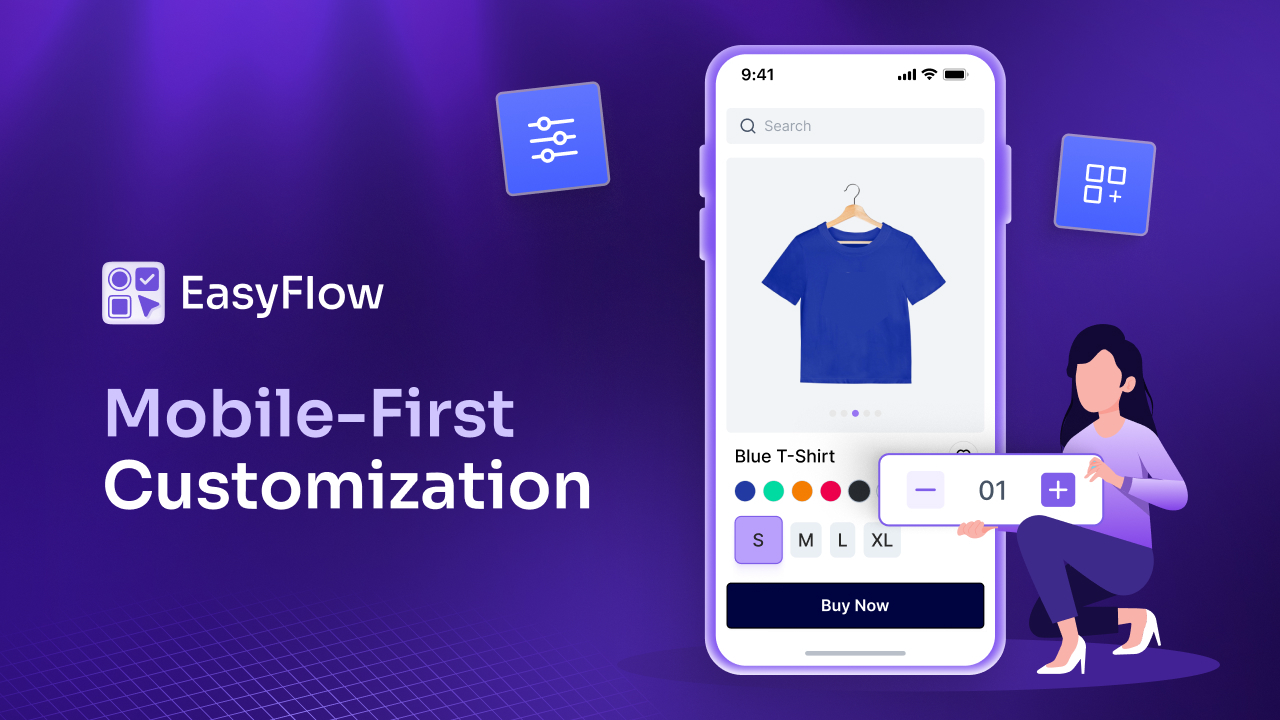
👉 Do not neglect mobile: More than half of Shopify traffic comes from mobile devices. Make sure every part of your funnel — from pop-ups to product pages to emails — looks great and works smoothly on mobile.
👉 Simplify the product experience: If your products have options, make sure the selection process is as simple as possible. Confused customers do not convert. This is an often-overlooked part of the funnel that can have an outsized impact on your results.
Sales funnel automation for Shopify is not just for large, well-funded brands. Even small and mid-sized stores can see massive improvements in conversions, average order value and customer retention by setting up the right automations.
Recommended Tools for Shopify Sales Funnel Automation
There are dozens of apps and tools designed to help Shopify store owners automate their funnels. Here are some of the most effective categories:
Email Marketing Automation
Klaviyo, Omnisend, Drip and MailChimp are popular choices. They integrate directly with Shopify and let you create automated flows based on customer behaviour, such as browsing history, cart activity, purchase patterns, and more.
Upsell And Cross-Sell Apps
Tools like ReConvert or Zipify Pages allow you to show upsell offers right after a customer completes a purchase. This is a low-effort, high-return tactic that increases average order value without any extra ad spend.
Pop-up And Lead Capture Tools
Privy and Justuno help you capture emails and phone numbers at the right moment without annoying your visitors with poorly timed interruptions.
Cart Recovery Tools
Beyond email, SMS recovery is growing fast. Platforms like Postscript or Attentive can send automated cart recovery texts that tend to have higher open rates than email.
The key is not to stack every tool at once. Start with email automation and cart recovery, then layer in upsells and pop-ups once your core funnel is running smoothly.
Your Competitors Are Automating, Are You?
The most successful Shopify stores treat their funnels as living systems, constantly testing, improving and optimising every stage of the customer journey. From the moment someone first sees your ad to the thank-you email they receive after purchase, every touchpoint is an opportunity to build trust and drive revenue.
And when it comes to the product page itself, the heart of your conversion funnel, tools like EasyFlow make it easier to give customers the clear, customised experience they need to feel confident and click ‘buy’.
Start with the basics, build from there, and always keep the customer experience front and centre. That is how you close more deals; not just today, but consistently over time.
Have you found this helpful? If you want to get updated about more guides like this, you can subscribe to our blogs and get more out of your Shopify store.