

Ever lost a sale because a custom order got mixed up? Customers often want something special when they shop on your Shopify store. This is a common problem – 71% of consumers expect personalized products and feel disappointed when they do not get what they hoped for. The fix? Build a custom product workflow in Shopify that moves customer choices smoothly from the product page to a production-ready order. In this guide, you will see how EasyFlow helps make that happen.
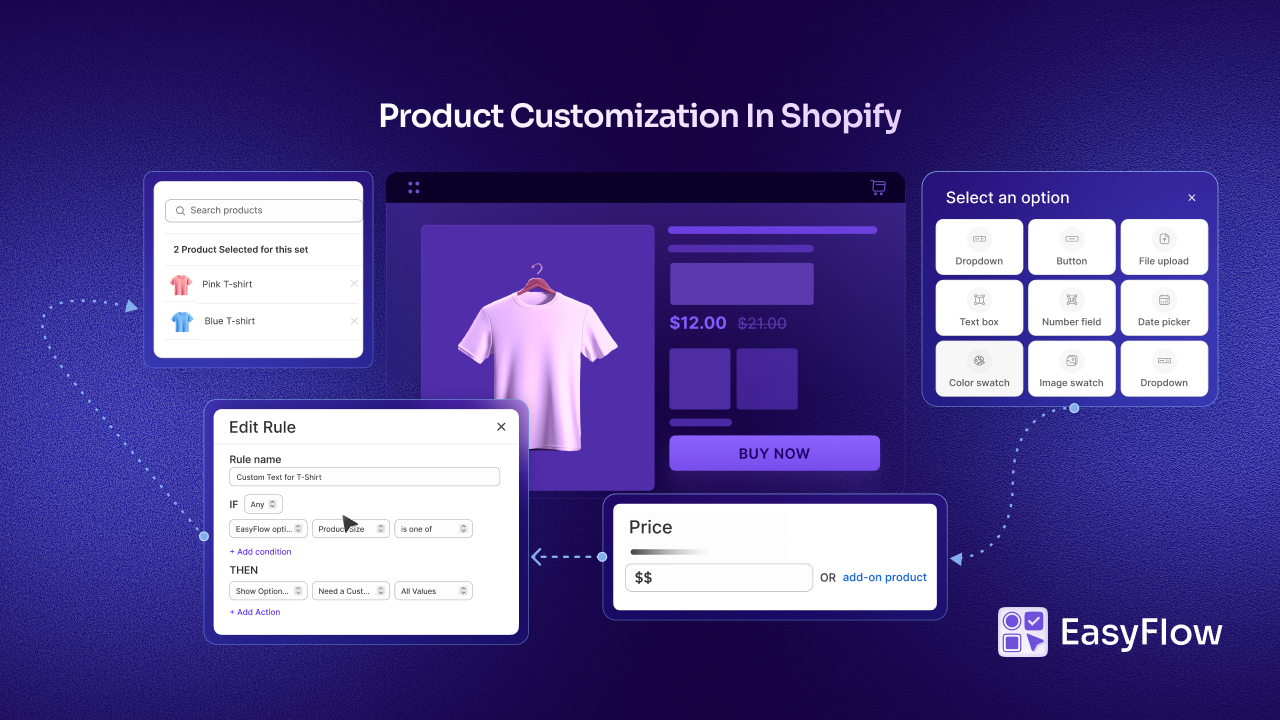
Understanding Custom Product Workflows in Shopify
Before we talk about why you need one, let us quickly define it. A custom product workflow is the structured process that helps you take a customer’s choices on the product page and turn them into a clear, production-ready order your team can fulfill without guessing.
In other words, it keeps everything organized from selection to delivery. This is the foundation of a Shopify custom product workflow, especially when you sell products that can be personalized. When this flow is clear, your store feels smoother for customers and your order fulfillment becomes much easier to manage. A strong product workflow usually covers:
- Customer-selected options (text, images, colors, sizes, add-ons)
- Validation of customization inputs (making sure the customer enters the right info in the right format)
- Storage of custom data with the order (so details never get lost after checkout)
- Transfer of accurate, production-ready instructions (so your team knows exactly what to make)
- Fulfillment and delivery (so the final product reaches the customer correctly and on time)
Connecting Custom Options to Order Fulfillment
Offering product customization options is great, but a little risky at the same time. Customers love picking colors, adding names or choosing add-ons. But behind the scenes, things can get messy if you do not have a clear system.
One wrong detail – like a misspelled name or the wrong color – can turn a happy customer into an upset one fast. And when a custom order goes wrong, it feels worse, because the customer helped create it.
If you have ever managed custom product options the manual way, you already know what it is like: long email threads, sticky notes, spreadsheets and lots of “Wait… what did they choose again?”
Shopify’s default setup does not make it much easier. Three variant options per product is fine… until you need a fourth field. Without a solid setup, what should be a fun product personalization experience can turn into delays, confusion and mistakes.
Why You Need a Custom Product Workflow in Shopify?
A custom workflow in Shopify is what builds the connection between what the customer wants and what your team delivers. In short, it is the bridge between “I want this product in my way” and “Here is a clear, ready-to-produce order.”
And this is not just about being organized. It affects your business in real ways. When shoppers get exactly what they customized, they feel good. They trust you more. They come back again.
Many customers who create their own products become loyal fans when the final result aligns with their original choice. They are more likely to reorder and recommend you.
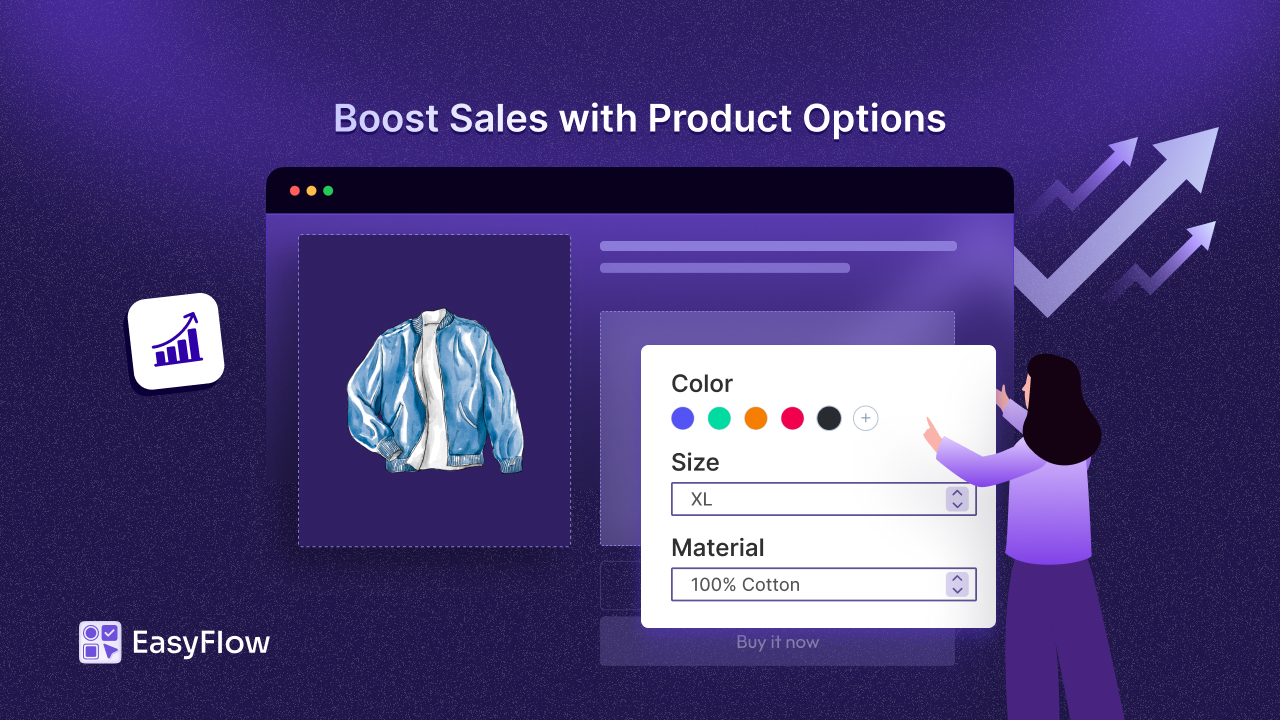
There is also a cost factor involved. A smooth workflow means fewer mistakes, fewer remakes and fewer returns. Some businesses even see return rates drop a lot when they handle customization well. Plus, personalized products often sell for more and customers may spend more when they can customize what they are buying.
That is why a Shopify custom product workflow matters so much: it makes sure product personalization leads to a better customer experience. This, in turn, leads to real business growth instead of stress and chaos.
Meet EasyFlow: A Product Options App to Simplify Custom Workflows in Shopify
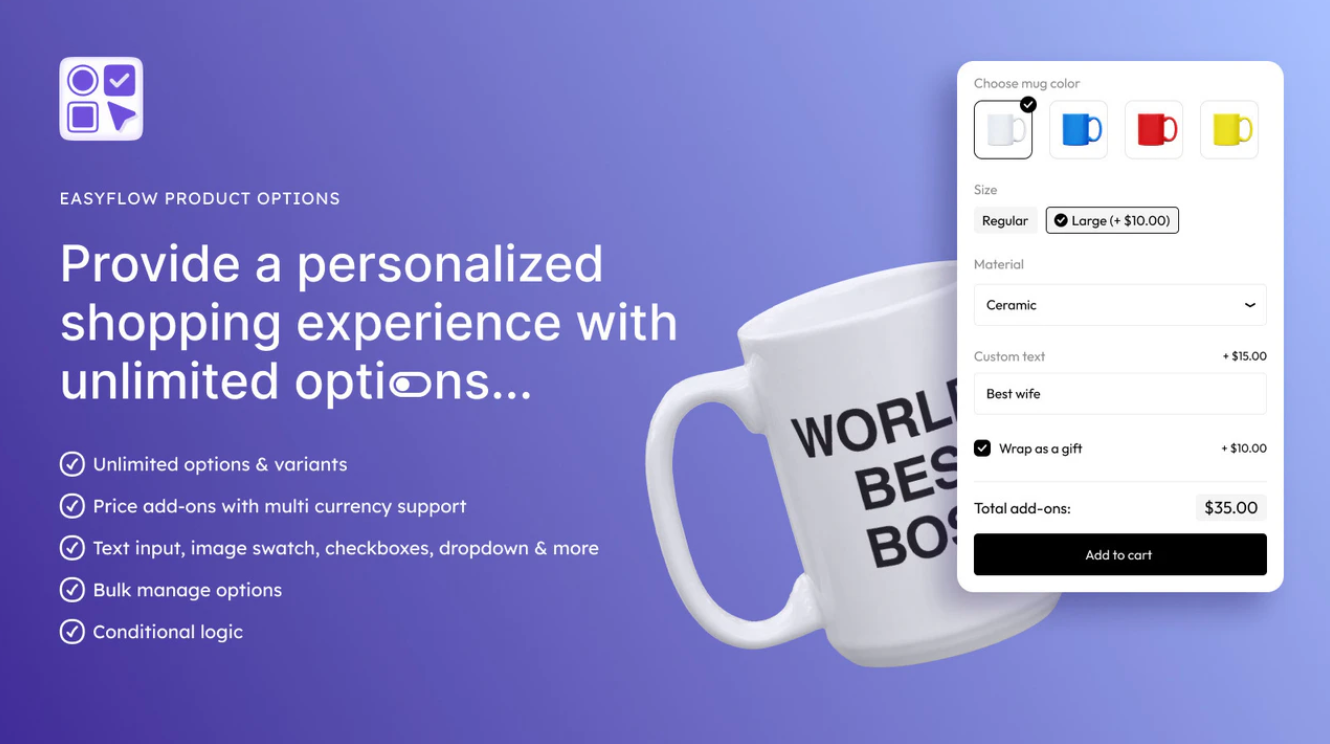
So, how do you move from product choices to production without feeling overwhelmed? This is where EasyFlow comes in. It is a Shopify product customization app that makes handling custom product options much simpler. It takes a process that is often scattered and confusing and turns it into a clear flow.
It is also easy to use. EasyFlow connects with Shopify smoothly and you do not need to code anything. You can set up options quickly and start offering customization without a big learning curve.
Think of EasyFlow as the assistant working quietly in the background of your custom workflow in Shopify. When a customer starts customizing, EasyFlow helps show the right choices and saves every detail. When the order comes in, those details are already organized and ready to use.
Features to Consider to Build a Shopify Custom Product Workflow
To build a strong custom workflow in Shopify, you need tools that keep your orders clear and your customers happy. So, how does EasyFlow help? Here are the key features EasyFlow offers to help custom orders run smoothly.
Unlimited Product Options & Flexible Input Types
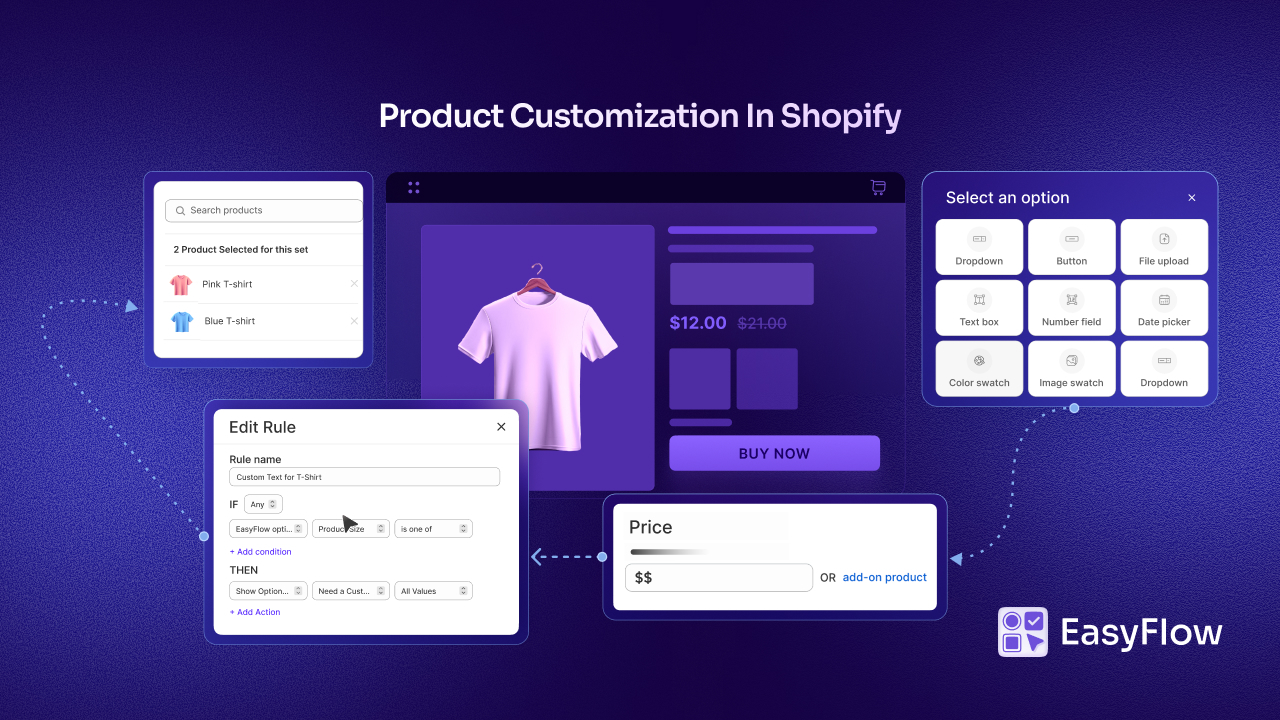
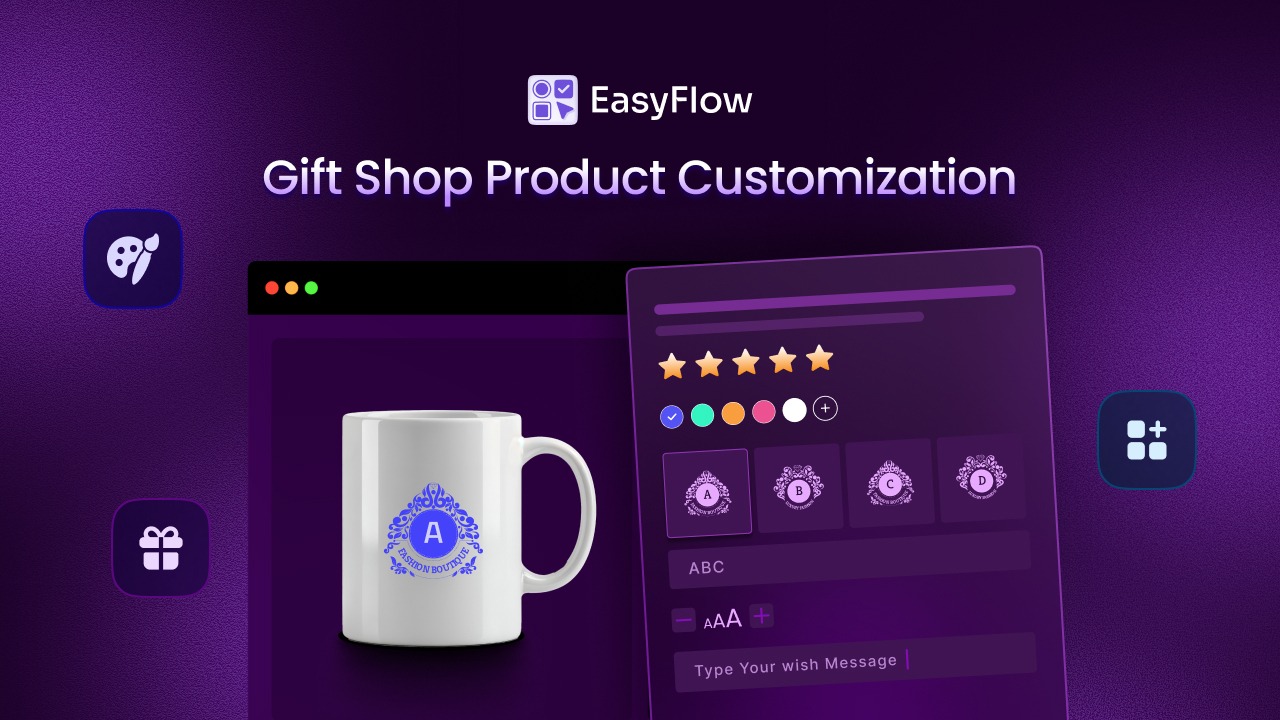
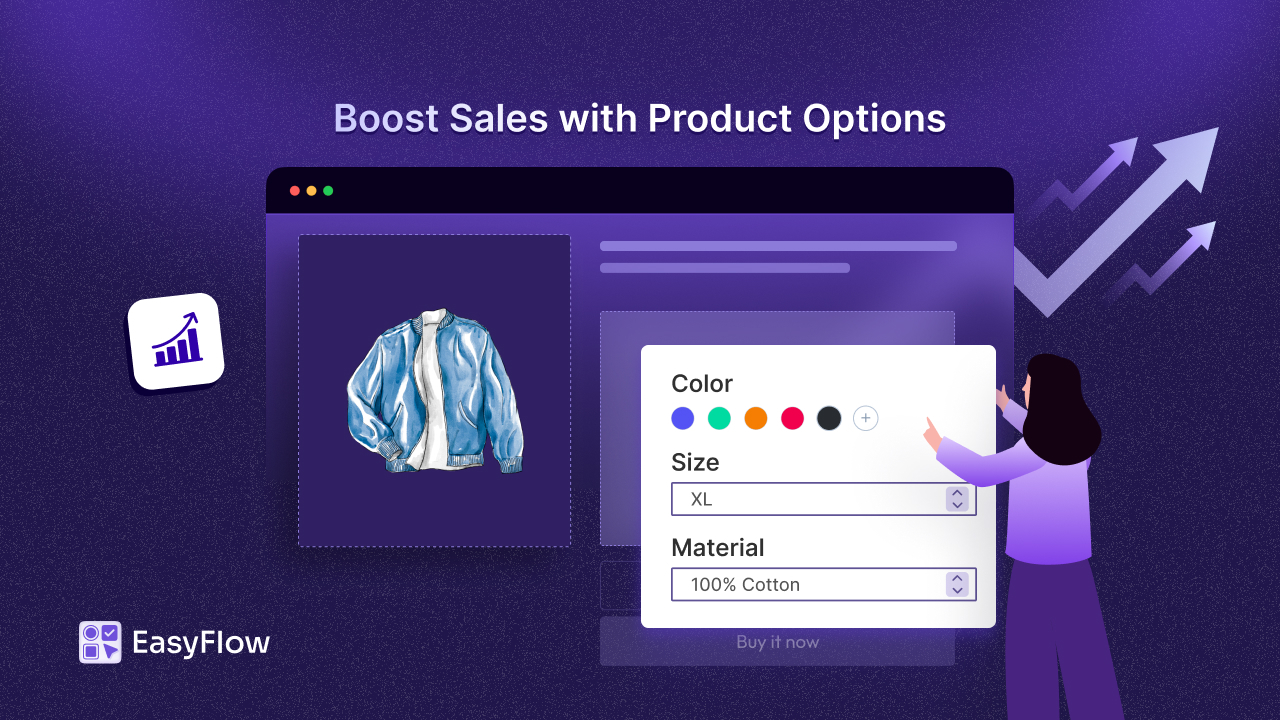
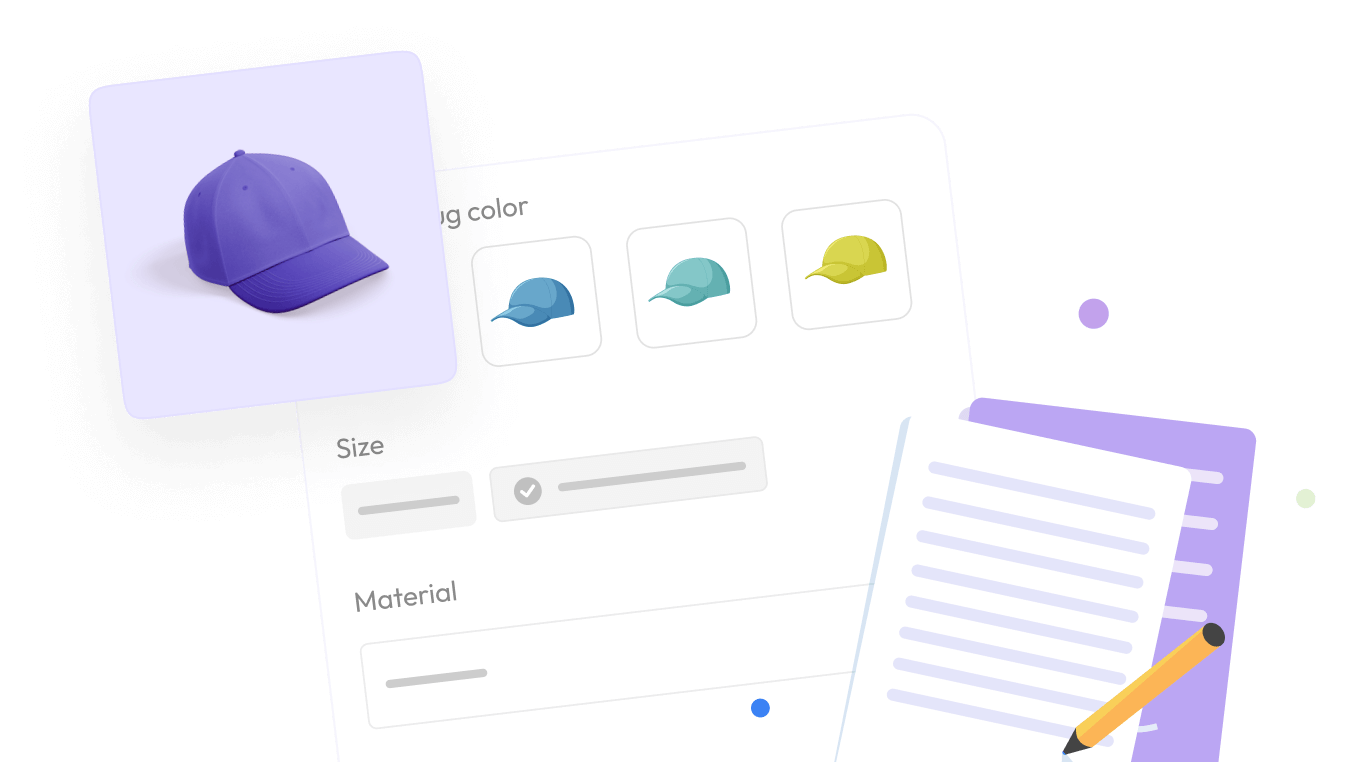
EasyFlow lets you create unlimited product options using different types of fields – dropdowns, checkboxes, text boxes, date pickers, color swatches and more. You can also group options into sets and reuse them across products. This makes it easy to collect all the details needed for product personalization, no matter what you sell.
Smart Conditional Logic
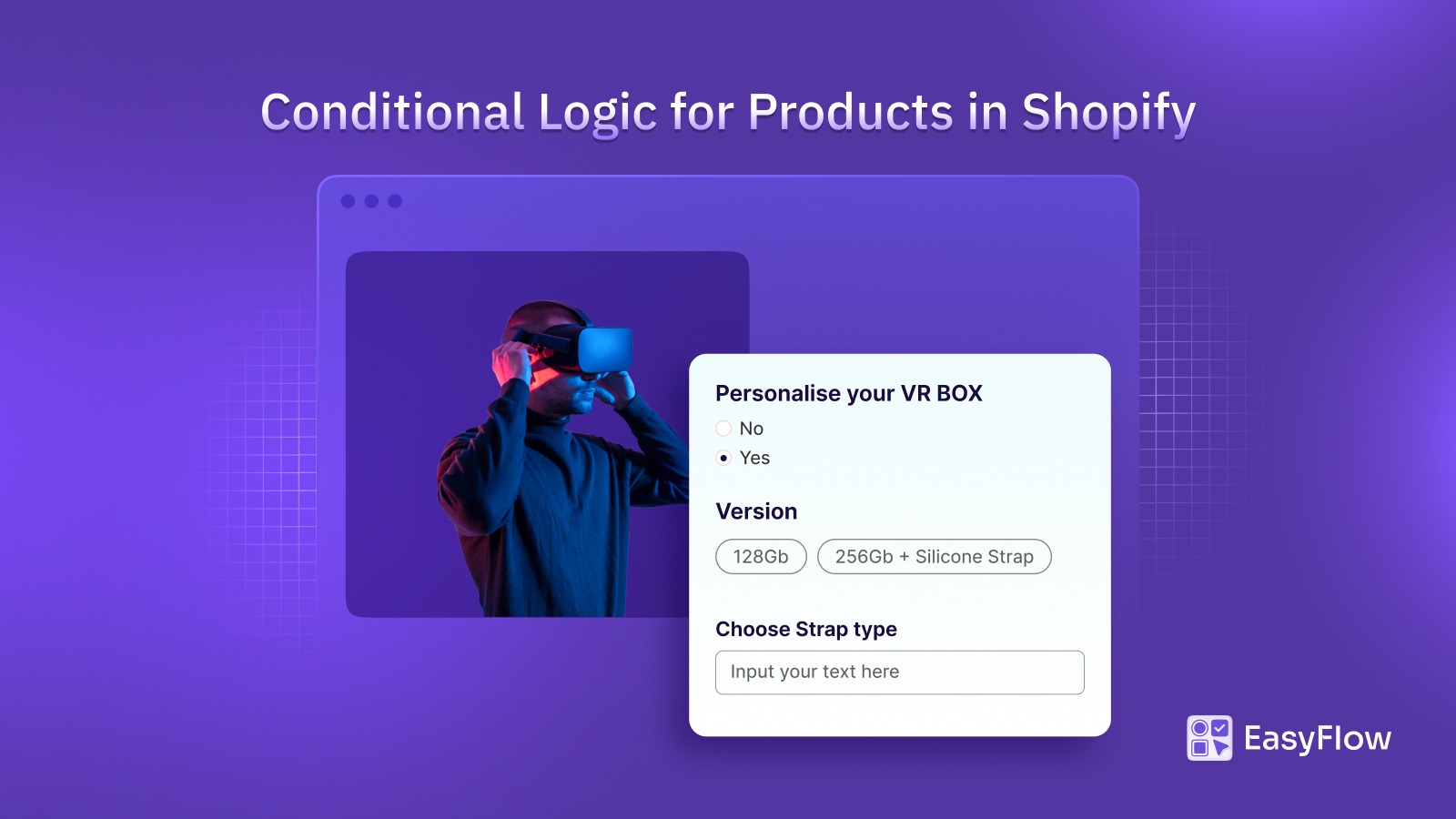
Not every customer needs to see every option. EasyFlow’s conditional logic helps with that. It can show or hide options based on what the customer selects. For example, if engraving is only available for one style, you can set it so that only those shoppers who will see the engraving option. This keeps your customization page clean and helps prevent customers from choosing options that do not work together.
Automatic Price Adjustments
If you offer upgrades or add-ons, pricing can get tricky. EasyFlow makes it easier. You can add extra costs to specific options, like +$5 for gift engraving or +$10 for rush production. The price updates instantly as customers choose options. This keeps pricing clear for your Shopify product customization – no surprise charges – and helps you charge properly for every extra feature.
File Uploads & Attachments
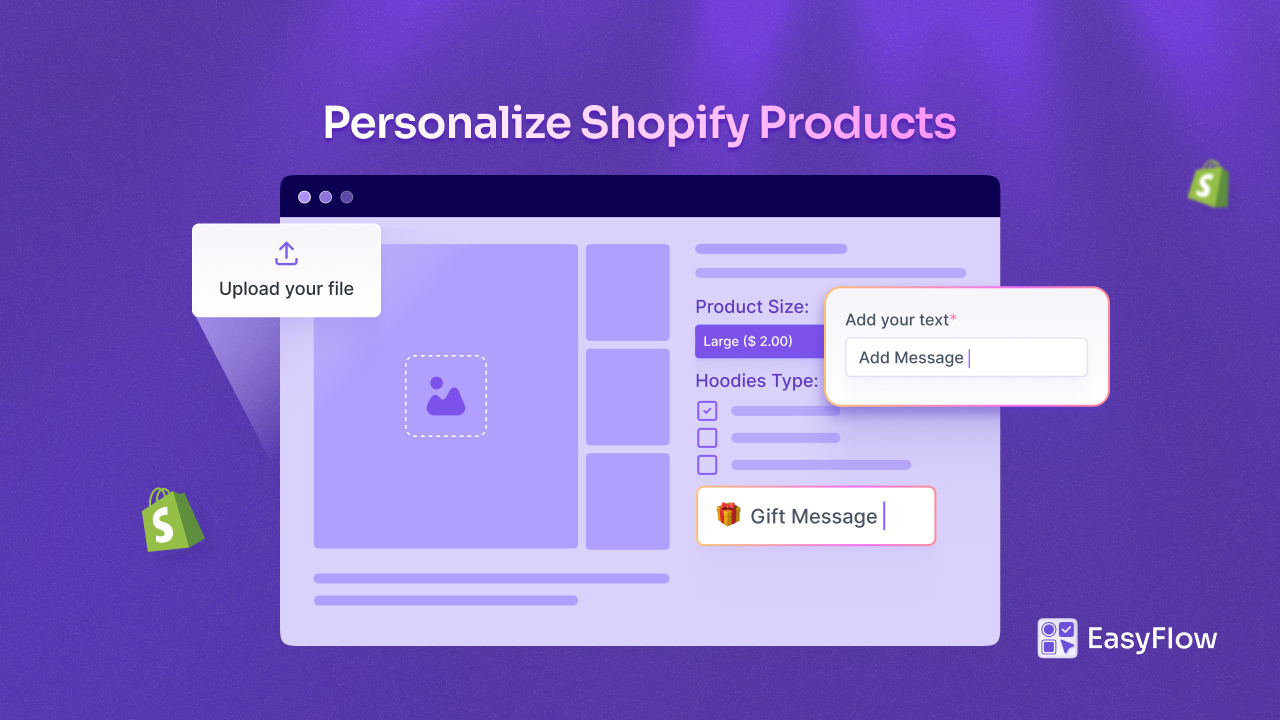
For many stores, personalized products are not only about choosing colors or adding text. Sometimes customers need to upload custom attachments too. Maybe they upload a photo for a phone case. Or a design file for a printed item. EasyFlow supports multiple file uploads right on the product page, so customers can attach what you need with the order. That means fewer follow-up emails and fewer missing files later.
Step-by-Step Guide to Building a Custom Product Workflow in Shopify
Let us walk through what a real custom workflow in Shopify can look like using EasyFlow – from choosing the product to the final order details your team uses.
Step 1: Set up the Product Options
Start by creating product options in EasyFlow for each part of the product that customers can customize. If you sell custom shirts, you might add options like shirt color, fabric type, personalized text or an upload image field.
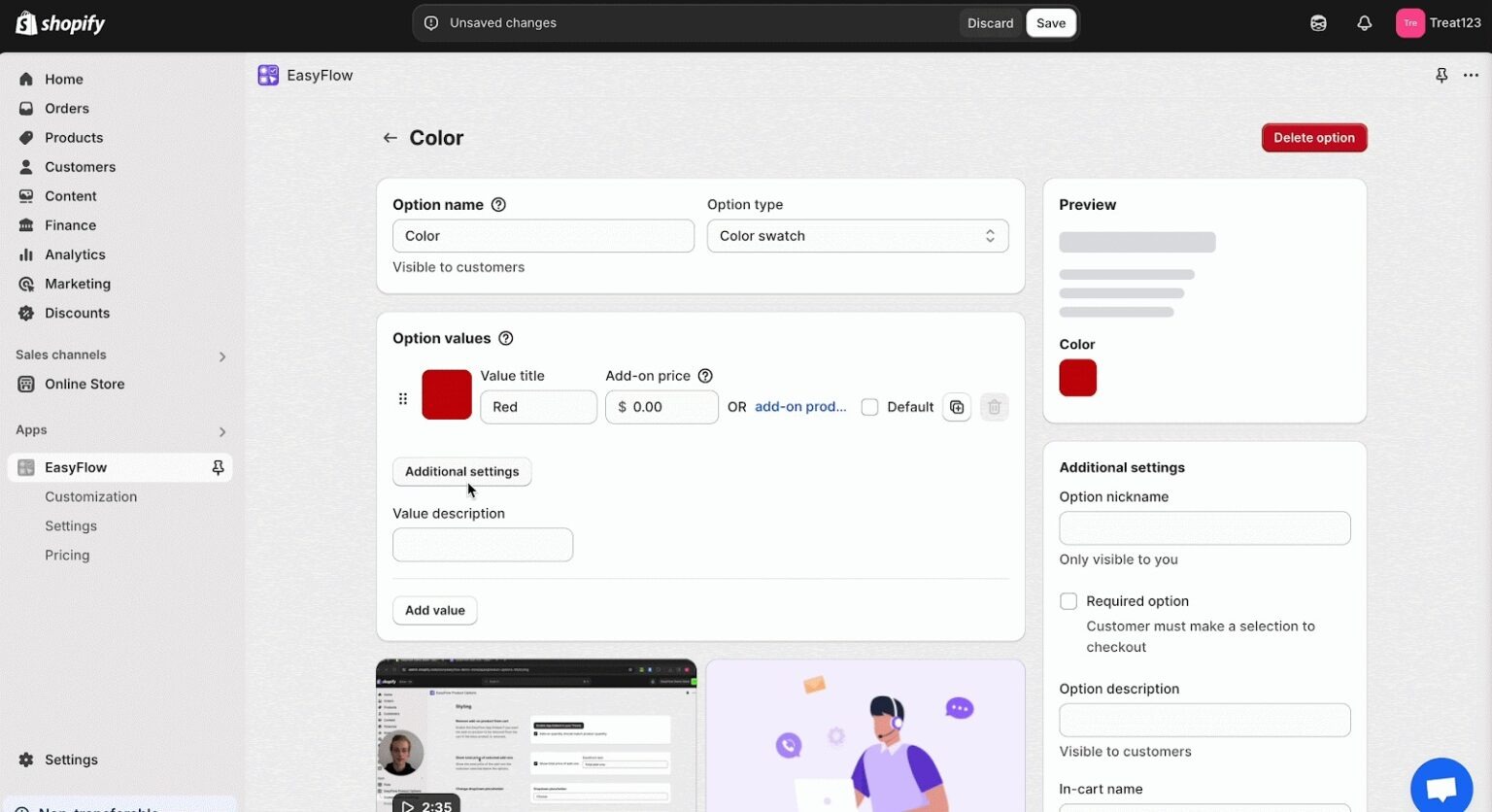
Because EasyFlow supports Shopify product customization without strict limits, you can add as many options (and option choices) as you need to capture every detail.
Step 2: Configure Rules and Pricing
Next, set up your rules and pricing. Perhaps the “Add Image” upload option should only appear for certain shirt colors or fabric types that support photo printing. Or maybe engraving text over a certain number of characters adds a small fee.
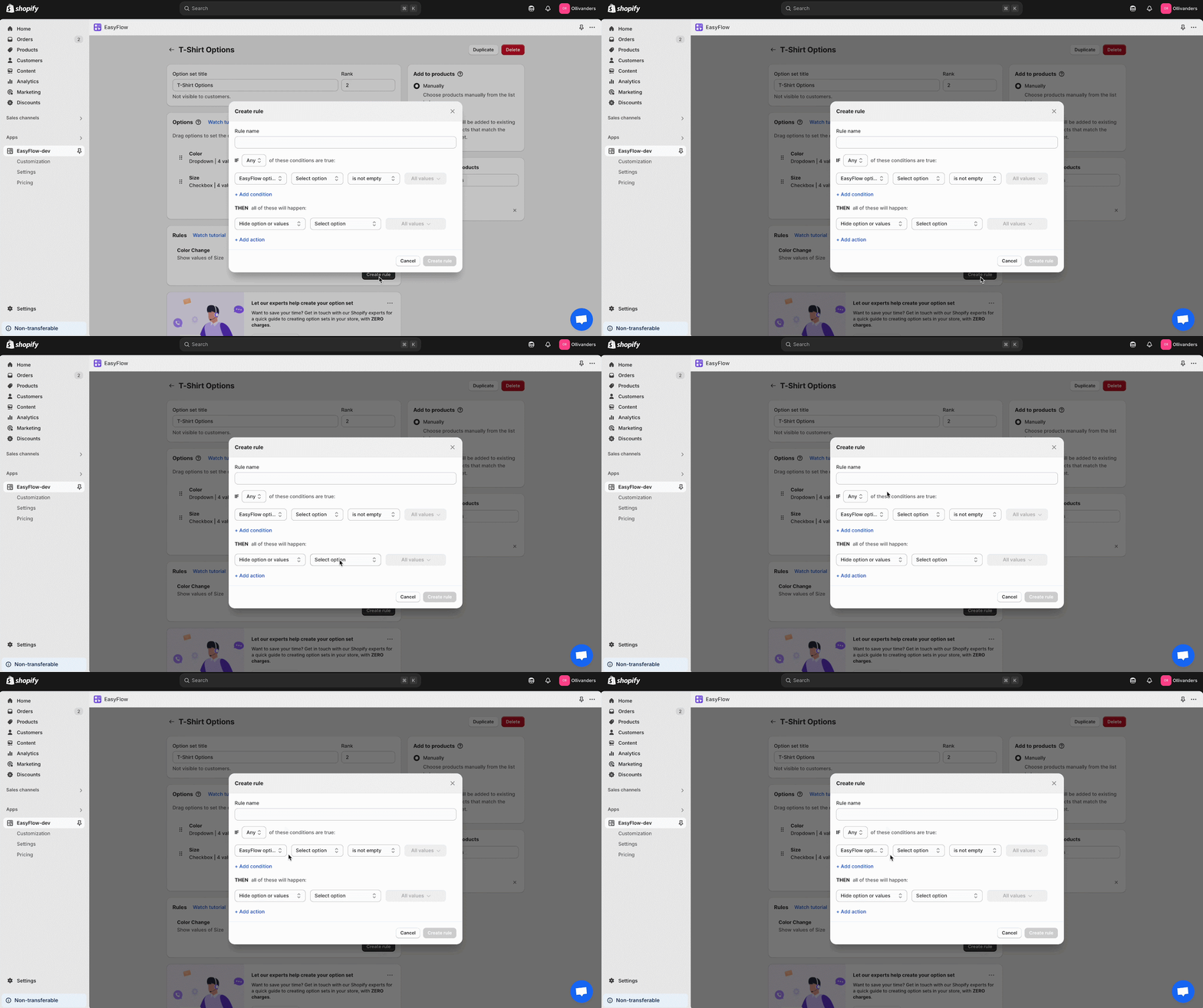
With a few simple settings, you can make sure customers only see the custom product options that match their choices. Extra costs are added automatically, so your setup stays clear and easy to shop.
Step 3: Customer Personalizes on the Storefront
Now the customer experience begins. A shopper lands on your product page and sees a clean, interactive customization form (powered by EasyFlow). They choose a white shirt, type “You’re Beautiful” for engraving and upload an inspiring photo to print on it.
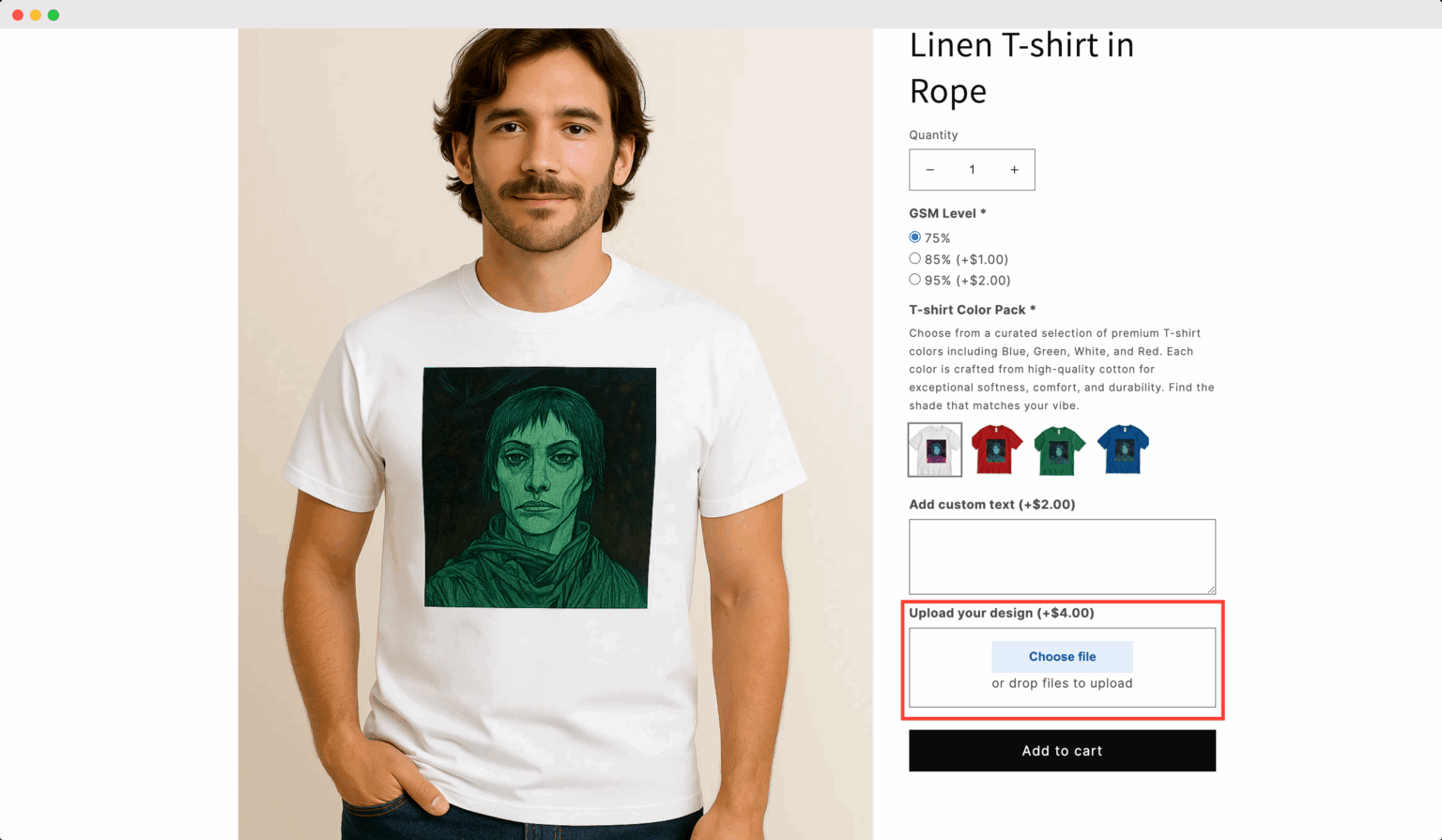
As they select options, the price updates right away. The process feels smooth and simple. They feel in control, without getting overwhelmed. That is the power of good product personalization: it feels fun, not stressful.
Step 4: Order Placed with All Details Intact
Then the customer places the order. Right away, all their custom selections – white color, “You’re beautiful” text, uploaded photo – show up in the Shopify order.
EasyFlow saves each option as clear order details (including file uploads), so when you open the order in Shopify, everything is there in one place. No more digging through emails. No more “Which version did they mean?” Your order details are clean, complete and production-ready.
Begin Building Your Custom Workflow in Shopify
At this point, one thing is clear: moving from product choices to production-ready orders is a major improvement for your store. When you build a custom workflow in Shopify with the right tools, your business runs smoothly. As a result, customers feel happier, mistakes drop, and your brand looks more professional.
Shoppers get the joy of buying personalized products that feel truly theirs. And you get the peace of mind that your process can deliver what you promised – again and again.
EasyFlow makes Shopify product customization possible even if you are not a developer. It helps small and mid-sized stores handle complex custom orders without extra headaches. That is a win for you and your customers. If you found this helpful, please subscribe for more guides, tutorials and tips to help you get more out of your Shopify store.