


When you run an eCommerce store, offering product customization is important. It is not something you will consider as a nice-to-have feature anymore. Today’s competitive market makes it a strategic necessity. According to recent McKinsey research, 71% of consumers expect personalized products, and 76% feel frustrated when customization is not available.
While customization drives engagement and revenue, it also introduces unique challenges in order management. These challenges can make or break your customer experience. Today, in this blog, we will focus on Shopify order management best practices when customers use custom options.
For Shopify merchants using product options apps, it is crucial to understand how to efficiently manage custom orders. Because it is important for customer satisfaction and operational efficiency. So, let us dive into this comprehensive guide that explores the Shopify order management best practices that will help you navigate the complexities of order management when customers use custom options.
Why Order Management Matters for Custom Products?
When customers invest time in customizing a product, whether it is personalizing text on a t-shirt, selecting custom furniture finishes, or configuring a made-to-order item, they are emotionally invested in getting exactly what they designed. Any mistake in order fulfillment does not just cost you money; it damages trust and loyalty.
Research reveals that online order errors and returns decrease profitability, efficiency and productivity. For businesses dealing with custom products, these numbers can be even more significant because customized items often can not be resold if returned.
Moreover, studies indicate that customers who designed their own products gave companies a higher Net Promoter Score (NPS), demonstrating that when customization is executed well, it creates powerful brand advocates. However, this also means the stakes are higher when things go wrong.
Understanding the Unique Challenges of Custom Orders
Before diving into Shopify order management best practices, it is important to understand what makes custom order management different from standard order fulfillment.
Complexity of Order Details
Custom orders contain more variables than standard products. Each order might include text personalization, color selections, size specifications, material choices and design elements that all need to be captured accurately.
Production Requirements
Unlike picking a product off the shelf, custom items often require special production steps, different manufacturing processes, or coordination with multiple departments. Custom products often can not be easily returned or exchanged since they are made specifically for one customer, making it critical to get the order right the first time.
Higher Customer Expectations
Customers always expect accurate and high-quality products, but expectations become even more sensitive when an order is personalized. When a product is customized—especially for emotional or special moments—there is much less room for error.
Imagine a customer ordering a personalized bracelet with a name engraved as a birthday gift for a loved one. The engraving is not just a design choice; it carries emotional value. A misspelled name or incorrect placement can ruin the surprise and the moment the gift is meant to create. In such cases, flawless execution is critical because the product is tied to a personal experience, not just a purchase.
This is why managing customized orders carefully is essential. Accurate option capture, clear production instructions, and proper quality checks help ensure that personalized products meet customer expectations every time.
Order Management Best Practices When Customers Use Custom Options
Now you already know the challenges when it comes to custom product options. Let us know the best practices for order management when customers choose custom options.
#1: Implement Clear Order Capture Systems
The foundation of successful custom order management starts with how you capture order information. When using a product options app, ensure that all customization choices are clearly captured and displayed in your order management system. Here are some key strategies for order capture,
- Use structured data fields: Instead of allowing free-form text for all customizations, use dropdown menus, color pickers and predefined options where possible. This reduces ambiguity and makes order processing more systematic.
- Include visual confirmations: Show customers a preview or summary of their customizations before they complete the purchase. According to research on product configurators, implementing order verification workflows helps catch design errors before manufacturing.
- Create clear order documentation: Ensure that all custom selections are clearly documented in your order details. This information should be easily accessible to everyone involved in fulfillment, from warehouse staff to production teams.
- Standardize naming conventions: Use consistent terminology for custom options across your store. If you call something “Royal Blue” on the product page, it should be “Royal Blue” in the order system, not “Blue #3” or “Dark Blue.”
#2: Develop Robust Validation Rules
One of the most effective ways to prevent order errors is to implement validation rules that catch potential issues before orders are placed. Validation strategies include,
- Compatibility checks: If certain custom options can not be combined (for example, a specific engraving technique that does not work with certain materials), your product options app should prevent customers from selecting incompatible combinations or a small note can be added mentioning that the option is not applicable for a particular product.
- Character limits and formatting: For text personalization, set clear character limits and specify allowed characters. This prevents situations where a customer requests a 50-character name on a product that can only fit 20 characters.
- File upload requirements: If customers can upload custom designs or images, establish clear requirements for file types, resolution and dimensions. Automatically reject files that do not meet specifications rather than discovering issues during production.
- Price calculations: Ensure that all custom options are properly reflected in the final price. Pricing errors are a major source of cart abandonment and customer frustration.
Modern product options apps like EasyFlow allow you to set conditional logic and validation rules that guide customers toward valid configurations while preventing errors before they happen.
#3: Create a Specialized Workflow for Custom Orders
Custom orders should not follow the same fulfillment workflow as standard products. Establish a separate process that accounts for the additional complexity. Research indicates that companies with high order accuracy rates maintain systematic quality control processes. For custom orders, this level of accuracy should be your target. Components of an effective custom order workflow are,
- Automatic flagging: Set up your order management system to automatically identify orders containing customizations. This ensures they receive special attention rather than getting lost in the regular order queue.
- Quality checkpoints: Implement multiple verification points throughout the fulfillment process. Before production begins, have someone verify that all custom specifications are clear and achievable.
- Production time buffers: Custom orders typically take longer to fulfill. Be transparent about lead times on your product pages and build buffer time into your production schedule to account for unexpected complexity.
- Dedicated team members: Consider assigning specific staff members to handle custom orders. Having specialists who understand the nuances of your customization options leads to fewer errors and faster fulfillment.
#4: Maintain Clear Communication Throughout the Order Lifecycle
Communication is critical when managing custom orders. Customers who have invested time in customization want to know their order is being handled with care. Communication best practices are,
- Order confirmation with details: Send an order confirmation email that includes all customization details and, ideally, a visual representation or itemized list of the custom options selected. This gives customers one final opportunity to catch any errors.
- Production status updates: Keep customers informed about their order status, especially if custom production is taking longer than standard items. Consumers are likely to shop elsewhere if an item is not delivered within the promised date.
- Proactive problem solving: If an issue arises with a custom order (a file does not print clearly, a color is not available, etc.), reach out to the customer immediately with alternatives rather than making assumptions.
- Realistic lead times: Be honest about production times. It is better to overdeliver on a slightly longer timeline than to promise quick turnaround and disappoint customers.
#5: Invest in Visual Order Management Tools
For custom products, seeing is believing. Visual tools can dramatically reduce errors and improve efficiency.
According to Shopify’s research on product configurators, visual representations allow customers to experiment with designs and make more confident purchase decisions, which translates to fewer returns and higher satisfaction. Visual management approaches are,
- Photo documentation: For complex customizations, take photos at key production stages. This creates a record that can be referenced if questions arise and provides proof of what was produced.
- Digital mockups: Use design software to create digital representations of custom orders before production. This is particularly valuable for high-value items or complex customizations.
- Annotated order sheets: Create visual order sheets that include images of the base product with annotations showing where customizations should be applied.
- Color-coded systems: Use color coding to indicate order priority, complexity level, or production status. Visual cues help team members quickly identify orders that need special attention.
#6: Implement Rigorous Quality Control
Quality control is always important. It is crucial for custom orders that can not be easily replaced from stock. Quality control measures involve,
- Pre-production verification: Before starting production on any custom order, have a second person verify that all specifications are clear and achievable.
- Mid-production checks: For multi-step customization processes, implement checkpoints where work is reviewed before moving to the next stage.
- Final inspection: Every custom order should receive a thorough final inspection comparing the finished product against the original order specifications.
- Documentation of QC steps: Keep records of quality control checks. This creates accountability and provides valuable data for identifying recurring issues.
- Clear rejection criteria: Establish specific standards for what constitutes an acceptable custom product. This prevents subjective decisions about whether something “looks good enough.”
#7: Optimize Your Inventory Management
Even though custom products are made to order, inventory management still plays a crucial role in successful fulfillment.
Research on eCommerce fulfillment identifies poor inventory management as a leading cause of shipping delays and fulfillment errors. For custom products, this becomes even more critical since you can not simply substitute another item. Inventory considerations for custom products:
- Component tracking: If customization involves combining different components (base products, materials, colors, add-ons), maintain an accurate inventory of each component. Running out of key material can delay entire batches of custom orders.
- Safety stock for popular options: Analyze which custom options are most popular and maintain higher inventory levels of those materials or components.
- Supplier relationships: Develop strong relationships with suppliers of customization materials. Having backup sources for critical supplies prevents fulfillment delays.
- Automated low-stock alerts: Set up your inventory system to automatically alert you when supplies needed for custom orders run low.
- Regular audits: Physical inventory counts are essential for catching discrepancies that could lead to fulfillment issues.
#8: Streamline Production-Ready File Generation
For customizations involving printed elements, engraving, or digital design, the process of creating production-ready files is critical.
According to insights on product customization, automating design file transfer from front-end tools to production systems significantly reduces order errors and improves efficiency. File management best practices involve the following,
- Automated file generation: Whenever possible, automate the creation of production files. This reduces manual work and eliminates transcription errors.
- Standardized formats: Establish standard file formats and specifications for all production equipment. This ensures files created by your order system can be directly used in production.
- File validation: Implement automatic checks to verify that files meet technical requirements before they reach production.
- Backup systems: Maintain secure backups of all custom order files. If a customer needs a reorder or if production issues arise, having the original files readily available saves time.
- Clear file naming conventions: Use a systematic naming convention that makes it easy to match files with specific orders.
#9: Plan for And Manage Returns Effectively
Despite your best efforts, some custom orders will need to be returned or remade. Having a clear process for handling these situations is essential.
Interestingly, research shows that companies offering customized products report a 40% decrease in their returns compared to standard products, but only when the customization process and order management are executed well. Return management strategies are,
- Clear return policies: Be transparent about your return policy for custom items. Many businesses offer returns only for defects or errors on the seller’s part, not for buyer’s remorse.
- Quick resolution process: When a custom order is defective or incorrect, prioritize resolving it quickly. These customers have already waited longer than they would for a standard product.
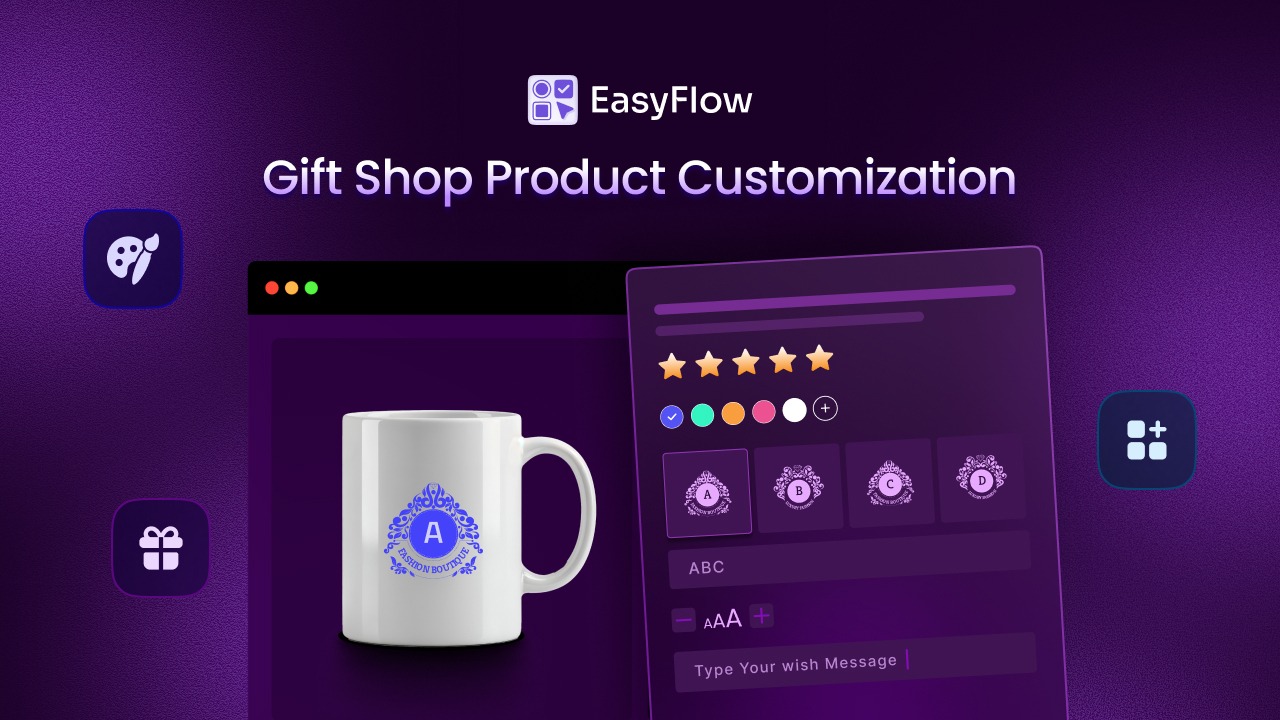
- Root cause analysis: Every return or remake is an opportunity to improve. Investigate what went wrong and implement changes to prevent similar issues. For example, A Shopify store selling custom printed mugs notices frequent remakes because the printed text looks too small. After reviewing the returned orders, the team finds that customers were allowed to enter very long text without any size limits or a preview. As a result, the production team had to shrink the text to make it fit, causing poor results. To fix this, the store adds a character limit and a live text preview to the product options. After this change, remakes drop significantly, and production becomes more consistent.
- Customer communication: Handle return situations with empathy and professionalism. Remember that customers have invested time and emotion into customizing their product.
- Documentation: Keep detailed records of all returns and the reasons behind them. This data helps identify patterns and problem areas.
#10: Utilize Data And Continuous Improvement
Your order management system generates valuable data that can drive continuous improvement in how you handle custom orders.
For custom orders, data-driven insights are even more valuable because each order is unique, making it harder to identify patterns without systematic tracking. Below are some of the data-driven improvement tactics,
- Track key metrics: Monitor order accuracy rates, production times, error types and customer satisfaction specifically for custom orders.
- Identify common errors: Analyze patterns in order errors. Are certain custom options more prone to mistakes? Are errors concentrated in specific production steps?
- Customer feedback analysis: Systematically collect and review feedback from customers who ordered custom products. What could be clearer in the ordering process?
- Production time analysis: Track how long different types of customizations take to produce. This data helps you set more accurate lead times and identify bottlenecks.
- Team performance: Monitor which team members excel at handling custom orders and what techniques they use that could be shared with others.
How to Implement Order Management Best Practices with EasyFlow?
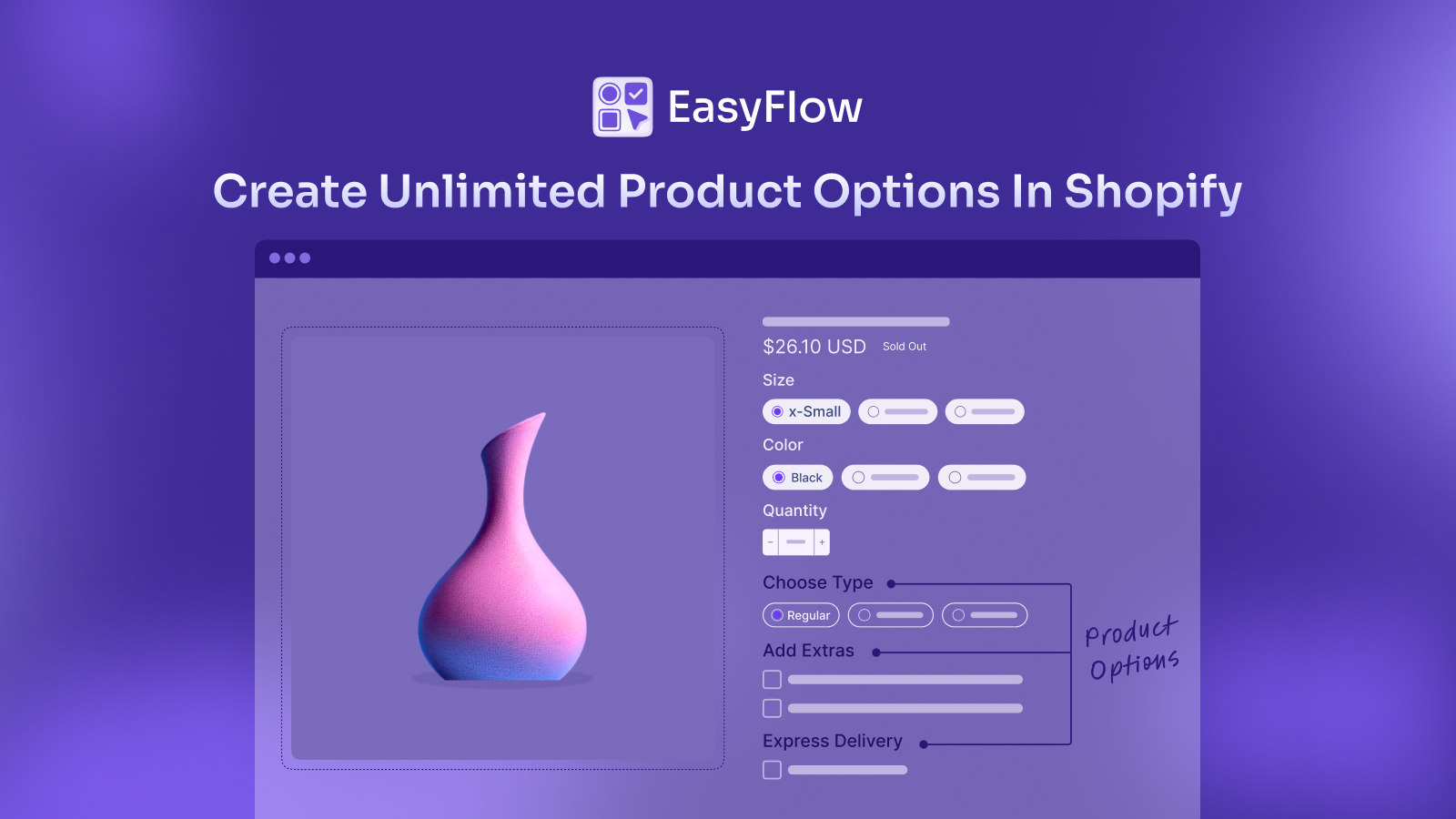
EasyFlow is a custom product options app for Shopify designed to help merchants implement many of these best practices seamlessly. Using this app, you can set up the foundation for excellent order management from the moment a customer begins customizing their product.
Here is how EasyFlow helps you to implement the order management best practices, especially when you are about to start with custom product options.
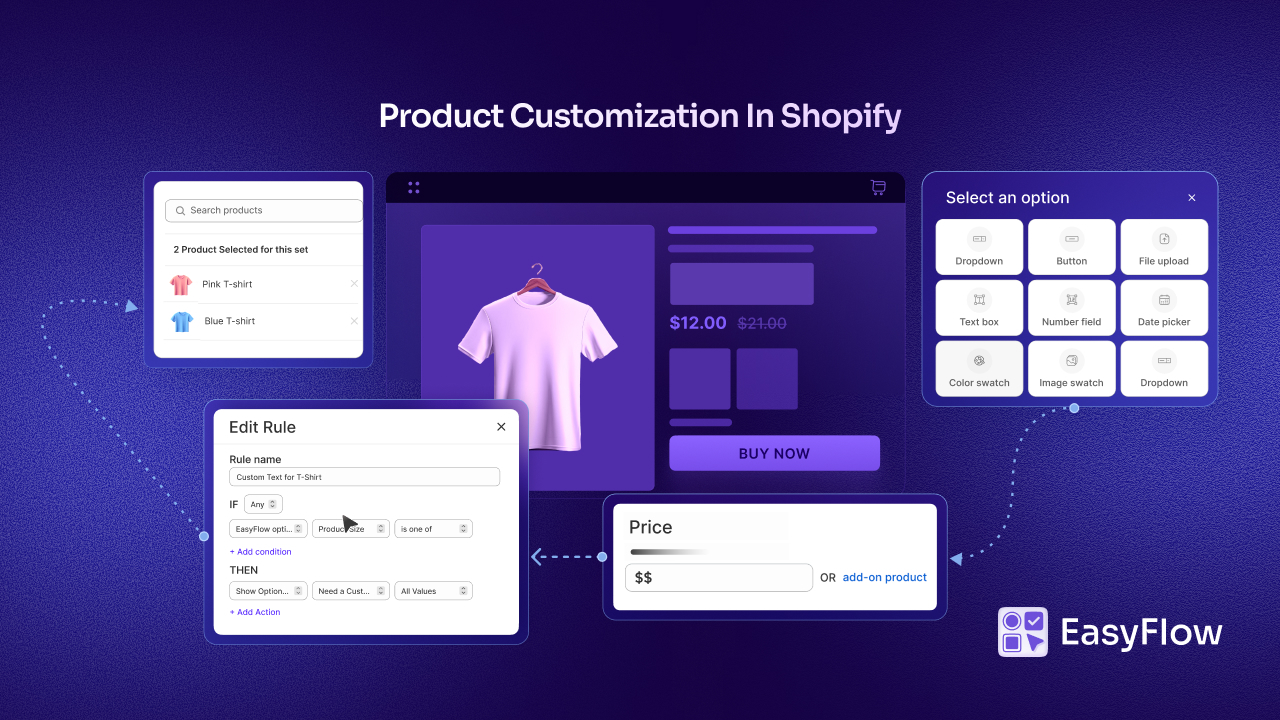
Unlimited Product Options & Option Sets: EasyFlow allows you to create unlimited product options with various input types, such as dropdowns, color swatches, text fields, file uploads, and more. This ensures all customization details are captured accurately.
Conditional logic: You can set up rules with EasyFlow that show or hide options based on previous selections, preventing incompatible combinations and guiding customers toward valid configurations.
Price adjustments: EasyFlow automatically adjusts product prices based on selected options, ensuring accurate pricing for custom configurations.
Multiple file upload options: With EasyFlow installed, merchants can allow customers to upload one to multiple files with their custom order requirements. This way, customers can add any additional information or details for their personalized/custom order.
Managing orders for custom products requires a fundamentally different approach than standard eCommerce order fulfillment. The increased complexity, higher customer expectations, and inability to easily substitute or return custom items mean that every detail matters.
Implement the Order Management Best Practices for Growing Revenue
Remember that customers spend more when their experiences are personalized. This revenue opportunity is significant, but it can only be fully realized when your order management processes are optimized to handle the complexity of customization without errors or delays.
Start by evaluating your current order management process for custom products. Identify the biggest sources of errors or delays and prioritize improvements in those areas. The right systems, processes and tools, like EasyFlow, will help you start smoothly with customer order management.
The future of eCommerce is personalized, and merchants who master the art of custom order management will be the ones who thrive in this new landscape. If you found this blog helpful, please subscribe for more expert guides, tutorials, and tips on unlocking the full potential of your Shopify store.