

Running a Shopify store is exciting, but scaling one is a different challenge entirely. As your order volume grows, so does the manual work behind the scenes. Customer emails pile up, inventory goes out of sync, abandoned carts go cold and your team starts spending more time on repetitive tasks than on growth.
That is where workflow automation comes in.
Automation is not just about saving time. When used strategically, it directly drives revenue, recovering lost sales, improving customer retention, reducing costly errors and personalizing the shopping experience at scale. In this guide, we will break down the most effective revenue optimization strategies for Shopify stores using workflow automation, with actionable steps you can start applying today.
TL;DR: Quick Reference Guide
| Strategy | What It Does | Expected Impact | Tools to Use |
| Abandoned Cart Recovery | Automatically sends reminder emails to recover lost sales | Recovers abandoned carts | Shopify Email, Klaviyo |
| Post-Purchase Flows | Keeps customers engaged after purchase with follow-ups | Increases repeat purchases | Klaviyo, Omnisend |
| Customer Segmentation | Tags and groups customers based on behavior | Improves email relevance and conversion | Shopify Flow, Klaviyo |
| Inventory Management | Alerts for low stock and back-in-stock notifications | Prevents stockouts and recovers lost revenue | Linnworks, Skubana |
| Upsell & Cross-Sell | Offers complementary products automatically | Increases AOV | ReConvert, AfterSell, CartHook |
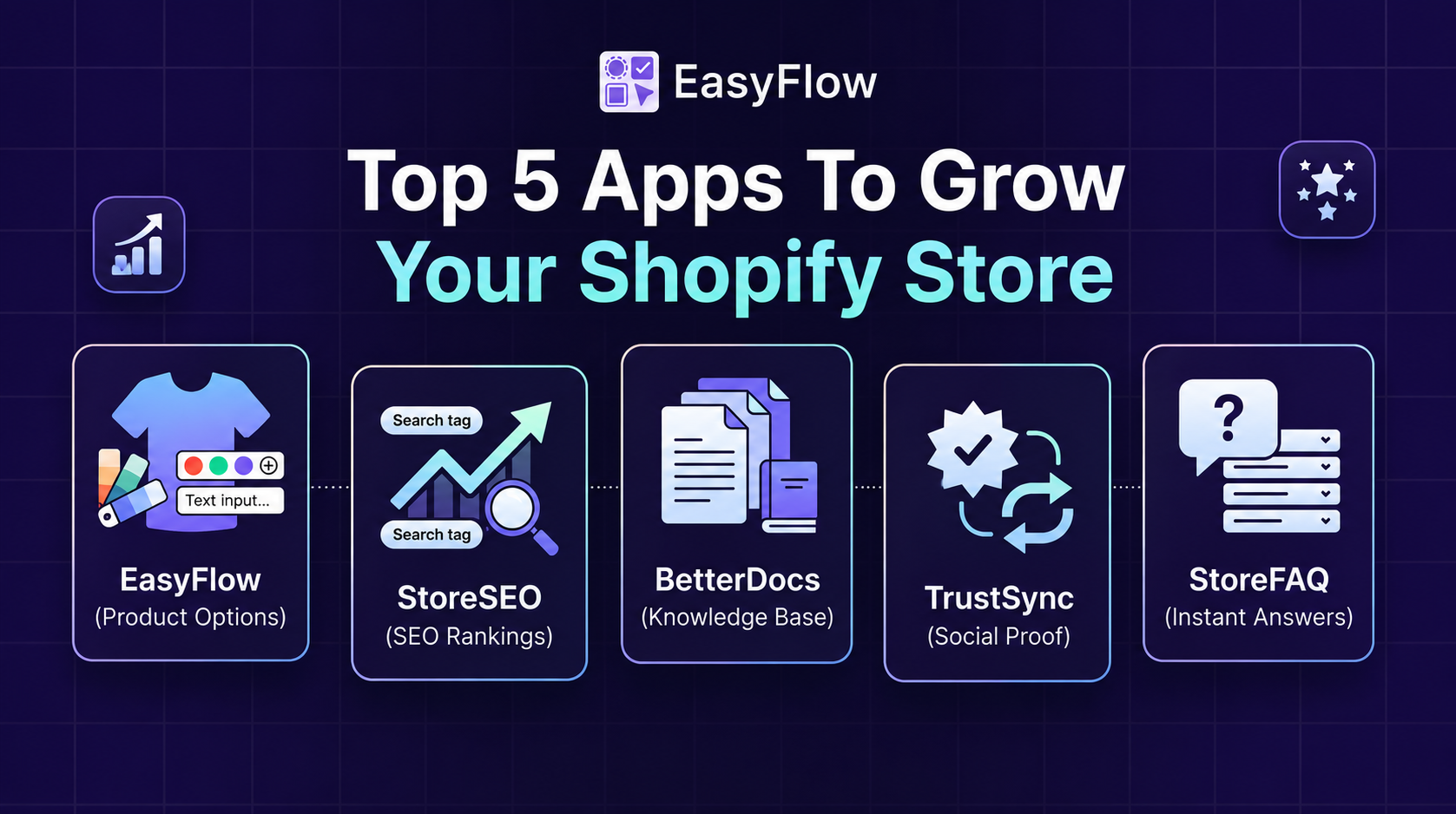
| Customer Support Automation | Handles FAQs and routes tickets automatically | Reduces support tickets | Gorgias, StoreFAQ, BetterDocs for Shopify |
| Loyalty Programs | Rewards customers automatically for purchases and engagement | Members spend more per order | LoyaltyLion, Smile.io, Yotpo |
| Win-Back Campaigns | Re-engages lapsed customers with targeted offers | Recovers dormant customers | Klaviyo, Omnisend |
| SEO Optimization | Improves organic search rankings for consistent traffic | Brings high-intent visitors at zero cost per click | StoreSEO |
| Product Customization | Reduces cart abandonment with clear product options | Decreases confusion-based abandonment | EasyFlow |
What Is Workflow Automation in eCommerce?
Workflow automation refers to using tools or software to complete repetitive tasks automatically. This happens when a customer takes certain actions, after set periods of time, or when data changes, so there is no need for manual input.
For a Shopify store, this could mean:
- Sending a discount email when a customer abandons their cart
- Updating inventory levels across multiple channels in real time
- Tagging high-value customers and routing them to a VIP support queue
- Triggering a re-engagement campaign when a buyer hasn’t purchased in 90 days
Tools like Shopify Flow, Klaviyo, Zapier, Mesa and LoyaltyLion make these automations possible without writing a single line of code.
Revenue Optimization Strategies for Shopify Stores Using Workflow Automation
So what are the revenue optimization strategies? Below are the revenue optimization strategies for Shopify stores using workflow automation.
1. Recover Lost Revenue with Abandoned Cart Automation

Cart abandonment is one of the biggest revenue leaks in eCommerce. According to the Baymard Institute, the average cart abandonment rate across industries is nearly 70%. That means 7 out of 10 shoppers who add items to their cart leave without buying.
Automated abandoned cart emails recover lost sales and some stores report even higher recovery rates with SMS follow-ups added to the mix. A strong abandoned cart workflow typically looks like this:
- Email 1 (1 hour after abandonment): A gentle reminder with the cart contents and a clear CTA
- Email 2 (24 hours later): Social proof, customer reviews, or a product benefit highlight
- Email 3 (48–72 hours later): A time-limited discount or free shipping offer
You can set this up natively in Shopify Email or through Klaviyo, which offers advanced segmentation. The key is to personalize each message, use the customer’s first name, show the exact products they left behind and make the return-to-cart button unmissable.
Pro tip: A/B test your subject lines. Something as simple as “You forgot something” vs. “Still thinking it over?” can lead to meaningful differences in open rates.
2. Boost Repeat Purchases with Post-Purchase Flows
Getting a customer to buy once is hard. Getting them to buy again is where real profitability lives. Research from Bain & Company shows that increasing customer retention by just 5% can boost profits by 25–95%. Post-purchase automation keeps buyers engaged after their order is placed. A well-built flow might include:
- An order confirmation email with estimated delivery and upsell offers
- A shipping update notification (reduces “where’s my order?” support tickets)
- A product education email — how to get the most out of what they bought
- A review request is made 5–7 days after delivery
- A replenishment reminder for consumable products (supplements, skincare, coffee, etc.)
These touchpoints do not feel spammy when they are genuinely useful. They build trust, reduce buyer’s remorse and keep your brand top of mind for the next purchase.
3. Segment Customers Automatically for Smarter Marketing
Not all customers are the same. A first-time buyer needs a different experience than a loyal customer who has purchased many times. Automation lets you segment and tag customers based on behavior, then trigger the right message at the right time.
Common automated segmentation strategies include:
- RFM Segmentation: Tag customers based on Recency, Frequency and Monetary value, automatically updated as purchase behavior changes
- High-Value Customer Tags: Identify and tag customers who cross a spend threshold (e.g., $500 lifetime value), then route them to a VIP program or dedicated support
- At-Risk Customer Flows: Identify customers who have not purchased in 60–90 days and trigger a win-back campaign before they churn
- New vs. Returning Tags: Personalize homepage content, promotions and emails based on whether someone is new or returning
Shopify Flow makes it easy to create these tag-based automations without coding. Pair it with Klaviyo or Omnisend to build the corresponding email flows for each segment.
4. Automate Inventory Management to Prevent Revenue Loss
Stockouts are silent revenue killers. When a product is unavailable, customers do not always wait; they go to a competitor. At the same time, overstocking ties up cash and creates storage costs. Automation helps you stay ahead on both fronts:
- Low-stock alerts: Automatically notify your team (or supplier) when inventory drops below a set threshold
- Back-in-stock emails: Let interested customers opt in and receive an instant alert when a sold-out product is available again. These emails generate some of the highest conversion rates in eCommerce
- Multi-channel sync: If you sell on Shopify, Amazon and Instagram store simultaneously, automation tools like Linnworks or Skubana sync inventory in real time to prevent overselling
Back-in-stock automated emails typically achieve higher open and conversion rates well above standard promotional emails. This makes them one of the most underused revenue recovery tools available.
5. Use Upsell And Cross-Sell Automation to Increase Average Order Value
Increasing your average order value (AOV) is one of the most efficient ways to grow revenue without acquiring new customers. Automation makes this scalable. Here are three powerful AOV-boosting automations:
Post-Purchase One-Click Upsells
Tools like ReConvert or AfterSell let you display a personalized offer immediately after checkout, before the order confirmation page. Since the customer’s payment details are already entered, adding another item requires just one click. Conversion rates on these offers see a consistent increase.
Bundle Recommendations via Email
After a purchase, trigger an email recommending complementary products. “Customers who bought X also love Y” is a simple but effective formula. Personalize it using purchase history data from Shopify.
Free Shipping Threshold Nudges
Automate a cart message or pop-up that appears when a customer is $10–$15 away from free shipping. Something like “Add $12 more to unlock free shipping!” consistently increases AOV. Apps like CartHook and Slide Cart make this easy to implement.
6. Streamline Customer Support with Automated Workflows
Support tickets eat into your team’s time and slow response times affect customer satisfaction and repeat purchase rates. Automation can handle a significant portion of support volume before it ever reaches a human agent.
- FAQ chatbots: Deploy a chatbot that answers common questions about sizing, shipping, returns and order status.
- Order status automation: Proactively send shipping notifications and tracking links, reducing “where is my order?” (WISMO) inquiries by up to 40% (Gorgias data)
- Tag and route tickets: Automatically tag incoming tickets by topic (refund, damaged item, wrong product) and route them to the right team member, reducing resolution time
Faster support = higher satisfaction = more repeat purchases. It is a direct revenue driver. Along with chatbots, it is also important to have a dedicated, well-structured FAQ page to streamline customer support. For that, you can use apps like StoreFAQ, which is a user-friendly Shopify FAQ app with a powerful ‘AI Auto Writer feature.
However, if you maintain large Shopify stores that require more than just simple FAQs, then you can create structured knowledge bases with documentation. To ease the process of creating a knowledge base for Shopify, apps like BetterDocs for Shopify are great.
7. Loyalty And Rewards Automation to Drive Repeat Revenue
Loyalty programs work. But manual loyalty programs do not scale. Automation is what makes them effective at volume. With tools like LoyaltyLion, Smile.io, or Yotpo, you can automatically:
- Award points for purchases, reviews, social shares and birthdays
- Send a points balance email when a customer gets close to a reward threshold
- Trigger a milestone celebration email when a customer reaches VIP status
- Offer double-point events during slow sales periods to stimulate buying
Loyalty program members, on average, spend 12–18% more per transaction than non-members (LoyaltyLion, 2023). Automating the program keeps members engaged without requiring manual outreach.
8. Win Back Lapsed Customers Automatically
Every store has a segment of customers who bought once and disappeared. Without automation, this segment goes cold. With a win-back flow, it becomes a revenue opportunity.
Say, for example, a customer purchased a product from your store and has not returned to purchase anything in 60 days, then a well-structured win-back sequence might look like:
- Day 60: “We miss you” email — no discount, just a warm check-in with new arrivals
- Day 75: Feature a best-seller or a new product relevant to their previous purchase
- Day 90: Offer a time-limited incentive — 15% off, free shipping, or a gift with purchase
- Day 105: Final email — “This is our last message”. Urgency often triggers action from fence-sitters
If they still do not convert, suppress them from regular campaigns to protect your sender reputation and email list quality.
9. Do Not Overlook SEO

Many Shopify store owners invest heavily in automation tools, paid ads, and retention flows but overlook the one channel that brings in revenue without ongoing spend: organic search.
SEO is not a quick win. But it is one of the most sustainable revenue drivers available to any eCommerce store. When your product pages, collection pages, and blog content rank on Google, you get a consistent stream of high-intent visitors; people who are already searching for what you sell. No ad budget required.
The problem is that most Shopify stores have SEO gaps that they are not even aware of. Missing meta titles, unoptimized product descriptions, broken links, slow page speeds, and images without alt text all quietly hurt your rankings and, by extension, your revenue.
This is where a dedicated SEO app makes a real difference. One such app is StoreSEO, which is built specifically for Shopify stores and takes the complexity out of SEO optimization. It scans your store and identifies issues across your product pages, metadata, image alt texts, and site structure, then helps you fix them in a fraction of the time it would take manually.
Think of it this way that your automation workflows bring back lost customers and increase repeat purchases. But SEO brings in new ones consistently and at no incremental cost per click. Together, they cover both ends of your revenue growth engine.
If you are already investing in automation to retain customers and recover lost sales, adding SEO to the mix means you are not just optimizing what happens inside your store; you are also controlling how many people find it in the first place.
How EasyFlow Supports Workflow Automation And Revenue Growth
Most workflow automation tools focus on what happens after a customer makes a decision; sending emails, updating tags and triggering flows. But revenue optimization also depends on what happens before the customer clicks “Add to Cart”. That is where EasyFlow comes in.
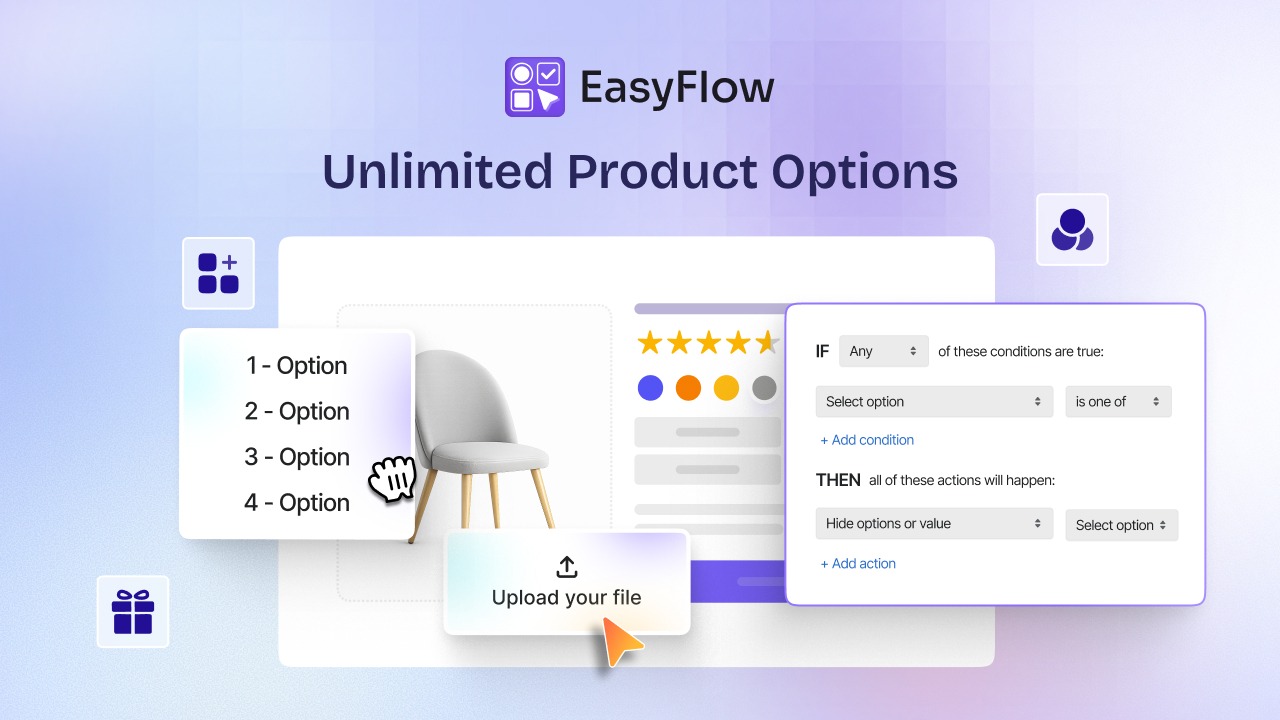
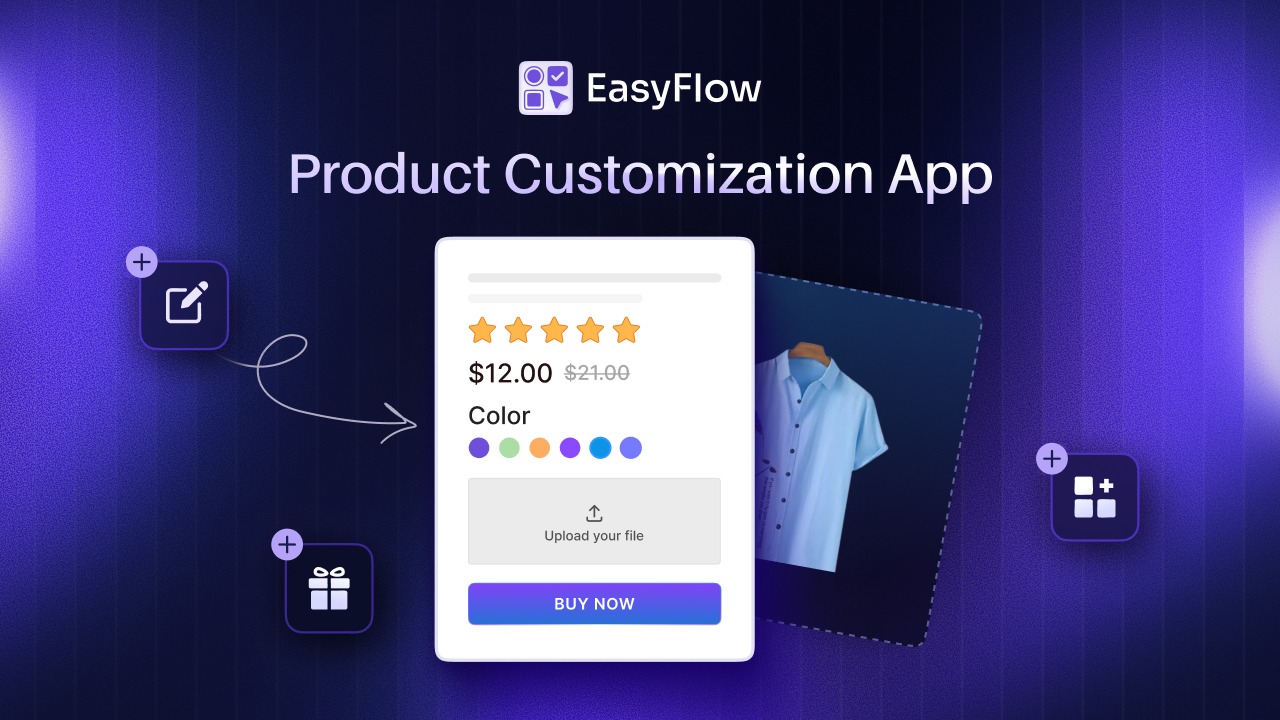
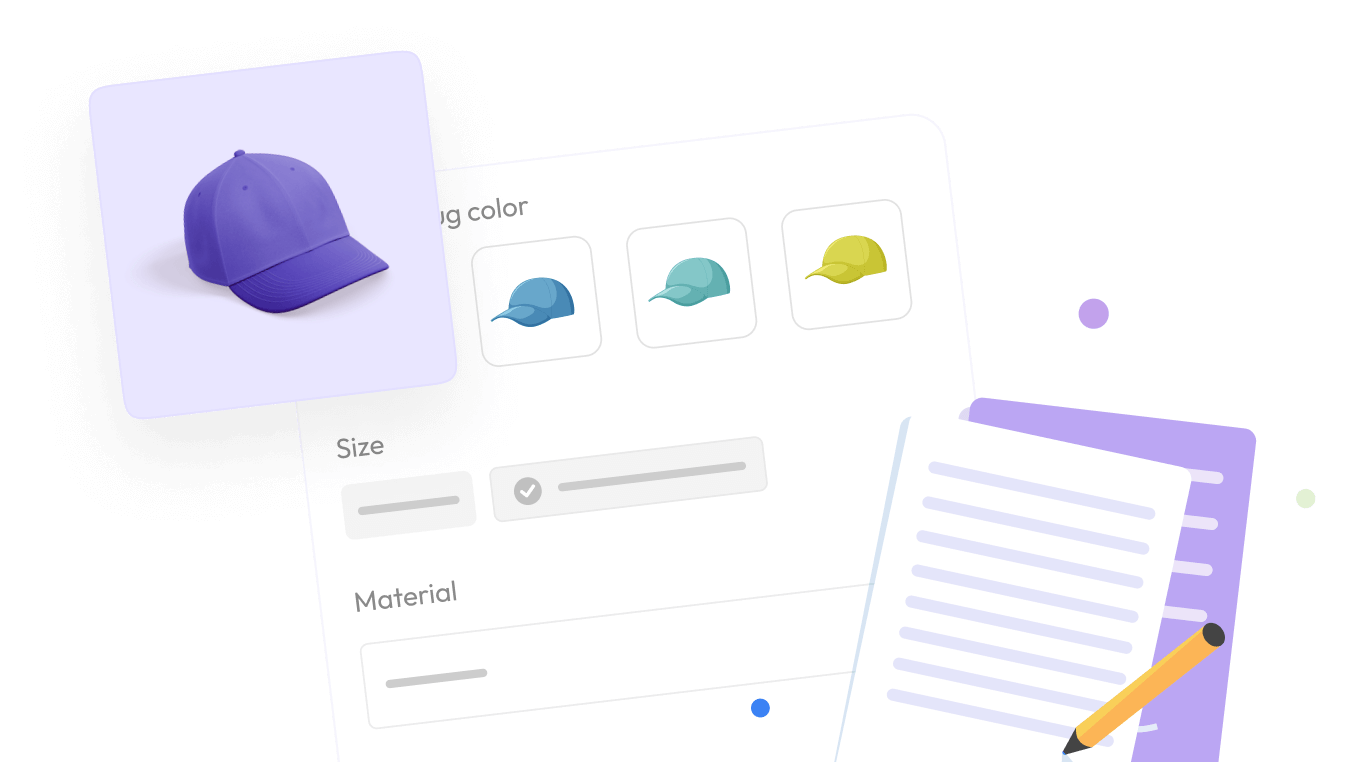
EasyFlow is a Shopify product options app that lets you create unlimited product customization options such as, text fields, image swatches, dropdowns, checkboxes, file uploads, date pickers and more. While it is not a workflow automation tool in the traditional sense, it removes friction at the product page level, which directly feeds into the effectiveness of your broader automation strategy.
Reducing Abandoned Carts Through Better Product Clarity
One of the most common reasons customers abandon their carts is confusion. They can not find the right size, color, or variant, or they are unsure what they are getting. EasyFlow’s conditional logic addresses this directly.
For example, selecting “Large” can automatically hide incompatible color options and choosing a specific material can reveal only compatible customization. This guided, step-by-step selection reduces decision fatigue. When customers feel confident about what they are ordering, they are far less likely to leave, which means your abandoned cart automation has fewer carts to recover in the first place.

Powering Upsell Automations with Price Add-Ons
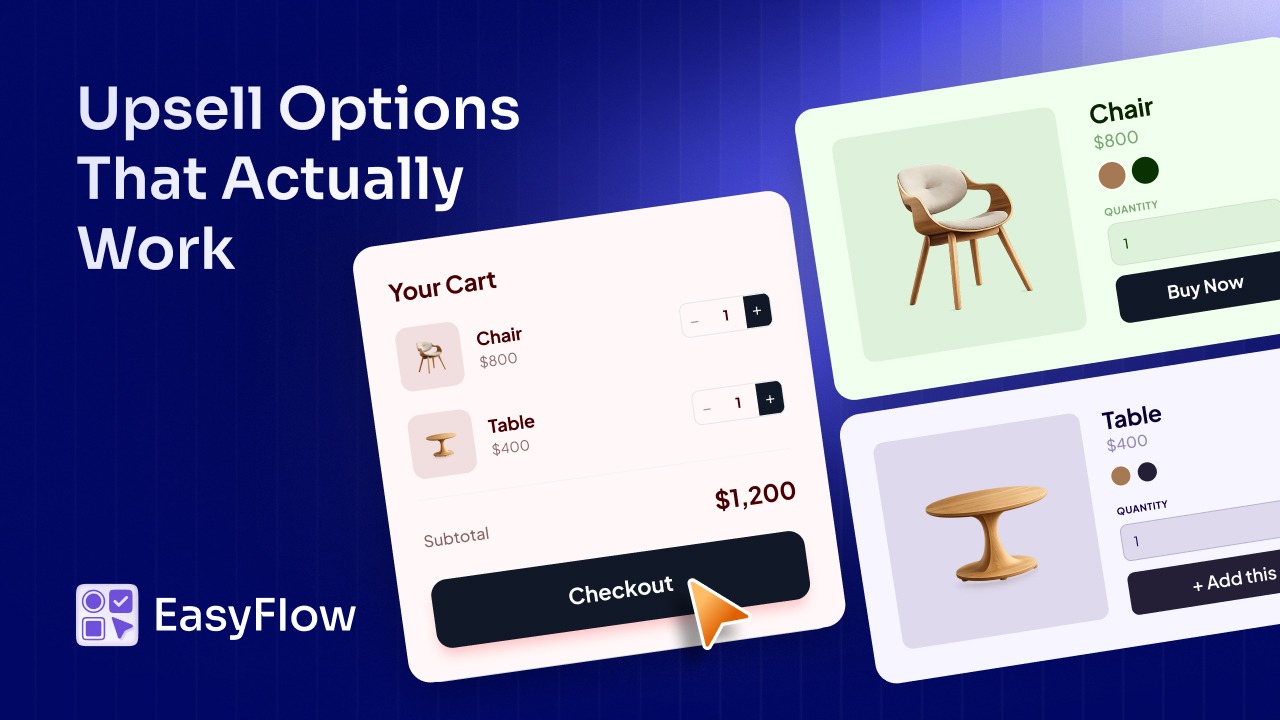
EasyFlow includes price add-on functionality. You can attach premium customization options like gift wrapping, engraving, premium packaging, etc, directly to a product’s option set, each with its own additional price.
This is a passive but powerful form of (Average Order Value) AOV automation. Instead of relying purely on post-purchase upsell emails or pop-up apps, you are increasing order value at the point of selection, before checkout. Combined with post-purchase upsell flows from tools like ReConvert, you get AOV optimization at multiple touchpoints in the customer journey.

Clean, Consistent Data for Smarter Segmentation
Workflow automation is only as good as the data it runs on. When customers select custom options like engraving text, specific colors and personalization details, that information is captured as structured order data in Shopify.
This allows your automation tools to segment and target more precisely. For instance, customers who frequently order personalized or engraved products can be tagged automatically and placed into a dedicated re-engagement flow with messaging tailored to their preferences.
EasyFlow’s reusable Option Sets also make it easy to manage options consistently across your catalog, so the data feeding into your automations stays clean and standardized.
Speeding Up Operations with Bulk Management
EasyFlow’s bulk edit and apply feature lets you update product options across your entire catalog in a few clicks. This saves significant time when launching new products, running seasonal promotions, or adjusting options store-wide. Your team can redirect the time toward building and refining automation workflows.
Here is how EasyFlow contributes to your revenue optimization strategy:
- Reduces cart abandonment by making the selection process clearer and more guided
- Increases average order value with built-in price add-ons at the product page level
- Feeds cleaner, richer order data into your segmentation and automation tools
- Saves team time through bulk editing, freeing capacity for automation strategy
It is not a workflow automation app, but it makes every automation you run more effective.
Choosing the Right Automation Tools for Your Shopify Store
You do not need to implement everything at once. Start with the automations that address your biggest revenue gaps. Here is a quick reference:
- Shopify Flow: Native automation for tags, inventory alerts and internal workflows, free on most Shopify plans
- Klaviyo: Best-in-class email and SMS automation for cart recovery, post-purchase, and segmentation
- Gorgias: Customer support automation and helpdesk built for eCommerce
- BetterDocs for Shopify: A Shopify knowledge base app with ‘Magic AI Auto Writer’ feature to write documentation with AI.
- LoyaltyLion / Smile.io: Loyalty program automation
- Zapier / Mesa: Connect Shopify to hundreds of other apps for custom workflows
- ReConvert / AfterSell: Post-purchase upsell automation
Automate the Routine. Focus on the Revenue.
Workflow automation is not a luxury for large Shopify stores. It has now become a necessity for any store that wants to grow efficiently. The brands winning in eCommerce today are not necessarily working harder. They are working smarter, using automation to recover lost sales, retain customers, personalize experiences and remove friction at every touchpoint.
Start with one or two high-impact automations. Abandoned cart recovery and post-purchase flows are usually the best places to begin. Measure the results, optimize and layer in more as your confidence and data grow.
And do not overlook the product experience itself. Tools like EasyFlow may not sit inside your automation stack, but they shape the quality of data flowing into it and the experience customers have before any automation ever fires. A seamless, well-configured product page sets the foundation that makes every downstream automation more effective.
The goal is not to replace the human touch in your brand. It is to free up your team’s time and energy for the things that truly require human creativity — while automation handles the rest.
If you found this blog helpful, you can subscribe to our blogs for more expert guides, tutorials, and tips on unlocking the full potential of your Shopify store.