


Growing your Shopify store is not always about getting more traffic. Sometimes, the biggest growth comes from increasing the value of every order.
Here is a simple example. A Shopify store with 1,000 monthly orders and an average order value (AOV) of $85 generates $85,000 in monthly revenue. Increase that AOV by just 20%, and revenue jumps to $102,000—an extra $17,000 every month, or more than $200,000 a year.
The best part? You achieve this without spending more on ads or acquiring new customers.
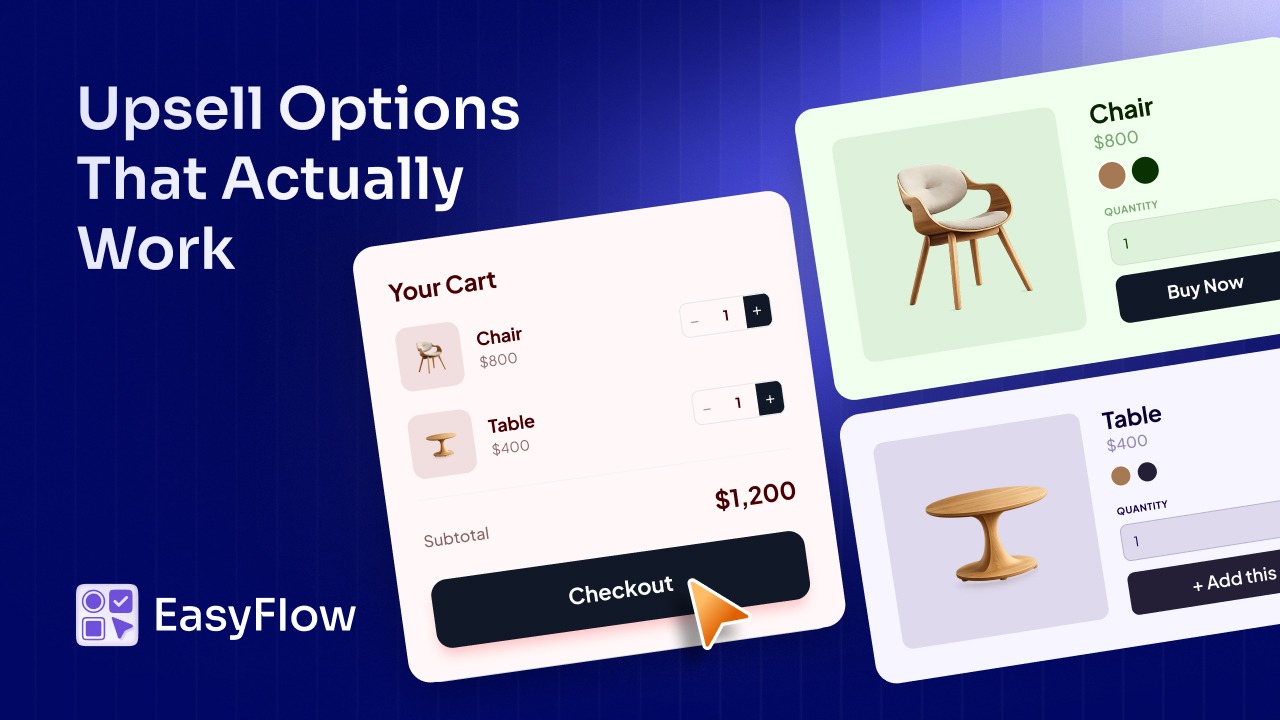
Yet many Shopify stores miss this opportunity. Some do not use upsells at all, while others rely on a generic “Recommended Products” section and expect it to drive results. Effective upselling is much more than that. It is about presenting the right offer at the right time throughout the customer journey (from the product page and cart to the post-purchase experience).
In this guide, we will explore 7 proven Shopify upsell strategies that successful stores use in 2026. You will learn how each strategy works, where to use it, and which types of products benefit the most. Together, these strategies can help you increase your average order value and grow revenue consistently over time.
Why Upselling Is Essential for Shopify Growth in 2026
Increasing traffic is not the only way to grow a Shopify store. In many cases, increasing the value of each order delivers a faster and more profitable return. That is why upselling has become one of the most effective growth strategies for Shopify merchants.
Upselling targets customers who have already decided to make a purchase. Instead of spending more to attract new shoppers, merchants encourage existing buyers to add a premium option, upgrade, or complementary product to their order. Every increase in average order value (AOV) generates more revenue without increasing advertising costs.
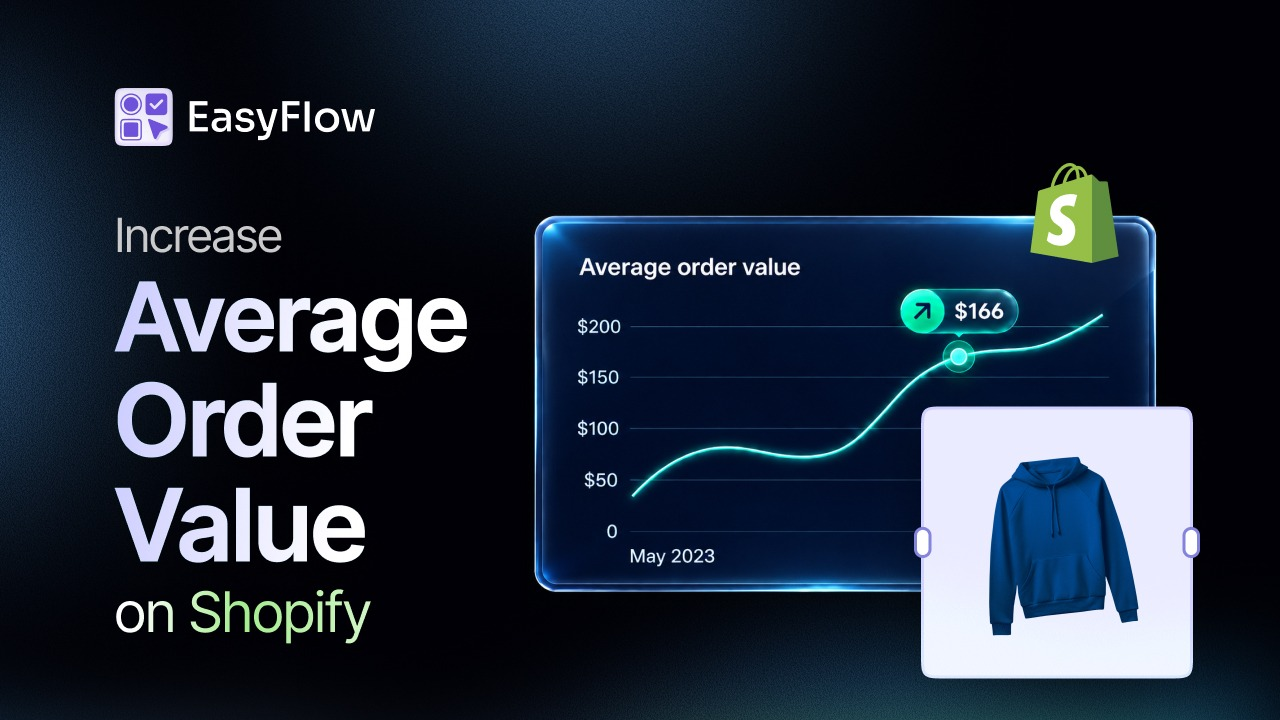
The impact is significant. Research shows that upselling and cross-selling account for 10% to 30% of eCommerce revenue on average. Amazon has also reported that 35% of its revenue comes from product recommendations, highlighting the value of a well-planned upsell strategy. At the same time, acquiring a new customer costs five to twenty-five times more than increasing revenue from an existing purchase, making AOV optimization a smart long-term investment.
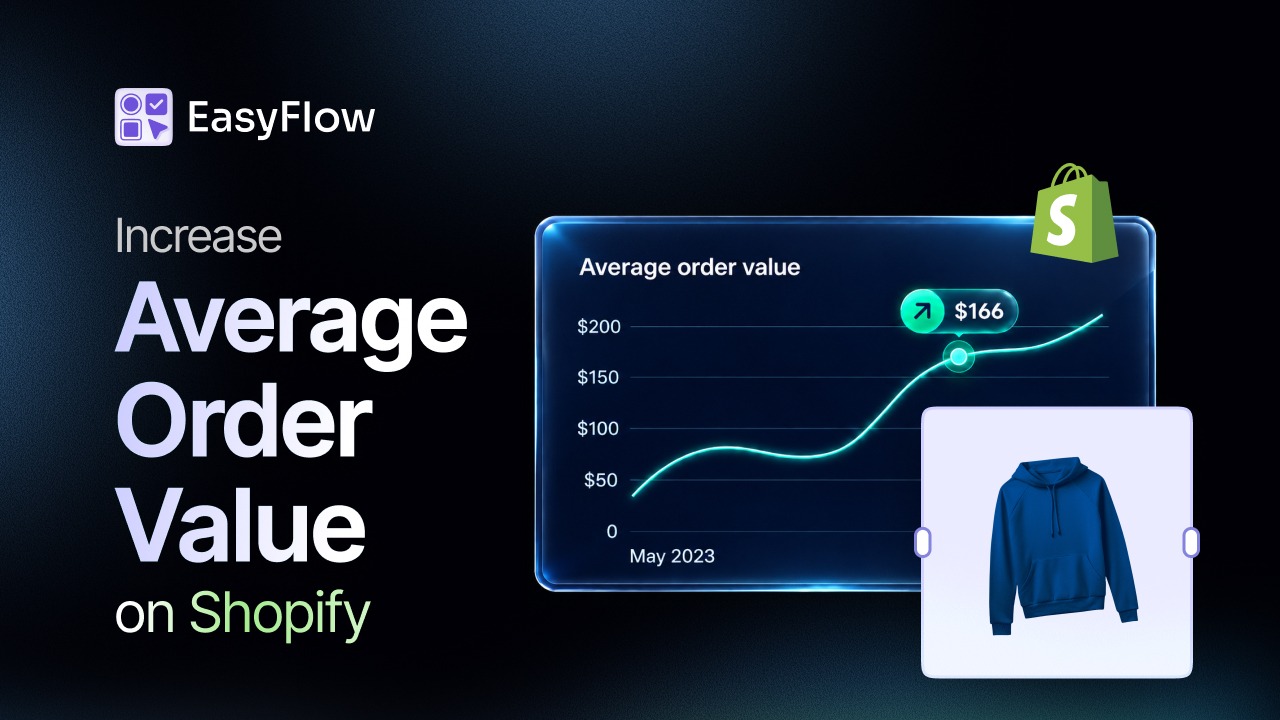
Industry benchmarks also show that Shopify stores are generating higher average order values than ever before. The average Shopify AOV now ranges from $85 to $95 across most industries. Fashion and apparel stores average $85 to $105, electronics stores $120 to $180, and jewelry stores $100 to $150. Meanwhile, the highest-performing stores maintain AOVs above $326 by combining multiple upsell strategies throughout the customer journey instead of relying on a single tactic.
The difference between average stores and top-performing brands continues to grow. The good news is that these results are not limited to large businesses. With the right upsell strategies, any Shopify store can increase its average order value, improve profitability, and create a better shopping experience for customers. Now, let us see all the Shopify upsell strategies you can go with:
Strategy 1: Product Customization Upsells
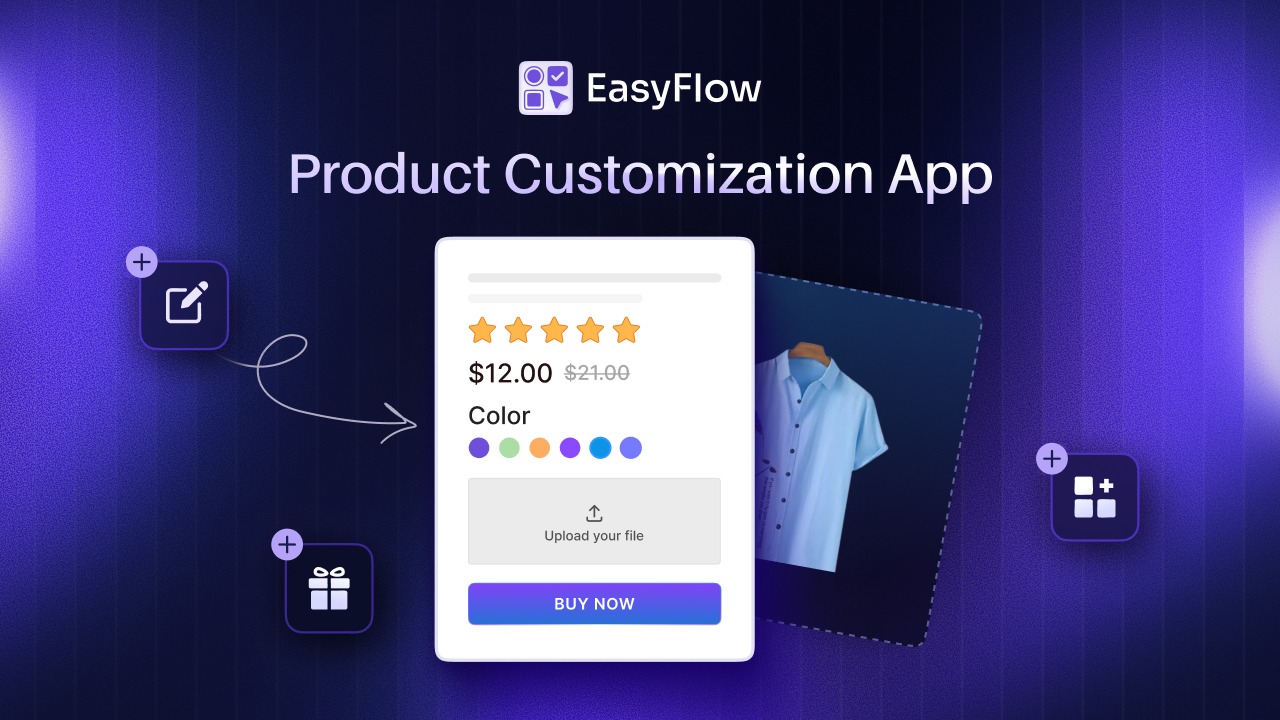
The strongest upsell any store can offer is one where the customer builds the value themselves. Product customization upsells let shoppers add personalization like engraving, monograms, premium materials, or custom colors as paid upgrades during the initial purchase, all without leaving the product page.
This strategy works for a specific reason. The customer is not being asked to accept a random suggestion. They are being invited to shape the product to match exactly what they want. That psychological framing shifts the upsell from a sales pitch to a service.
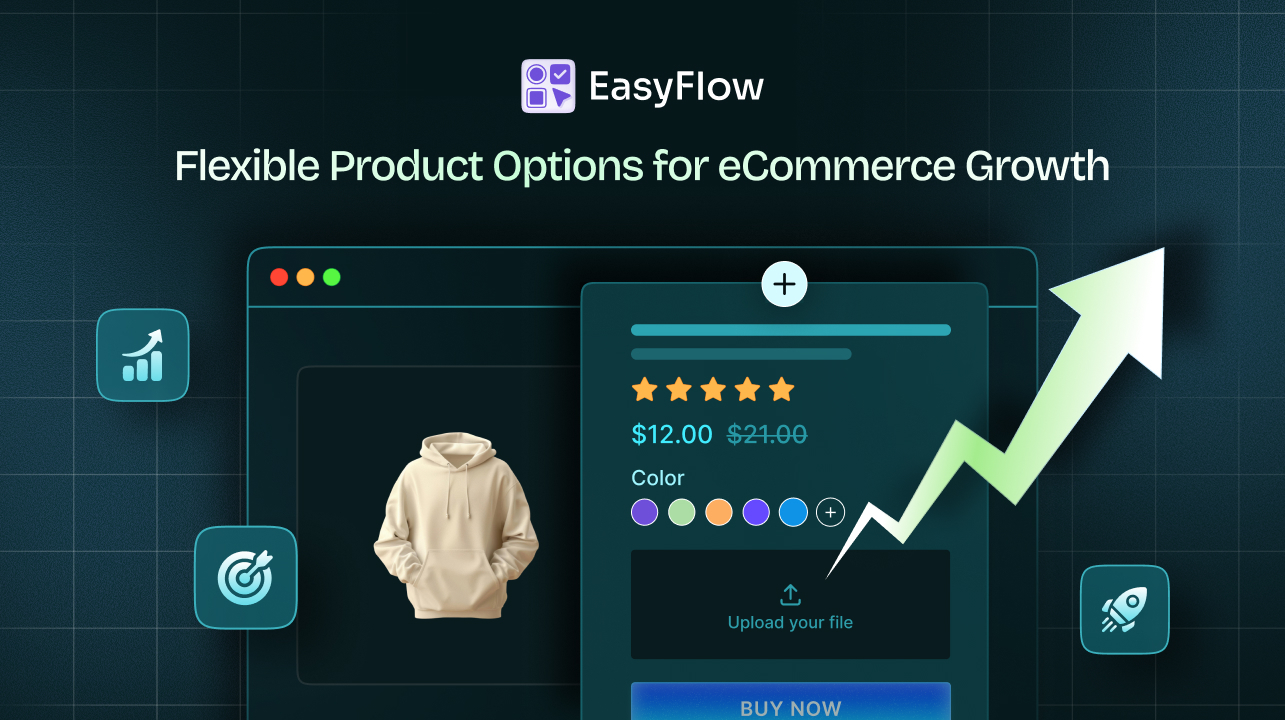
The friction it removes is significant. Every store that sells customizable products already receives support messages from shoppers asking whether custom options are available. Each of those messages represents an intent-to-buy signal that currently ends in a support ticket rather than a checkout. Product customization upsells capture that intent directly on the product page.
Setting these up on Shopify starts with proper product options setup docs that let you configure paid options, required fields, and validation rules without touching code.
Strategy 2: Live Price Add-Ons for Premium Options
Product customization only converts if the price stays transparent. Live price add-ons calculate the total in real time as the customer selects premium fabric, faster production, or gift wrapping. The shopper sees the price change immediately, which builds trust and eliminates the sticker shock that kills conversions at checkout.
The alternative, manual invoicing after checkout, costs stores in three ways. It slows orders down. It creates cart abandonment when customers realize the customization pricing later. And it eats into the merchant’s time on every order.
Live price add-ons solve all three problems at once. The customer configures. The cart total updates. Checkout completes at the correct amount. The order lands in the merchant dashboard with every custom detail already attached.
This strategy pairs naturally with product customization from Strategy 1. Customization gives shoppers the ability to personalize. Live pricing gives them confidence in what they are spending. The full step-by-step price add-ons documentation covers the setup patterns for common product types, including engraved goods, rush production upgrades, and premium material options.
Strategy 3: Conditional Logic Upsells
The fastest way to kill an upsell is to show it to the wrong customer. Conditional logic upsells solve that by revealing upsell options only when they are contextually relevant to what the shopper has already selected.
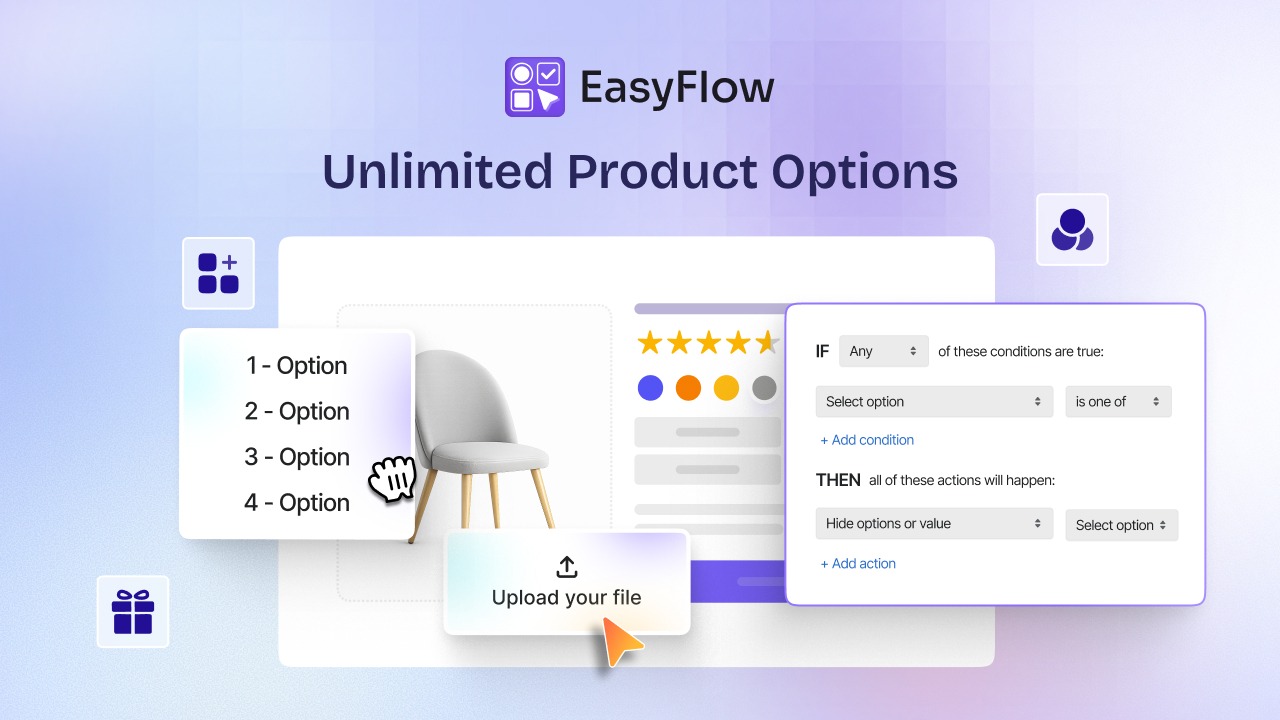
A jewelry store selling engraved rings offers a strong example. When the customer selects “engraving,” the font picker, engraving preview, character limit indicator, and engraving fee all appear. When the customer selects “no engraving,” those fields stay hidden. The product page stays clean. The upsell appears exactly when it makes sense.
The performance data behind this pattern is well-documented. According to eCommerce personalization statistics for 2026, personalized product recommendations increase AOV by roughly 20 percent and conversion rates by 15%, while 80% of consumers say they are more likely to buy from stores that offer personalized experiences
The setup takes minutes with the conditional logic setup guide, which walks through the rule-building interface used to define show/hide behavior across product options.
Strategy 4: Pre-Purchase Upsells on the Product Page
The product page is the highest-intent moment in the funnel. The shopper is actively evaluating a specific item, and their willingness to consider additional purchases peaks in that window. Pre-purchase upsells on the product page capitalize on that timing by offering complementary products, upgrade tiers, or bundle deals directly below the Add to Cart button.
The formats that work best on Shopify product pages are size or quantity upgrades (“save 15% when you buy 2”), premium tier alternatives (“upgrade to the professional model”), and frequently bought together bundles (“add matching accessories for $12”).
Each of these formats builds on the specific product being viewed rather than pulling generic recommendations from a catalog. According to Shopify upsell conversion benchmarks, pre-purchase upsells on product pages convert at 3% to 15%, depending on relevance, with the higher end reserved for offers that closely match what is already in view.
Placement matters as much as the offer. Above the fold is too aggressive and can push down the primary product info. Below the Add to Cart button but above the product description tends to be the sweet spot for both acceptance rate and non-interference with core conversion.
Strategy 5: How Do In-Cart Upsells Work on Shopify?
In-cart upsells appear inside the cart drawer or on the cart page after the customer has added at least one item but before they proceed to checkout. This is the natural add-on moment in the customer journey, which is why in-cart upsells consistently deliver acceptance rates well above those of generic recommendation widgets.
The mechanic is simple. The customer opens the cart. The upsell appears as a suggested add-on with a single click to add. The most effective in-cart upsells are low-consideration items of the primary product, such as protective cases, refills, gift wrapping, or complementary accessories.
Three offer types dominate high-performing Shopify cart drawers:
- Frequently bought together bundles. Products that pair with what is already in the cart based on real order history.
- Quantity discounts. “Add one more for 10 percent off each” prompts that increase order size without increasing complexity.
- Complementary add-ons. Small-ticket items that make the primary product more useful, like extra ink for a printer or replacement heads for a razor.
Combining these with a free shipping threshold, covered next, creates two independent motivations to add items and multiplies the effect.
Strategy 6: Free Shipping Threshold Nudges
Free shipping is the single most powerful conversion and AOV lever in eCommerce. Data from Shopify eCommerce conversion statistics shows that 93% of online shoppers say free shipping influences their purchase decisions (NRF), 58% of consumers actively add items to cart specifically to qualify for a free shipping threshold (UPS), and displaying the free shipping progress prominently in the cart increases AOV by 12% to 20%.
The mechanic is straightforward. Set a shipping threshold slightly above your current AOV, then show a progress bar in the cart that tells the customer how much more they need to add to qualify. A store with an $85 AOV might set the threshold at $110. Customers approaching that threshold see a message like “Add $15 more for free shipping” and often add another item to hit it.
The threshold placement is critical. Set it too high and customers abandon. Set it too low and the offer costs the store money without changing behavior. Free shipping thresholds pair well with every other strategy in this guide because they add a persistent second reason to expand the cart alongside whatever upsell offer is running.
Strategy 7: Post-Purchase One-Click Upsells
Post-purchase upsells are the highest-converting placement in the entire upsell stack. They appear immediately after the customer completes checkout but before the thank-you page loads, offering a single one-click add-on that appends to the original order using the saved payment method.
The performance is dramatic. According to 2026 upsell benchmarks compiled by Launchtip, post-purchase upsells convert at 15% to 25%, with some order bump formats reaching 37.8% acceptance. That is roughly 3 to 5 times the acceptance rate of pre-purchase widgets.
The reason they convert so well is the mechanics. The buying decision has already been made. The payment is already processed. There is no re-decision, no re-entering of card details, and no risk of interrupting the original conversion.
According to the post-purchase upsell strategy playbook, a single well-targeted post-purchase offer with one-click acceptance typically adds 8% to 18% to AOV with zero downside to the original conversion rate.
The offers that work best are replenishables, easy accessories, warranty add-ons, and subscription upgrades from one-time purchases. What does not work is trying to close a completely unrelated sale, which feels intrusive and damages the perception of the store even when it does not lower conversion on the current order.
Upsell vs Cross Sell: Get The Definition Straight
The two terms get used interchangeably, and it costs merchants money because the placement rules are different.
| Type | What It Does | Example |
| Upsell | Moves the shopper to a better, bigger, or more capable version of the thing they already want | Shopper is on the 12 oz candle and you show the 20 oz with 60 hours of burn time |
| Cross sell | Adds a companion product alongside the main purchase | Shopper keeps the 12 oz candle and you add a wick trimmer and matches |
Simple shorthand: upsells are better models, cross sells are matching accessories.
The practical difference is timing. Upsells belong early, on the product page, while the shopper is still deciding which one. Cross sells belong late, in the cart or at checkout, once the main decision is locked in. Flip that order and both perform worse.
How to Pick the Right Upsell Strategy for Your Shopify Store
Not every strategy fits every store. The right upsell stack depends on what you sell, who buys it, and where the friction currently sits in your funnel.
i. For custom and personalized product stores, the fastest wins come from Strategies 1, 2, and 3. Product customization, live price add-ons, and conditional logic upsells convert customization intent that is already reaching your store into higher-value orders without the manual back-and-forth.
ii. For consumables, replenishables, and subscription-friendly products, Strategy 7 delivers the largest ROI. Post-purchase upsells for refills, larger sizes, or subscription conversions consistently outperform other placements for stores where the same customer is likely to buy again.
iii. For fashion, accessories, and multi-item stores, Strategies 4, 5, and 6 work best in combination. Product page bundles, cart drawer add-ons, and a free shipping threshold create three distinct motivations to expand the cart across the shopping journey.
iv. For everyone, the correct starting move is to pick one strategy, ship it in a week, measure it for 30 days, and layer the next strategy on top only after the first is stable. Layering too many upsell touchpoints at once creates decision fatigue that lowers overall acceptance.
To explore how EasyFlow fits into a full upsell stack for stores selling customized or configurable products, the fastest starting point is the product options setup.
Go with the Best Upselling Options for Your Shopify Store
The best Shopify upsell strategies are not tricks or one-off wins. They are systems that run across the full customer journey. Three levers deliver the largest share of the impact: product customization upsells that let shoppers build the value themselves, a free shipping threshold that gives every visitor a second reason to expand the cart, and a post-purchase one-click offer that captures the highest-converting placement in ecommerce.
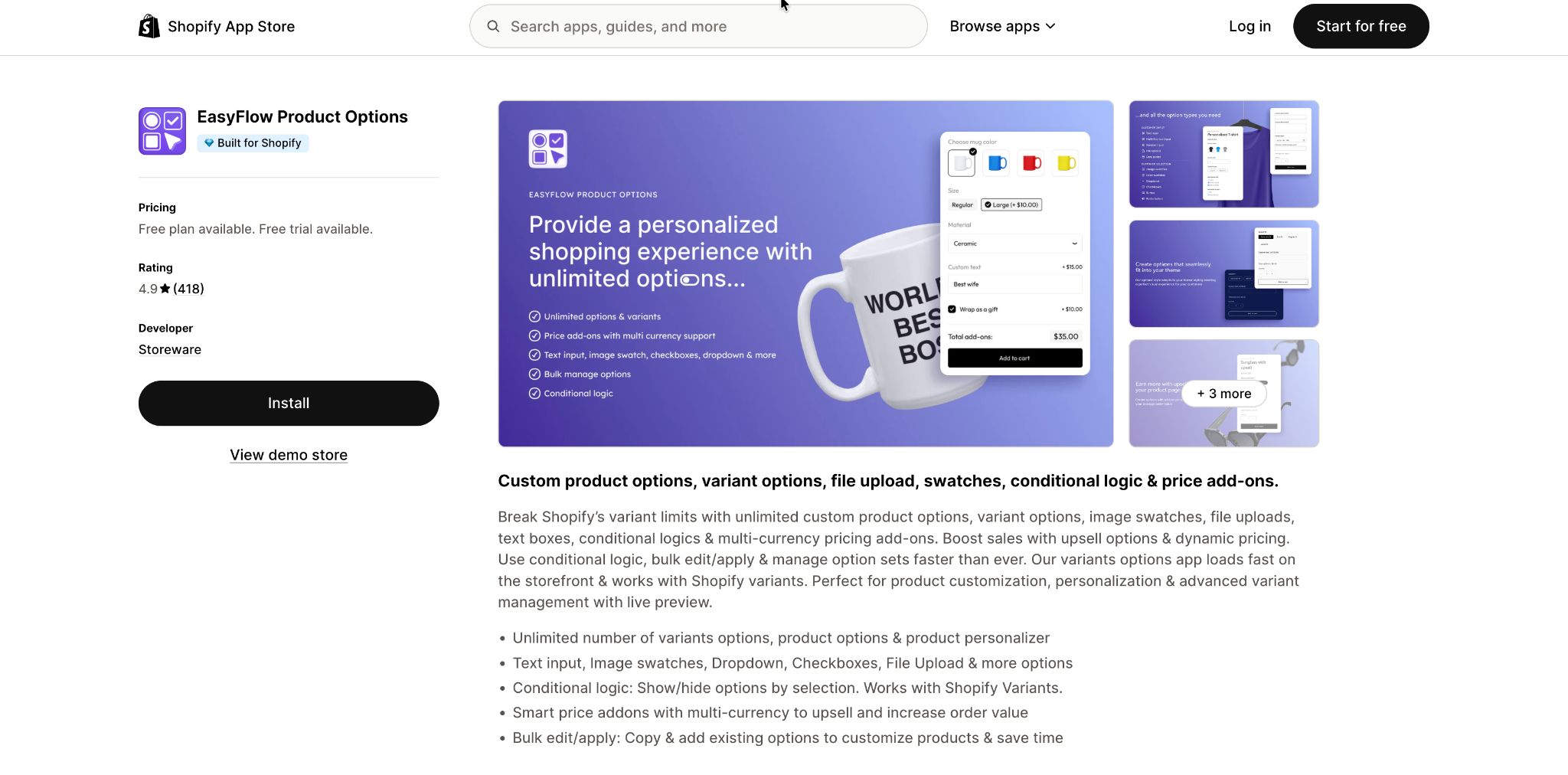
If your store sells customizable products, the first strategy to install is product options with price add-ons and conditional logic. You can add EasyFlow to the Shopify App Store in minutes and start capturing customization upsells the same day.