
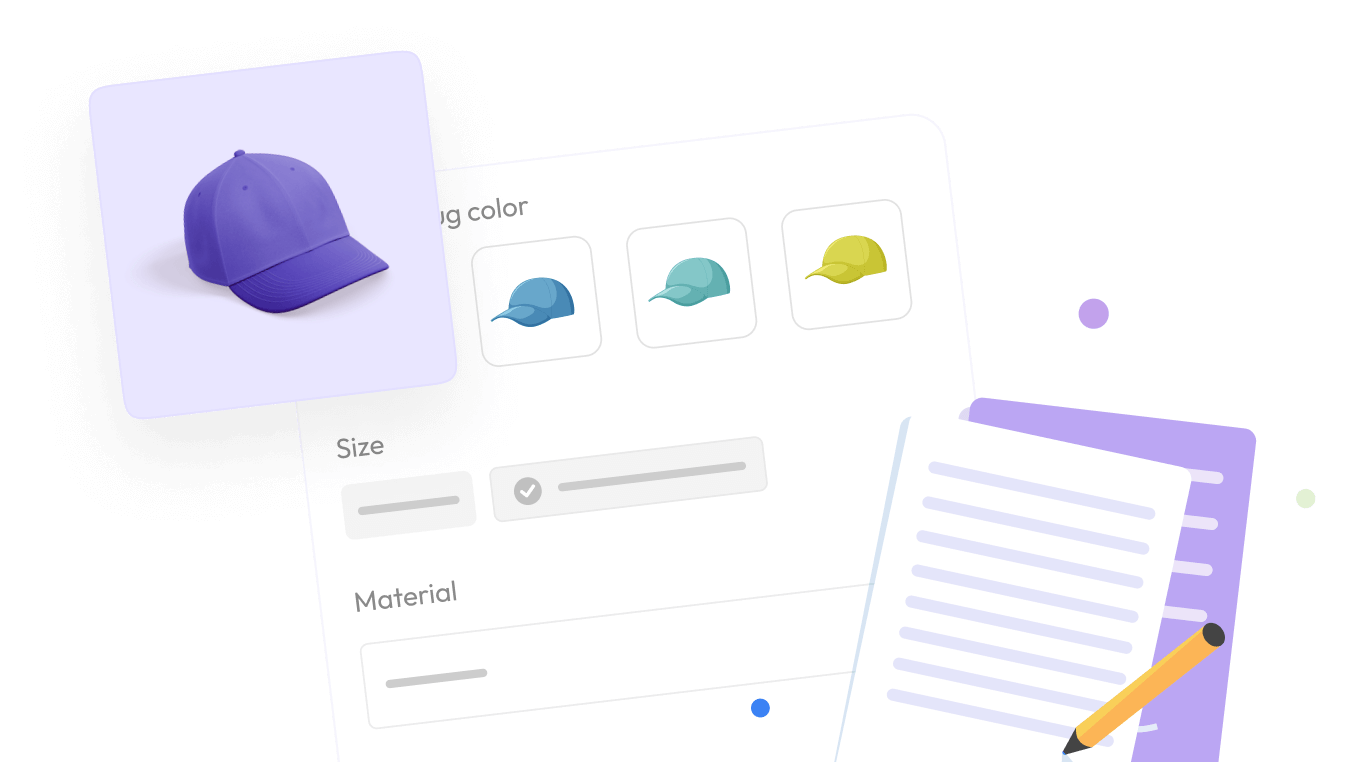

If you run a store with customizable products, you already know the quiet tax that comes with it. Every engraving field, every color swatch, every “add gift wrap?” checkbox is a small win for your customers and one more thing for you to keep track of. Multiply that across a few hundred products and answering a simple question, like which items still do not have options attached, turns into a scrolling expedition.
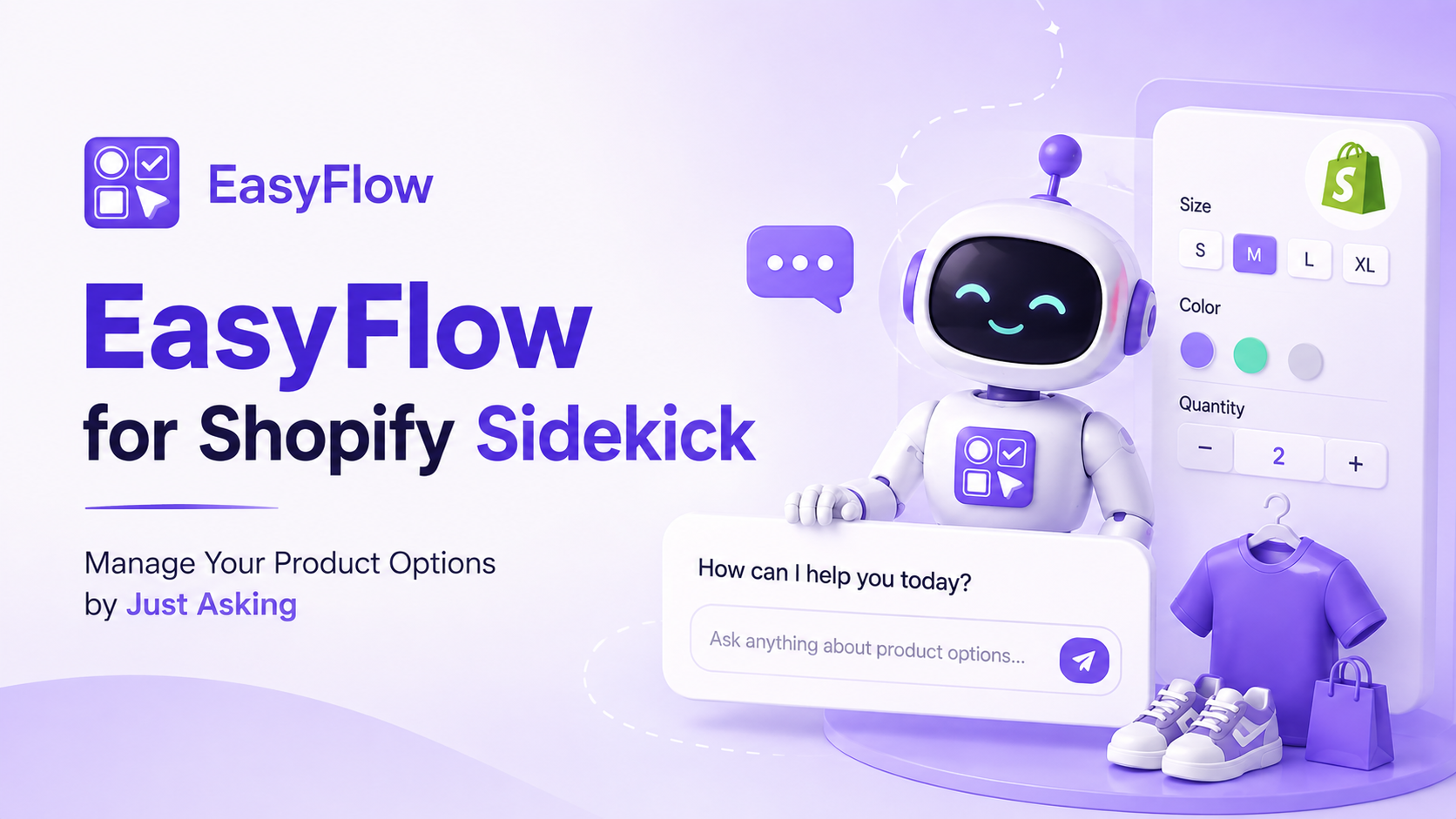
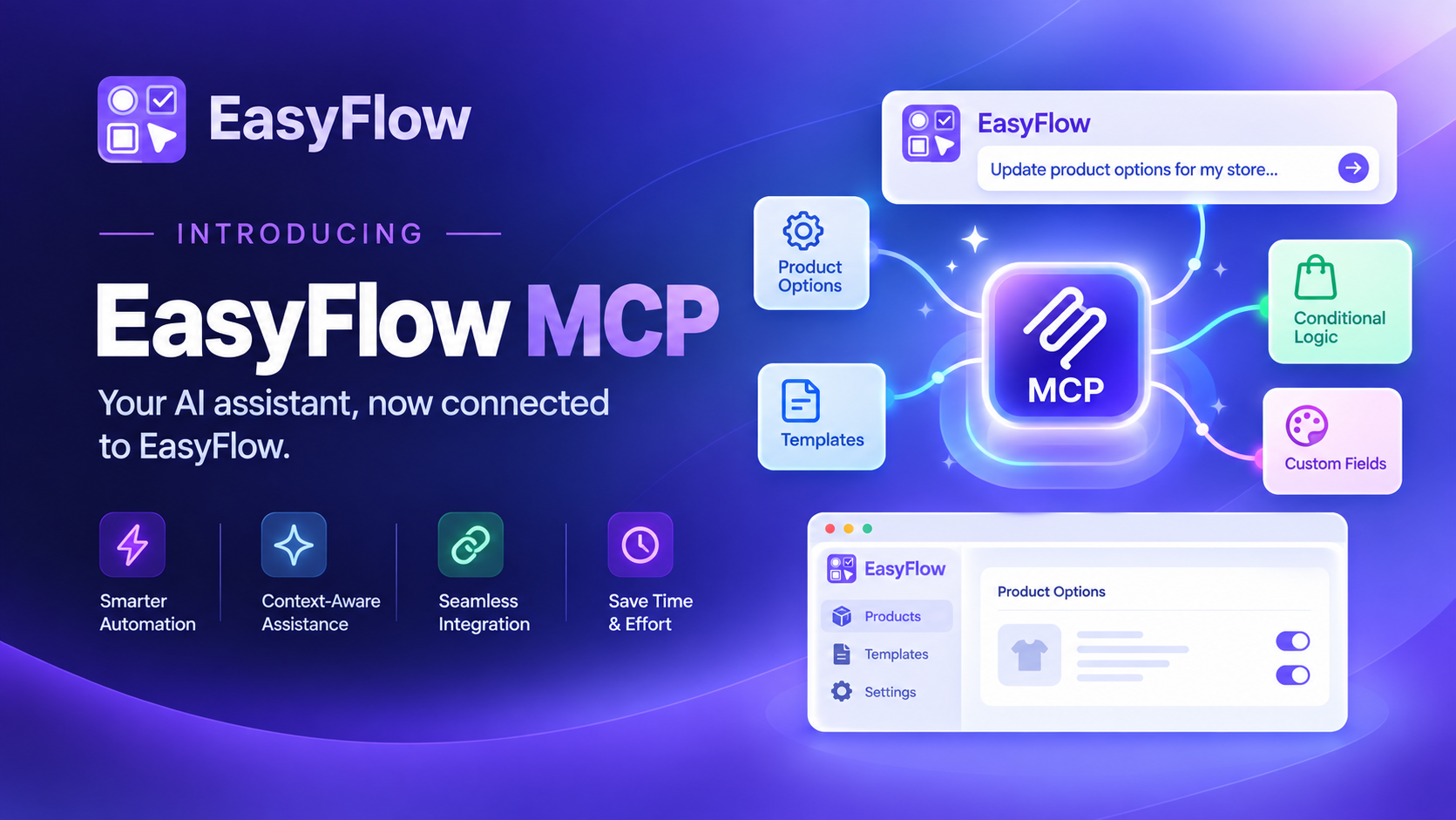
That’s the friction we set out to remove. EasyFlow for Shopify Sidekick is now live, and it lets you get answers about your product options the same way you’d ask a colleague: in plain language, right inside your Shopify admin.
The Problem with Managing Product Options in Shopify at Scale
Product customization sells. Shoppers who personalize what they buy tend to spend more and return less. But the operational side rarely gets easier as you grow. Option sets pile up, conditional rules multiply, and price add-ons need the occasional audit to make sure nothing is slipped. None of it is hard on its own — it is the constant tab-switching and dashboard-digging that eats the afternoon.
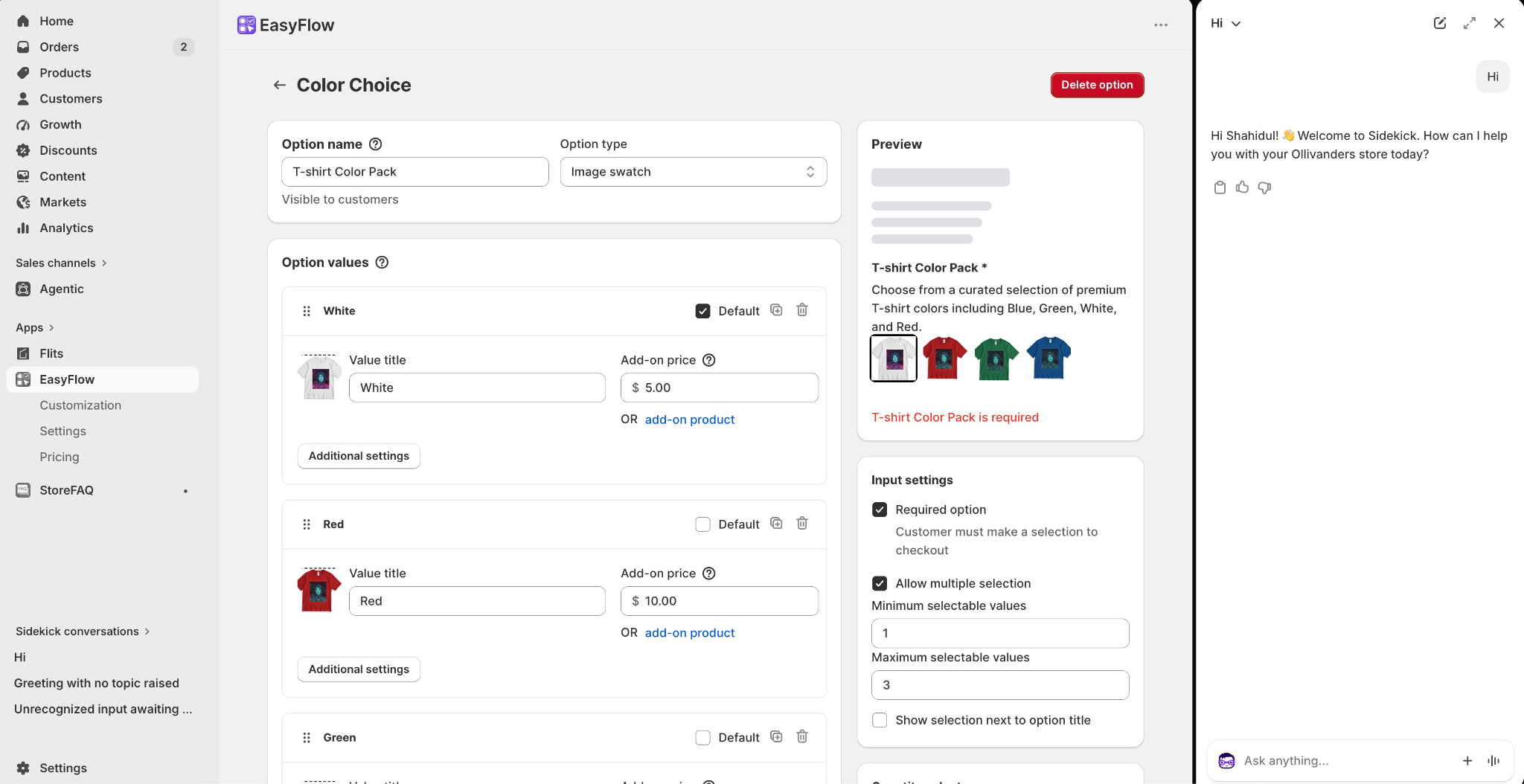
Most tools answer this with more dashboards. We think the better answer is fewer clicks. If the data already lives in EasyFlow, you should not have to go hunting for it — you should just be able to ask.
A Quick Overview of Shopify Sidekick
Shopify Sidekick is the AI assistant baked into the Shopify admin. It first showed up back in July 2023 as a chat helper for admin questions, and it has grown up considerably since. By 2026, it can draft campaigns, spin up small apps, and pull real numbers from your store, all through conversation.
A few things make it genuinely handy for merchants: it is free on every Shopify plan, it understands both typed and spoken questions across all 20 admin languages, and it works on desktop and mobile without any setup. Because it is native to Shopify, it already has context on your products, orders, and settings.
The turning point for apps like ours came with the Shopify Spring 2026 Edition. Shopify put Sidekick on every admin screen and, crucially, opened it up to third-party apps through App Extensions. In plain terms: an approved app can now feed its own data into a Sidekick conversation, so the assistant can speak to far more than Shopify’s built-in features.
What “EasyFlow for Shopify Sidekick” Actually Means
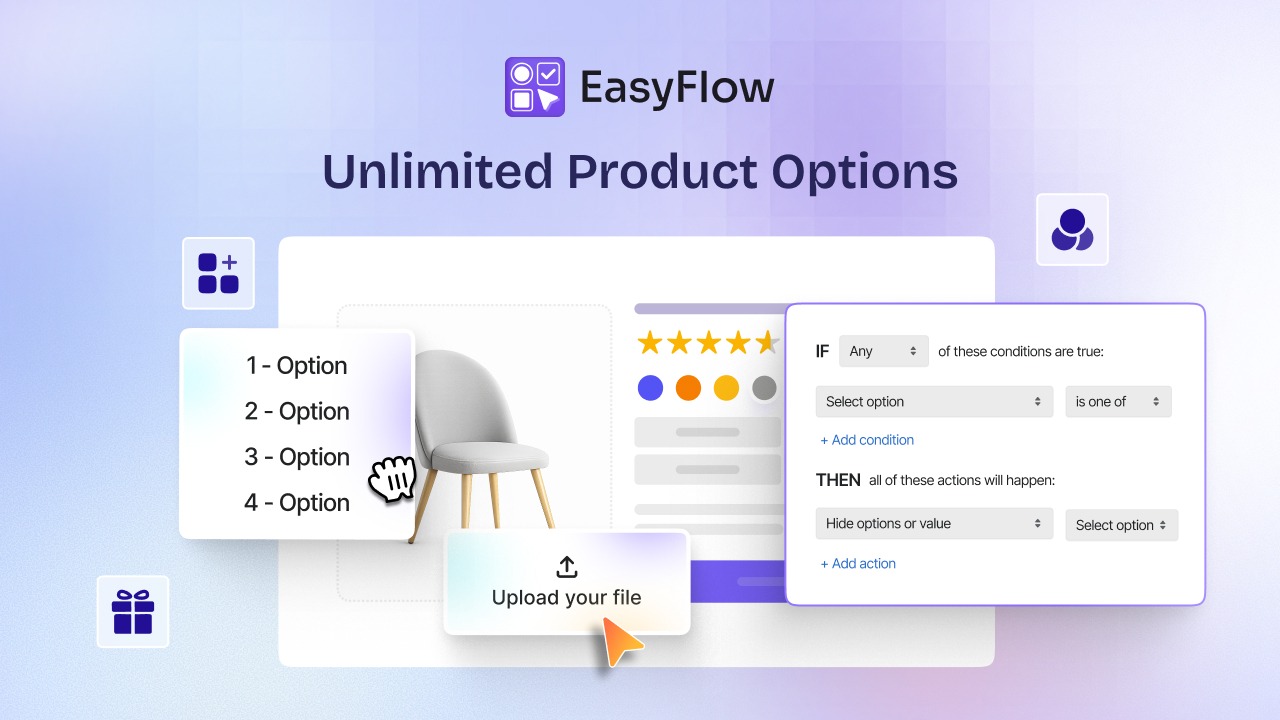
EasyFlow is a Built for Shopify product options app — it powers unlimited options and variants, conditional logic, price add-ons, file uploads, swatches, and reusable option sets for thousands of stores. Connecting it to Sidekick as an App Extension means all of that setup data becomes something you can simply talk to.
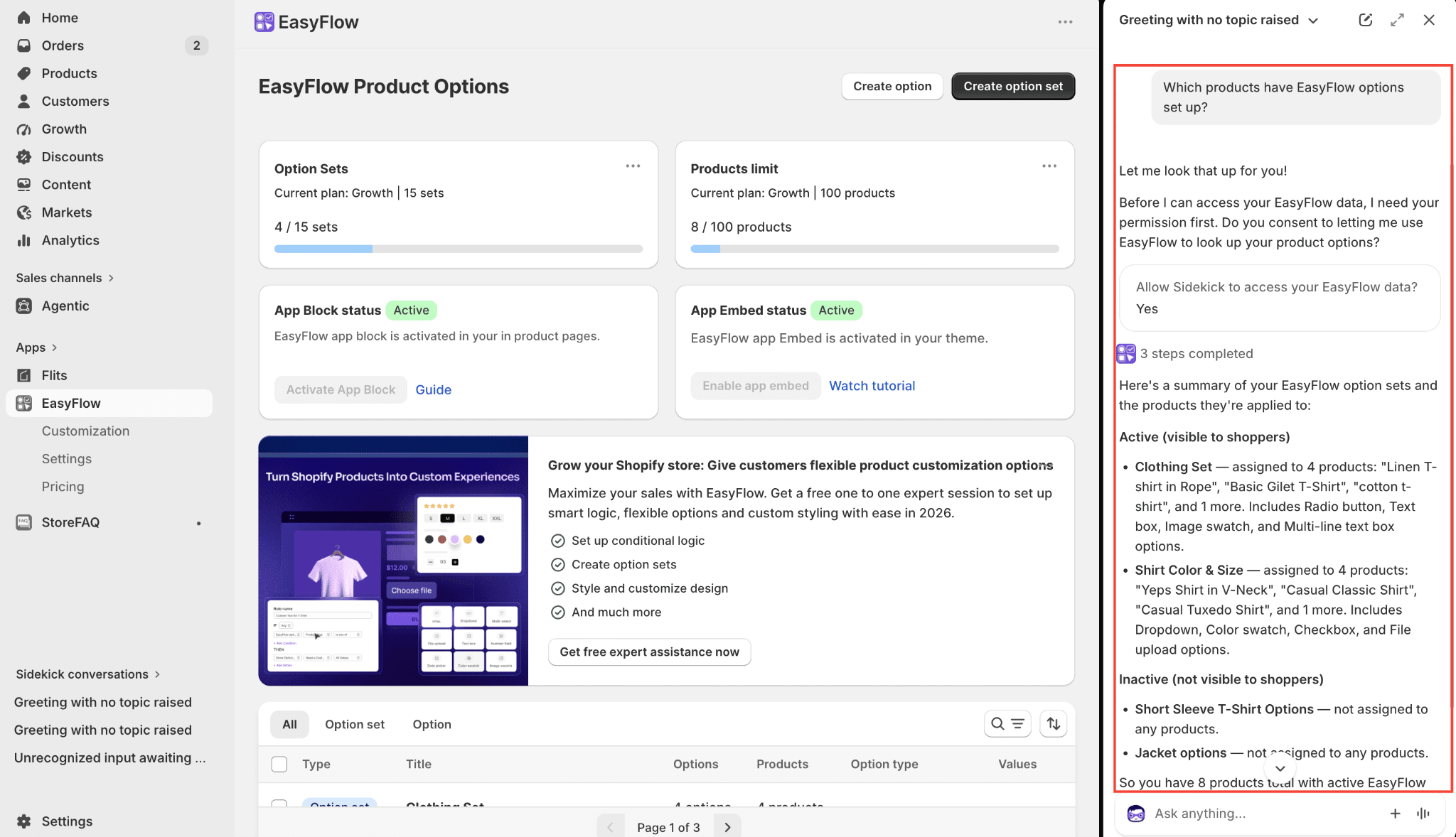
Ask Sidekick a question about your options, and it reaches into EasyFlow, grabs the relevant details, and hands them back in the chat. There is no separate report to run and no dashboard to open first. The information you’d normally click three or four screens to find arrives in a sentence.
What this unlocks, practically:
- See at a glance which products already have options or variants applied, and which don’t.
- Spot products missing an option set so you can extend customization where it will actually move revenue.
- Review the conditional logic and price add-ons tied to specific products without opening each one.
- Get a quick read on your configuration when you just need a fact, not a full audit.
The point is not to replace the EasyFlow dashboard; it is to save you the trip when all you needed was an answer.
Questions You Can Ask On Day One
The nice part about a conversational tool is that you don’t have to memorize commands. Phrase things however feels natural. A few starting points:
- “Which products have EasyFlow options set up?”
- “Show me products that do not have any option sets yet.”
- “What conditional rules are running on my customizable products?”
- “Which options have price add-ons attached?”
Sidekick interprets the intent, pulls from EasyFlow, and answers against your live store — so what you see reflects the real state of your catalog in that moment, not a stale export. From there you can keep narrowing: if it lists eight products without options, ask it to focus on your best-sellers first.
Getting Set Up in Under a Minute
There is genuinely not much to it. First, make sure EasyFlow is installed. If it is not yet, grab it from the Shopify App Store. Find the installation walkthrough in the EasyFlow docs. Once it is on your store, the Sidekick connection is available automatically. Nothing to toggle, nothing to configure.
Then open Sidekick. Look for the purple glasses icon in the top bar of your admin and click it. You can also open a fresh chat from the “Sidekick Conversations” panel on the left — both land you in the same place.
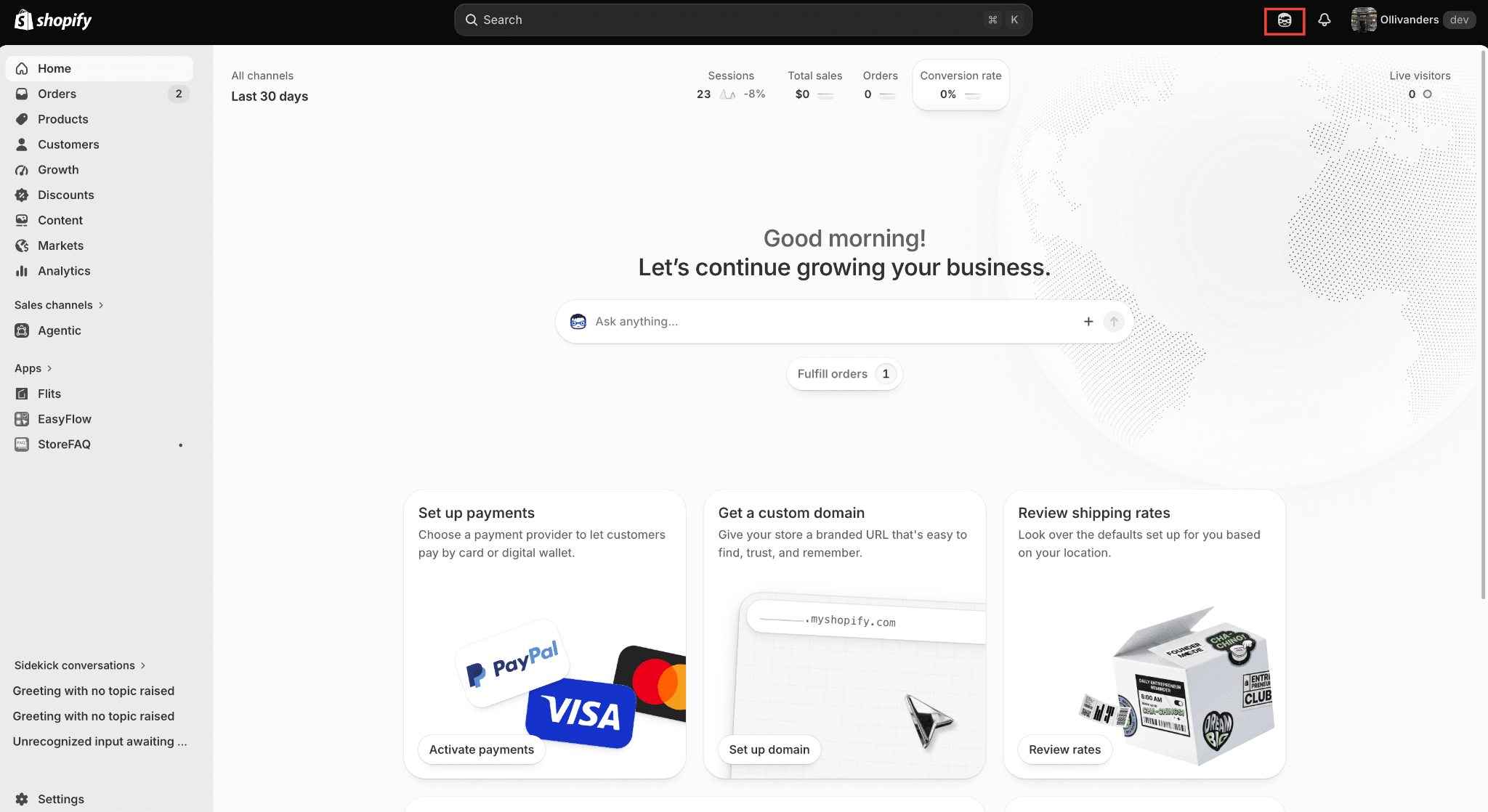
Then just ask. Type or use voice mode, describe what you want to know about your options, and let Sidekick pull the answer from EasyFlow.
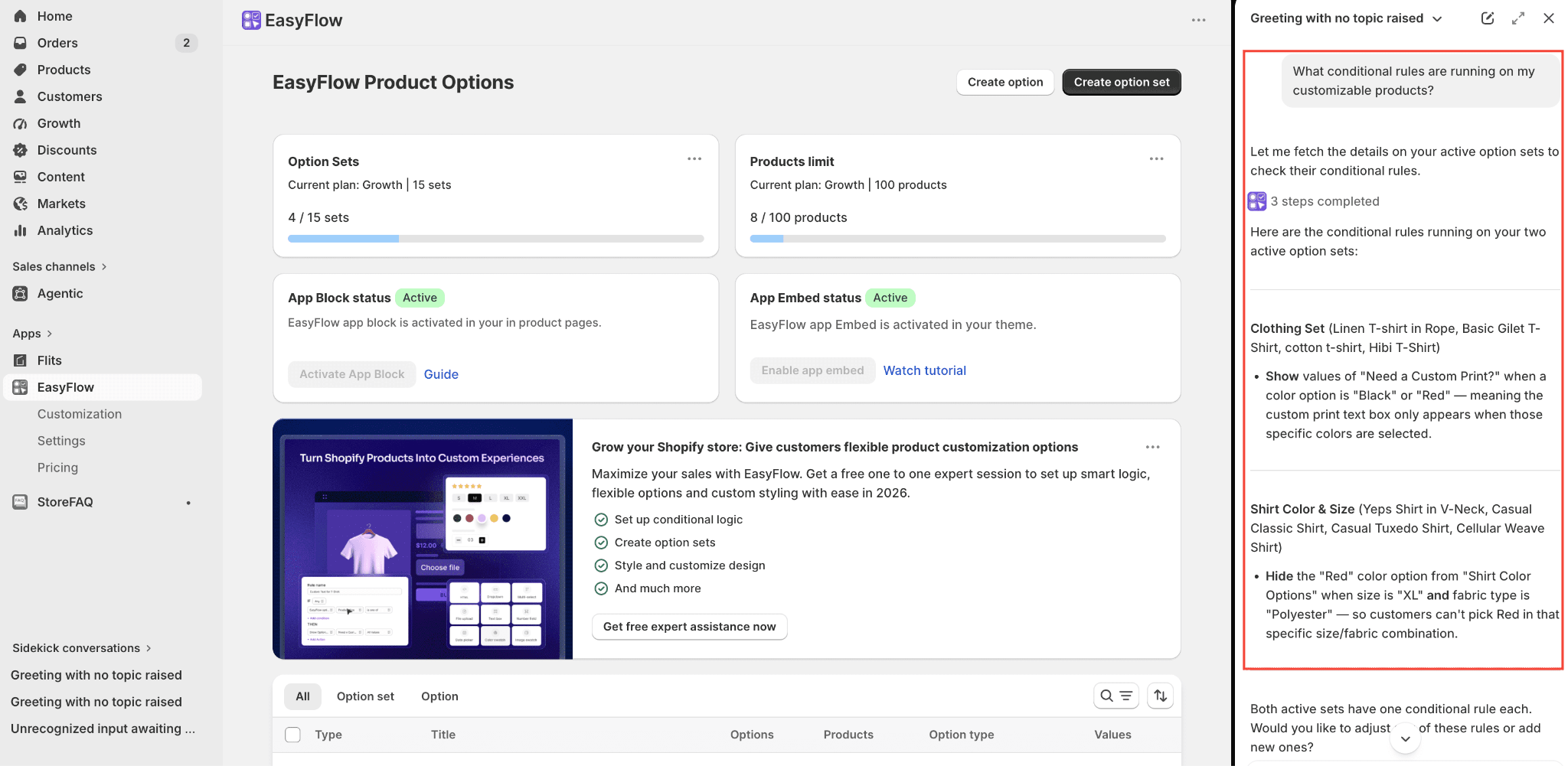
Give it a try on your own store and see how much faster a quick options check becomes. If anything trips you up, the EasyFlow support team is around to help.
Frequently Asked Questions
What is the EasyFlow for Shopify Sidekick integration?
It is an App Extension that lets Shopify’s Sidekick assistant read your EasyFlow data. You can ask about product options, option sets, conditional logic, and price add-ons in plain language and get answers inside your admin — no dashboard required.
Do I have to set anything up first?
No. As long as EasyFlow is installed on your store, the Sidekick connection is ready to go. Open Sidekick and start asking.
What can I actually ask about?
Anything tied to your EasyFlow setup — which products have options, which are missing option sets, what conditional rules are active, and which options carry price add-ons.
Can Sidekick create or edit options for me?
Not directly. It surfaces information and points you to what needs attention, but the actual changes are made in EasyFlow. Think of it as the fastest way to find what to fix, not the tool that applies the fix.
Who can use this?
The Sidekick App Extension ships as part of EasyFlow on Shopify, so any store with EasyFlow installed can use it.
How is this different from opening EasyFlow directly?
The dashboard is still where you build and manage everything in detail. Sidekick is the shortcut for quick lookups — same underlying data, far fewer clicks to get a single answer.