

Most Shopify merchants treat sales planning as a finance exercise. A spreadsheet built once at the start of the year, filled with optimistic growth numbers, then forgotten by March. The result is a plan that has nothing to do with how the store actually runs, and a founder who never gets the value of planning in the first place. That is why you need a proper sales plan for your Shopify store.
The truth is that eCommerce sales planning has its own discipline. It combines forecasting, seasonal demand, product mix, customer acquisition, and operational reality into a single working document. Treat it as a static spreadsheet and you miss the point. Treat it as an operating system and it becomes the strongest revenue lever you have.
This guide walks through the 7 components of a working Shopify sales plan, how to build each one without enterprise tools, and how product configuration choices affect your forecast in ways most planning guides ignore. Whether you are running a single-product store or a B2B Shopify catalogue, the framework scales.
Quick Summary / TL;DR
Here is everything in 60 seconds:
- eCommerce sales planning is different from B2B sales planning. It combines forecasting, seasonal demand, product mix, AOV strategy, customer acquisition, and inventory into one operating document.
- A real Shopify sales plan has 7 core components: revenue goals, sales forecast, product mix and AOV plan, promotional calendar, customer acquisition plan, inventory and cash flow plan, and channel and traffic plan.
- Q4 generates 30 to 40 percent of annual revenue for most Shopify stores. Black Friday and Cyber Monday alone account for 15 to 25 percent of yearly sales.
- Forecasts should be built in three scenarios: optimistic, realistic, and conservative. The 6 to 12 month range is the sweet spot. Anything beyond a year becomes unreliable.
- Product mix and customization are not separate from sales planning. Every product option you offer affects your AOV, margin mix, and forecast accuracy.
- The plan only works if you review it monthly and update it quarterly. A static plan does nothing.
What Is eCommerce Sales Planning and How Does It Differ from B2B Sales Planning?
eCommerce sales planning is the practice of building a structured, data-backed view of how your Shopify store will generate revenue over a defined period (usually a year, often broken into quarterly and monthly views). It connects your revenue goals to the specific levers that will deliver them: traffic, conversion, average order value, repeat purchase, and product mix.
In simple terms, your sales plan answers four questions. How much revenue do you intend to generate? Where will it come from? What needs to happen for the plan to land? And what will you do if reality breaks from the plan?
What eCommerce Sales Planning Includes That B2B Does Not
B2B sales planning focuses on pipeline, sales rep capacity, deal velocity, and quota allocation. eCommerce sales planning focuses on traffic acquisition, conversion rates, average order value, repeat purchase rates, and seasonal demand cycles. The mechanics are different because the buying journey is different. There are no quotas, no sales calls, and no negotiated contracts. There is a product, a checkout, and a calendar.
Why Every Shopify Store Needs One
Even small Shopify stores benefit from a sales plan. According to foundational Shopify business plan research, founders who plan unit economics in advance spot LTV-to-CAC problems before they burn through capital, while those who do not often discover the problem only after spending tens of thousands on ads. The plan is what turns reactive operations into intentional growth.
What Are the Core Components of a Shopify Sales Plan?
A real Shopify sales plan has 7 interlocking components. Skip any of them and the plan develops a blind spot.
| Component | What It Answers | Key Inputs | Common Mistake |
| Revenue goals and benchmarks | What revenue do you intend to hit | Prior-year revenue, growth rate, market benchmarks | Setting goals without benchmarks |
| Sales forecast and revenue projection | What is most likely to happen | Historical sales, seasonality, and planned campaigns | Single-scenario forecasts |
| Product mix and AOV plan | Where revenue comes from inside the catalogue | SKU contribution, AOV by category, customization | Treating product mix as fixed |
| Promotional calendar | When you run campaigns | Retail calendar, peak windows, margin targets | Discounting reactively, not strategically |
| Customer acquisition and CAC plan | How buyers will arrive | Channel mix, CAC by channel, LTV target | Ignoring LTV when setting CAC |
| Inventory and cash flow plan | What you need on hand to deliver | Lead times, safety stock, supplier terms | Underordering or overordering for peaks |
| Channel and traffic plan | Where the traffic will come from | Organic, paid, email, social, referral mix | Over-relying on a single channel |
How The Components Connect
These are not separate documents. They feed into each other. Your revenue goal sets the forecast. The forecast informs your inventory plan. Your promotional calendar drives the traffic plan. Your product mix shapes the AOV plan. A working sales plan ties all of these into one document that you can update as the year unfolds.
How Do You Create a Sales Forecast for Your Shopify Store?
Forecasting is the analytical core of your sales plan. It turns ambition into numbers you can test against reality. Here is the process that works for most Shopify stores.
1. Pull And Clean Your Historical Shopify Data
Start with the last 12 to 24 months of revenue data from Shopify Analytics. Export by month, by product category, and by channel. Clean out anomalies (a viral TikTok day that will not repeat, a stock-out month that depressed sales) so your baseline reflects normal performance.
2. Pick a Forecasting Method
Different methods suit different stores. Veeqo’s guide to eCommerce demand forecasting walks through three common ones:
- Moving averages. Average the last 3, 6, or 12 months to smooth out noise. Best for stable, slow-growth stores.
- Exponential smoothing. Gives more weight to recent months. Best for stores in a growth or decline phase.
- Regression analysis. Models the impact of specific variables like promotions, ad spend, and seasonality. Best for mature stores with enough data.
3. Build Three Scenarios
Never forecast a single number. Build optimistic, realistic, and conservative scenarios. The optimistic version assumes most things go right. The realistic version is your baseline. The conservative version assumes a tough quarter, a missed promo, or a soft channel. The gap between scenarios is your planning headroom.
4. Adjust For Seasonality
Most Shopify stores generate 25 to 40 percent of annual revenue in Q4 alone. A straight-line forecast that ignores this will overshoot Q1 and undershoot Q4. Use the 4-5-4 retail calendar (the standard structure for retail planning that splits the year into 4-, 5-, and 4-week blocks) to align your forecast with how shopping behaviour actually flows. Reference sales forecasting fundamentals from Asana for a clear primer on seasonality adjustment.
5. Validate Against eCommerce Benchmarks
If your forecast says you will grow 200 percent next year and the industry is growing at 10 percent, the burden of proof is on you. Validate your numbers against Shopify revenue forecasting benchmarks and your own historical patterns before locking the plan.
How Do Product Options And Customization Affect Your Sales Plan?
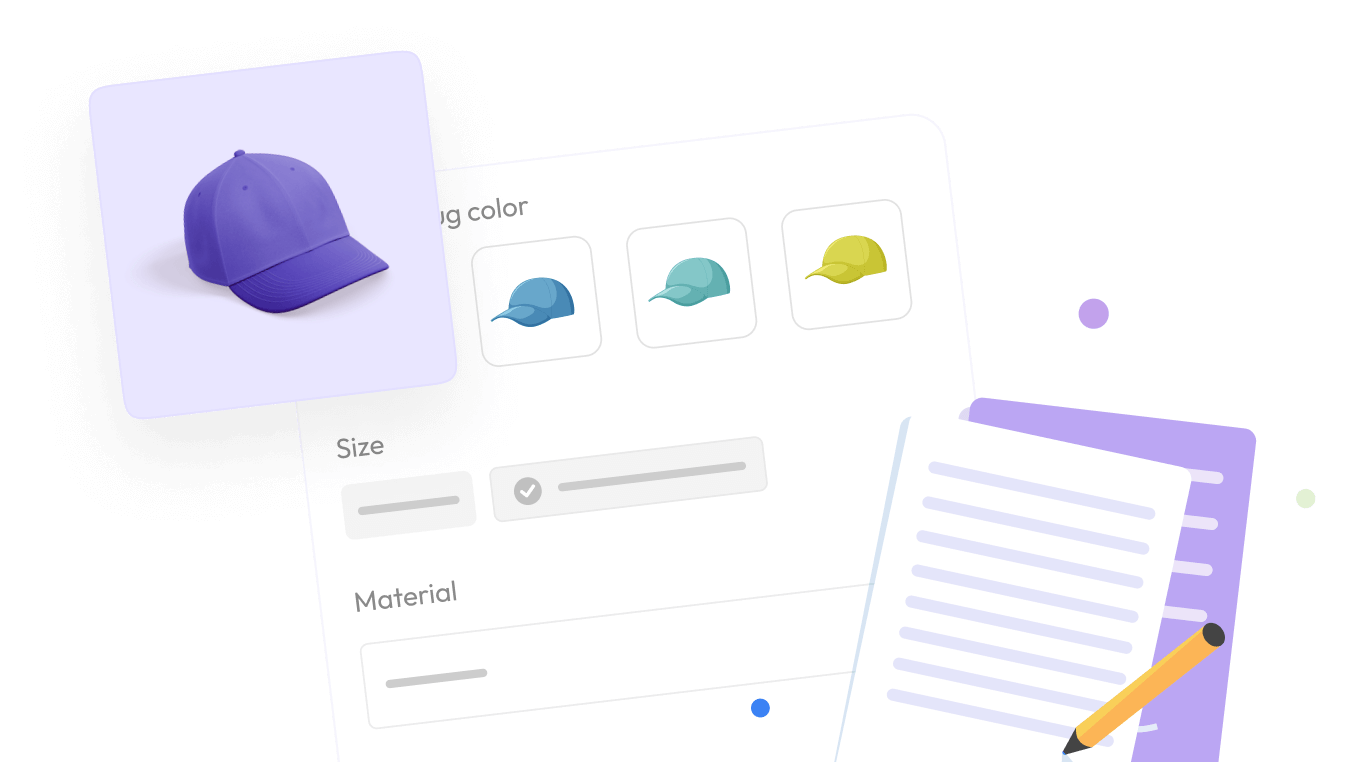
This is the part of sales planning most guides ignore. Your product mix and how customers can configure your products are not fixed inputs. They are levers you can actually pull to change the shape of your sales plan.
1. Why Product Mix Is A Sales Planning Lever, Not A Fixed Input
The mix of products customers buy directly shapes your average order value, your margin profile, and your inventory needs. A store selling 80 percent of its revenue from a single product is exposed to that product running out, becoming unfashionable, or being undercut by a competitor. Your sales plan should include a target mix, not just a forecast of last year’s mix repeating.
2. How Custom Product Options Change AOV Math
When you let customers configure a product with add-ons, upgrades, materials, or personalization, you change the AOV (Average Order Value) math.
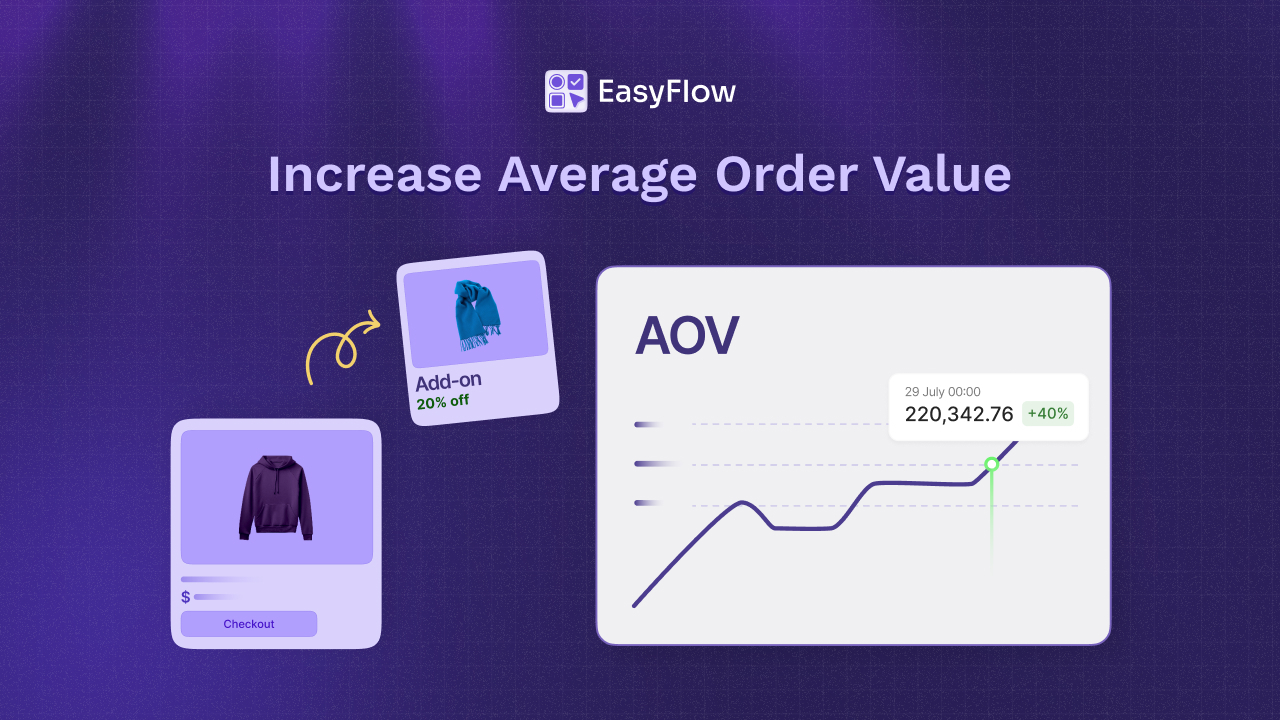
A custom apparel store selling a $30 base shirt with optional $10 engraving, $5 gift wrapping, and a $15 rush upgrade has a real AOV well above $30 even before any upsell. These customization upgrades show up in your forecast as margin lift, not just revenue lift.
3. Using Configurations To Plan Margin, Not Just Volume
This is why product configuration belongs inside your sales plan. EasyFlow is a Shopify app built specifically for this layer.
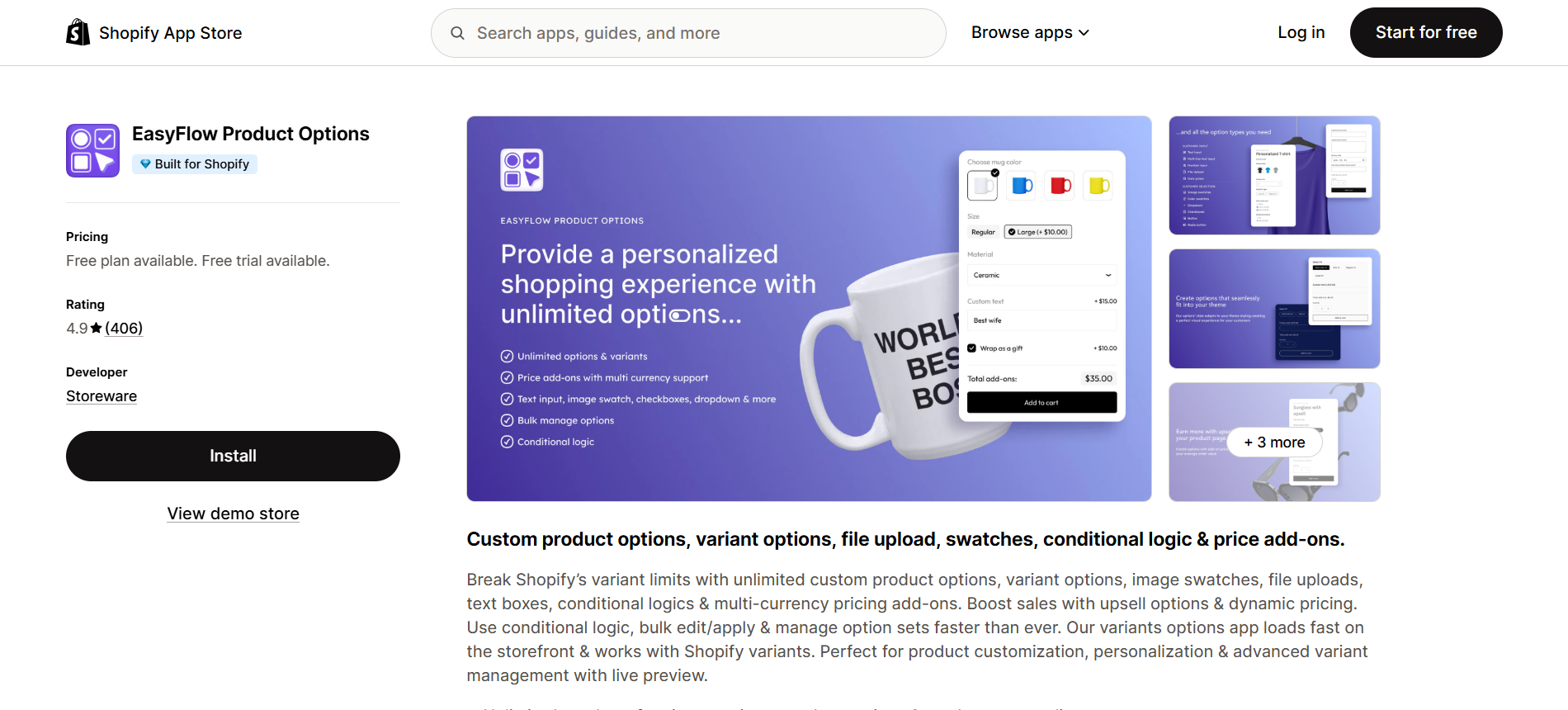
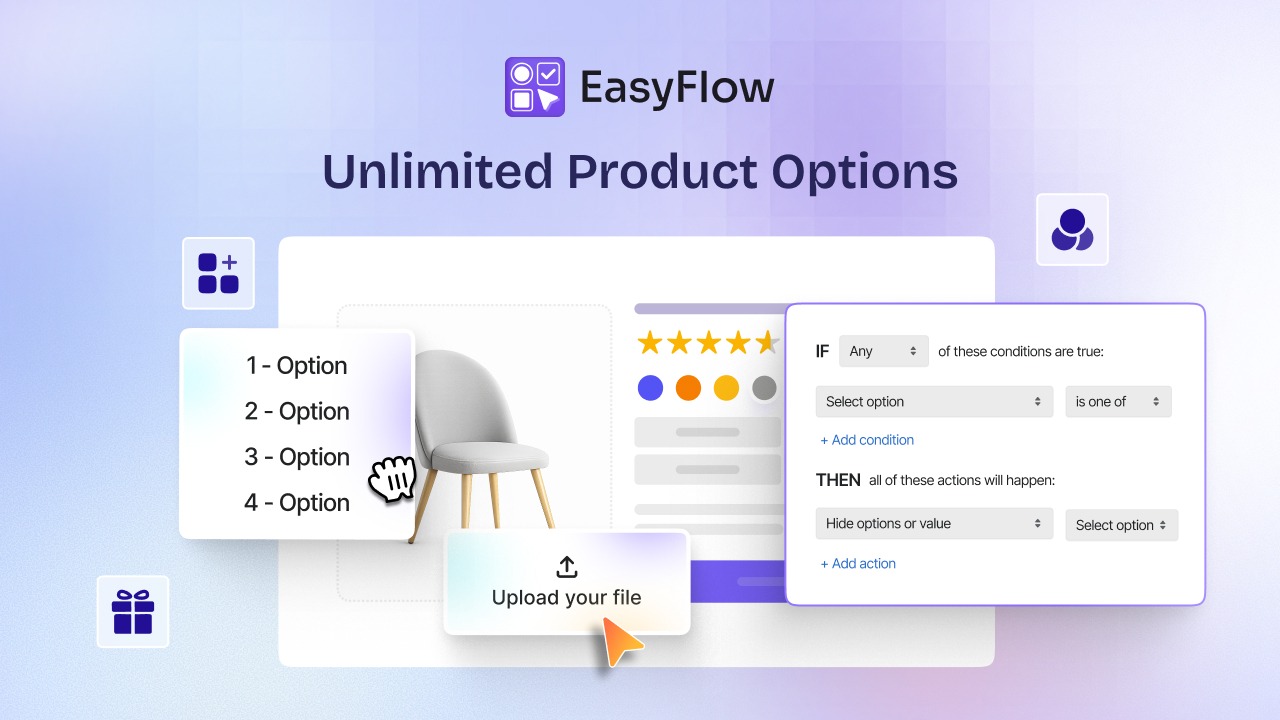
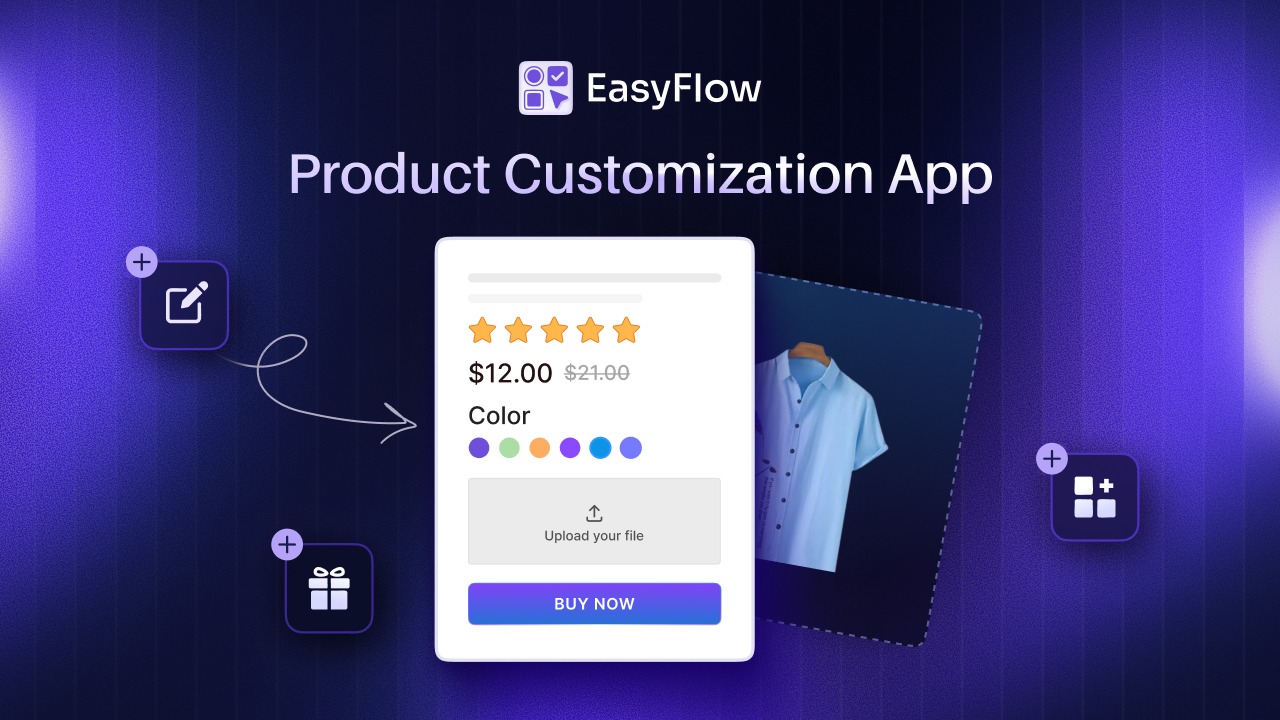
It lets merchants add custom options, file uploads, conditional logic, and price add-ons to any product page without code. When you plan your year, you can include AOV uplift targets driven by customization features, not just by hoping customers spend more.
4. Building Customization Into Your Operating Plan
As your customization program grows, it needs to become part of your day-to-day operating plan, not just an add-on to your storefront. The right configuration tools help you manage complex product options without creating friction for shoppers, while also ensuring pricing, fulfillment, and revenue forecasting stay aligned.
By combining conditional logic with flexible price add-ons, you can deliver a smoother buying experience and capture the full value of every customization request.
The Role Of Conditional Logic in Keeping Product Pages Clean
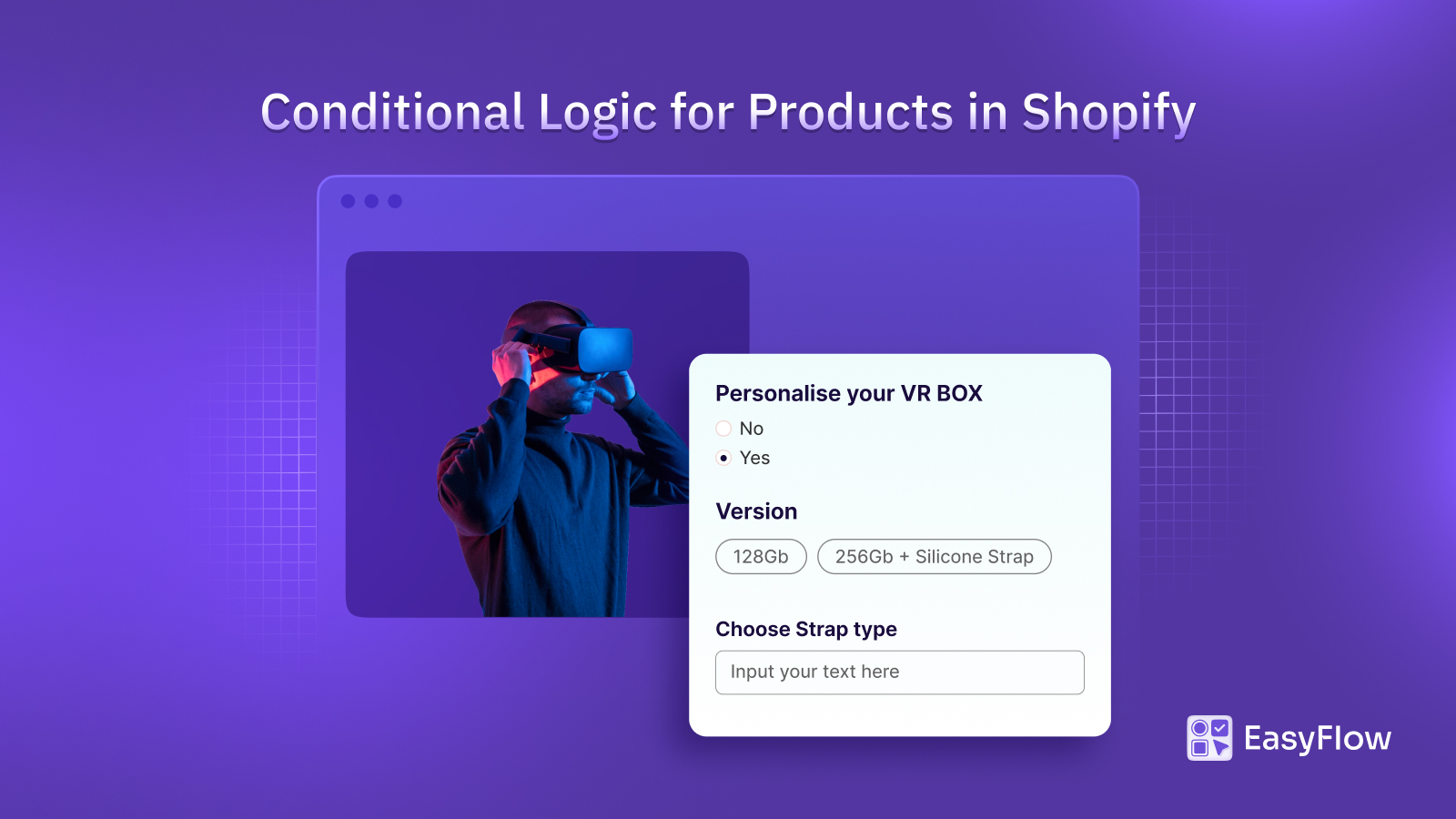
Long option lists overwhelm shoppers and tank conversion. With conditional logic rules, you can show or hide options based on what a customer has already selected. The product page stays clean while the underlying configuration captures every detail your fulfillment team needs.
How Price Add-ons Surface Revenue You Can Not Capture With Native Variants
Shopify’s native variant system handles 3 options and 100 to 2,048 variants, depending on plan. It does not handle file uploads, conditional pricing, or per-option add-on fees cleanly. The price add-ons feature inside EasyFlow lets you charge for customizations automatically and bring that revenue into your forecast as a planned line item.
How Should You Build a Seasonal Promotional Calendar?
Your promotional calendar is the second-most important part of your sales plan after the forecast. It is where your forecast meets reality.
1. The 4 Biggest Revenue Windows
For most Shopify stores, four periods drive a disproportionate share of annual revenue. Black Friday and Cyber Monday (BFCM) generate 15 to 25 percent of yearly sales for many stores. Christmas and the December gifting season run from late November through mid-December.
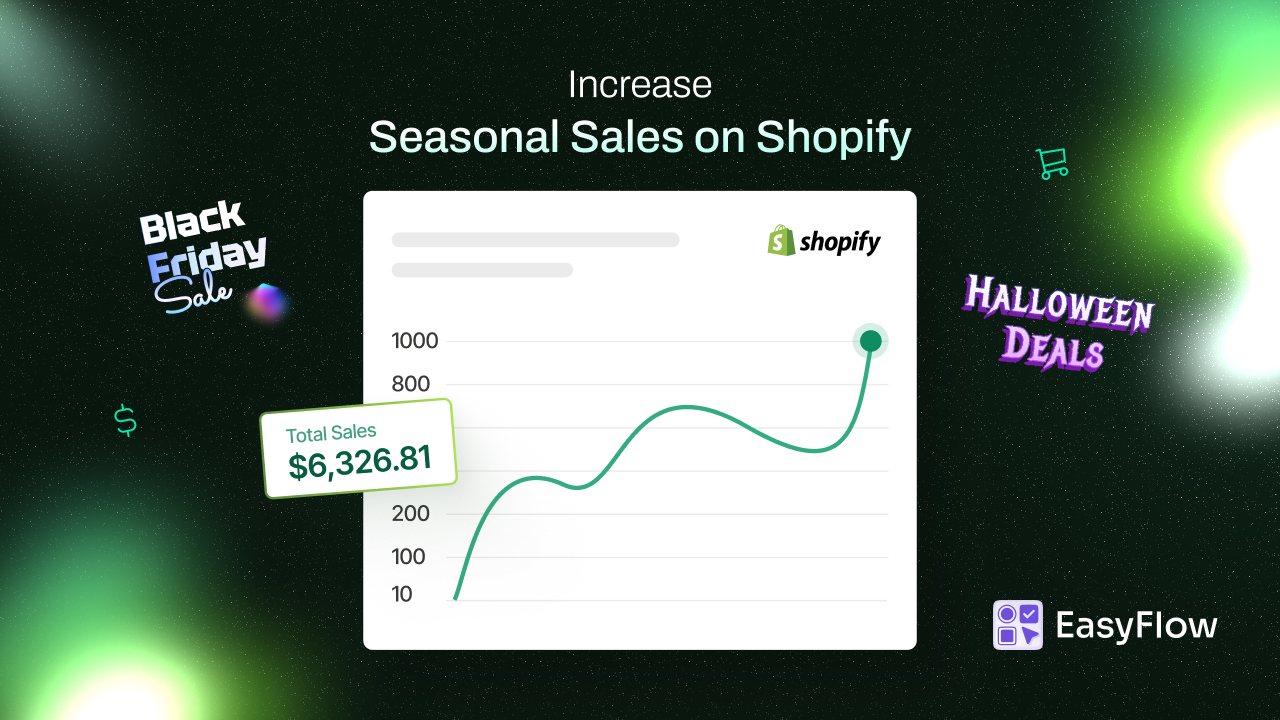
Mother’s Day and Father’s Day drive a sharp spike for gift-oriented categories. Summer (mid-June through late August) is its own peak for outdoor, travel, and apparel brands. Reference Shopify’s 2026 retail holiday calendar for exact dates and the underlying 4-5-4 structure.
2. How To Fill Quieter Months Without Discounting Margin Away
Most stores have 5 to 7 quieter months that need attention but should not become discount months. Use product launches, bundles, and customization upgrades to drive revenue without eroding margin. New colors, limited-edition customizations, and add-on bundles all create reasons to buy that do not depend on cutting prices.
3. Aligning Inventory With Promotional Spikes
A promotional calendar is only useful if your inventory plan supports it. The standard formula for inventory planning is forecasted units plus safety stock minus current inventory. Safety stock is typically 20 to 30 percent of forecasted units, and 40 to 50 percent for known seasonal peaks. Plan supplier lead times back into your calendar so you order in time, not after demand has already started.
4. Planning AOV Upgrades For High-traffic Days
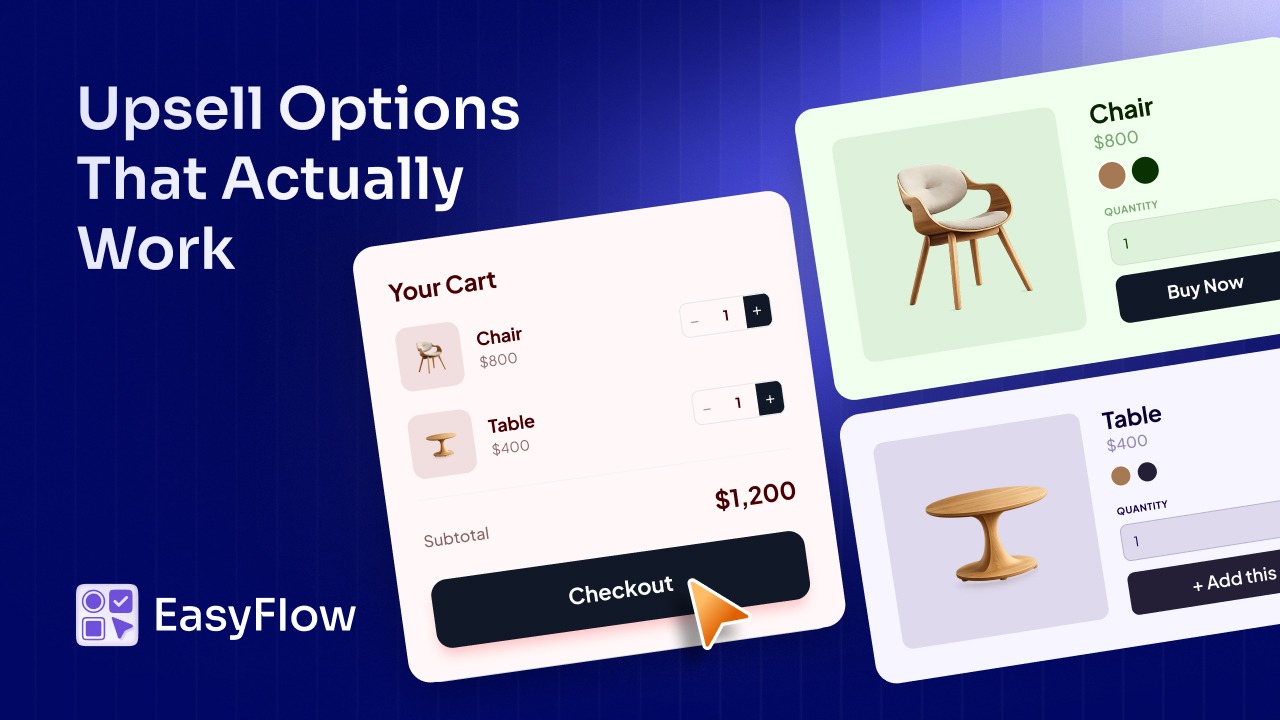
High-traffic days are also high-AOV opportunities. Plan customization upgrades (gift wrapping, personalization, expedited production) into your peak campaigns. A BFCM shopper buying a $50 product who adds a $10 personalization upgrade does not feel the price increase the way they would on a quiet Tuesday in February.
How Do You Track And Adjust Your Sales Plan Over Time?
A sales plan that sits in a folder does nothing. The value comes from reviewing it on a regular cadence and adjusting when reality breaks from plan.
1. The 5 Metrics to Monitor Monthly
Track these every month against plan:
- Revenue versus forecast, broken out by channel
- Conversion rate overall and by major product page
- Average order value versus AOV plan
- Customer acquisition cost versus CAC budget by channel
- Inventory weeks of cover versus safety stock targets
2. When To Update Your Forecast
Update the forecast quarterly at a minimum, and monthly during peak windows. If a major channel changes (ad costs spike, an SEO algorithm update hits, a new platform launches), update sooner. The 6 to 12 month forecast horizon stays the sweet spot. Anything longer than that introduces too much uncertainty to act on.
3. How To Respond To Big Variance From Plan
Variance against the plan is not failure. It is a signal. If revenue is below plan, work backward through the funnel: was traffic down, conversion down, AOV down, or some combination? Diagnose the specific lever, then adjust. If revenue is above plan, the same logic applies in reverse: which lever drove the gain, and how do you double down on it without breaking margin?
4. Tools Worth Using Inside The Shopify Ecosystem
Shopify Analytics covers the basics for most stores. For deeper forecasting, look at dedicated tools like Inventory Planner, 8fig, or basic Google Sheets models built on top of exported Shopify data. The tool matters less than the discipline of running the review on a regular cadence.
Recommended Apps to Strengthen Your Shopify Sales Plan
Your sales plan defines the strategy. Using the right apps helps you strengthen it and helps in how you execute it. A strong sales plan is not just about having tools that directly contribute to growing your revenue.
Despite not being directly related to sales and revenue, there are several aspects of a growth plan that you need to focus on as well. For example, optimizing your Shopify store for SEO and visibility, enhancing your store’s customer support experience, growing credibility, etc. Focusing on these helps you build a stronger and sustainable sales plan and many Shopify store owners completely ignore it.
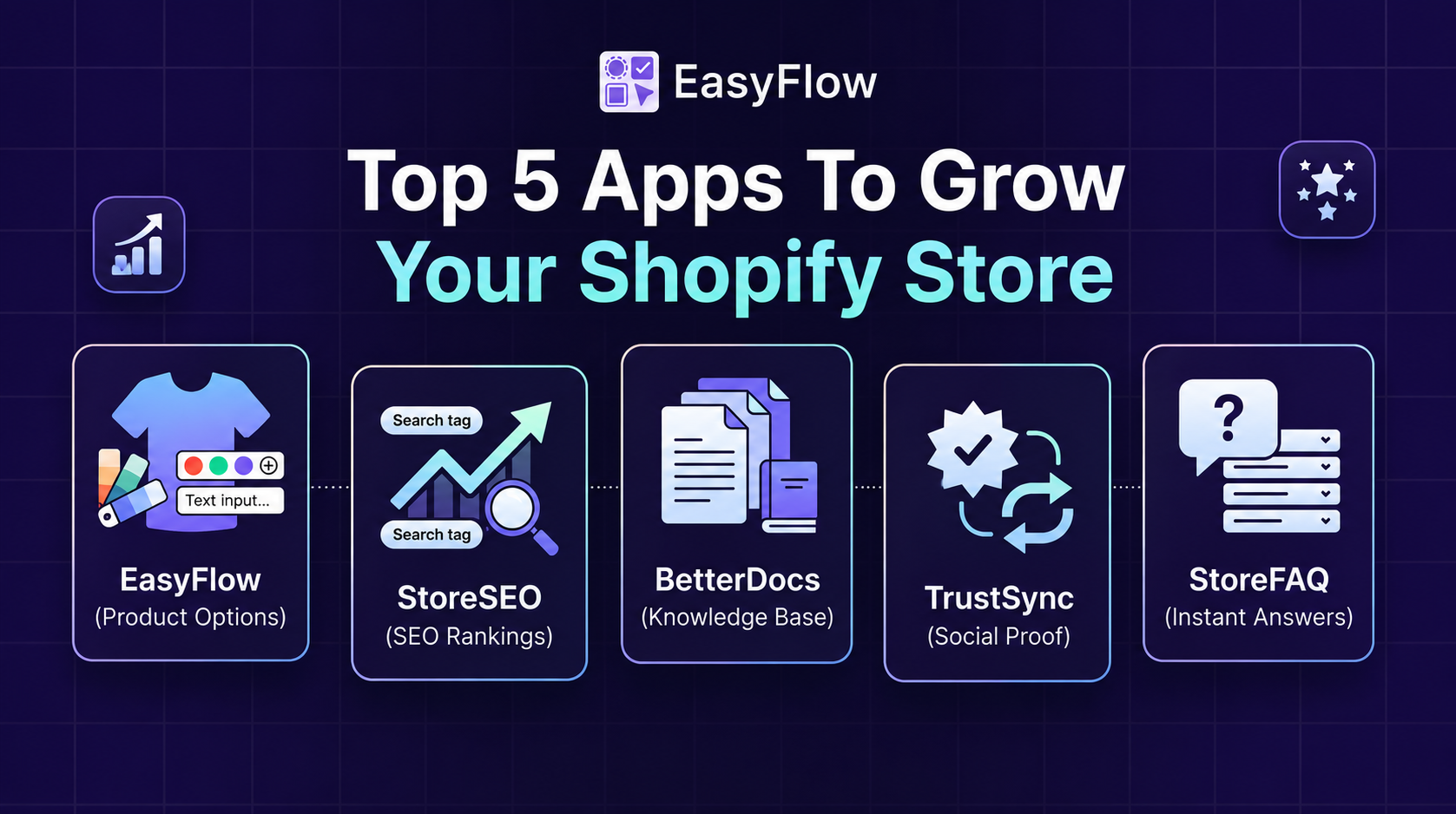
So, here in this part, we will look at some apps that can help you with that. Beyond EasyFlow for product configuration and AOV uplift, these Storeware apps can help you fortify your sales plan.
1. StoreSEO – AI SEO Agent for Shopify
Your channel and traffic plan depend on organic search as a foundational, low-CAC channel. StoreSEO handles the SEO layers (on-page, technical) for your Shopify store.
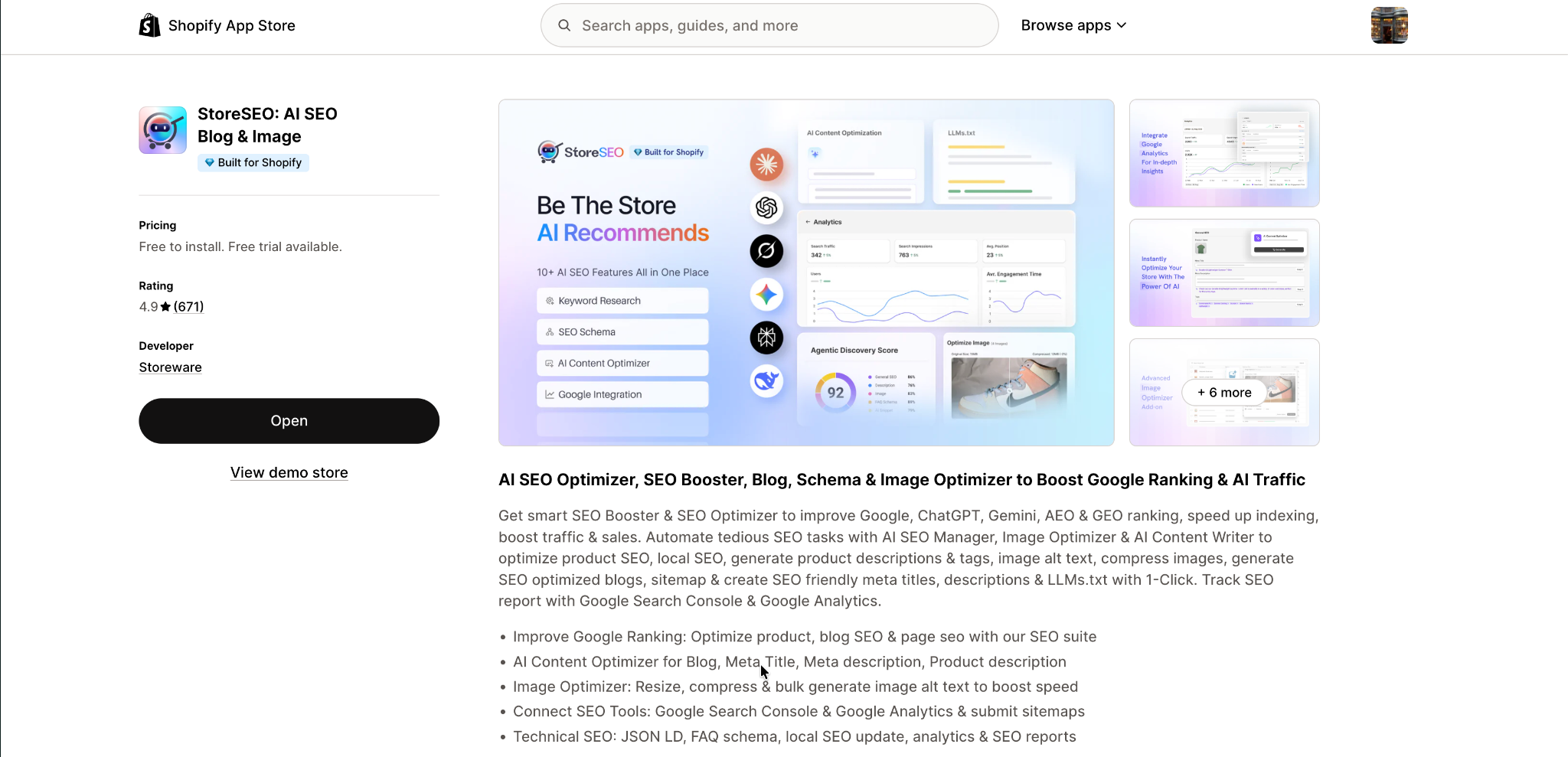
It manages meta tags, sitemaps, image alt text, schema markup, and Google Search Console integration in one place. Better SEO with AI features like (LLM.txt, AI Toolkit & more) means more consistent organic traffic, lower customer acquisition cost, and forecasts you can actually trust month to month.
2. StoreFAQ – AI-Powered Shopify FAQ App
Conversion rate is one of the five metrics you monitor monthly, and pre-purchase friction kills it. StoreFAQ adds searchable, schema-enabled FAQs to your Shopify store’s pages so shoppers find answers without leaving for email support.
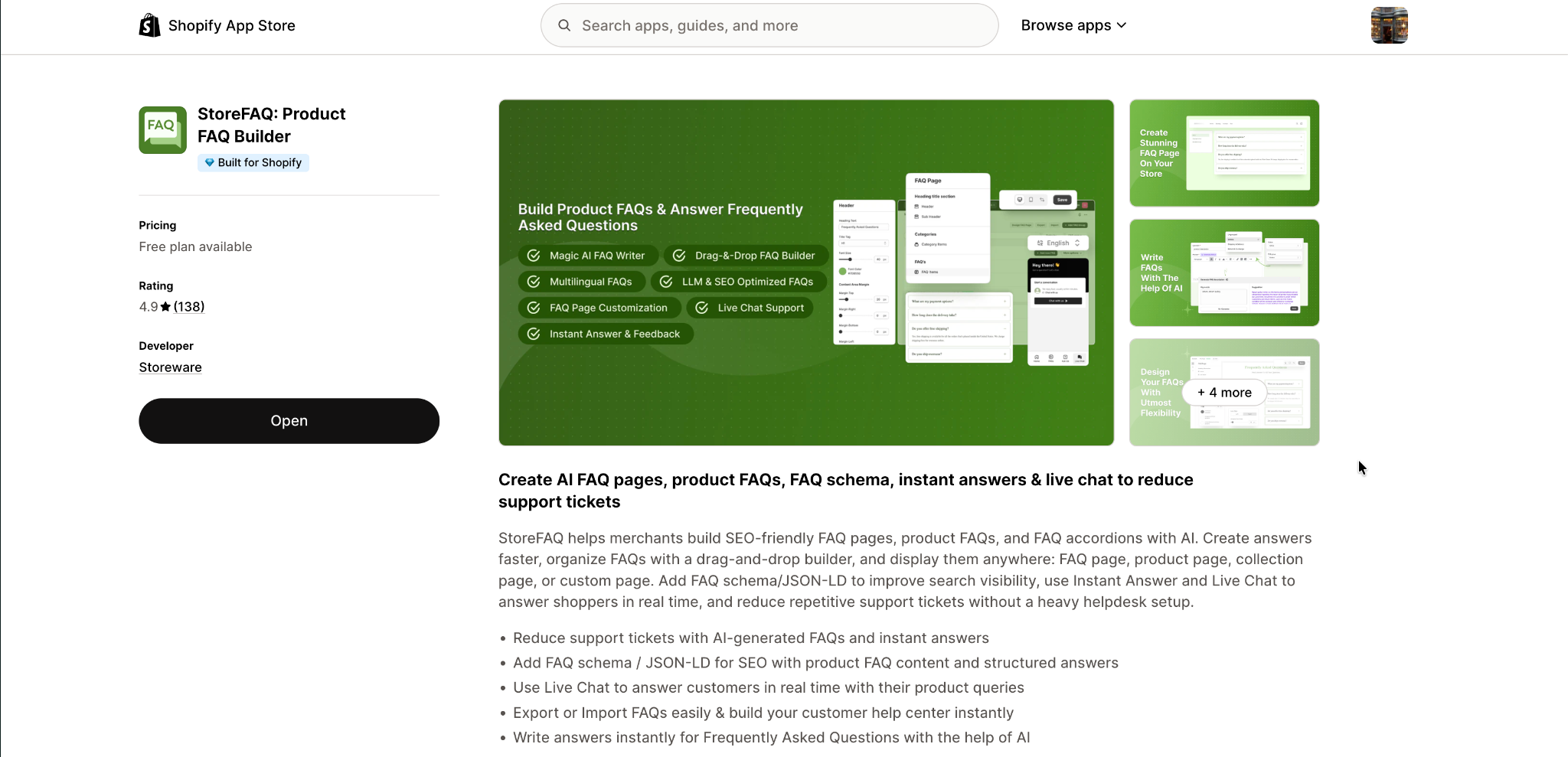
The result is cleaner product pages, higher conversion rates, and bonus SEO visibility from FAQ-rich snippets in search results. On top of that, its AI-powered FAQ creation feature makes creating FAQs a complete breeze.
3. TrustSync – Smart Review Request Automation
Your forecast lives or dies on conversion rate, and conversion rate lives or dies on trust. TrustSync collects, manages, and displays product reviews and ratings across your Shopify store.
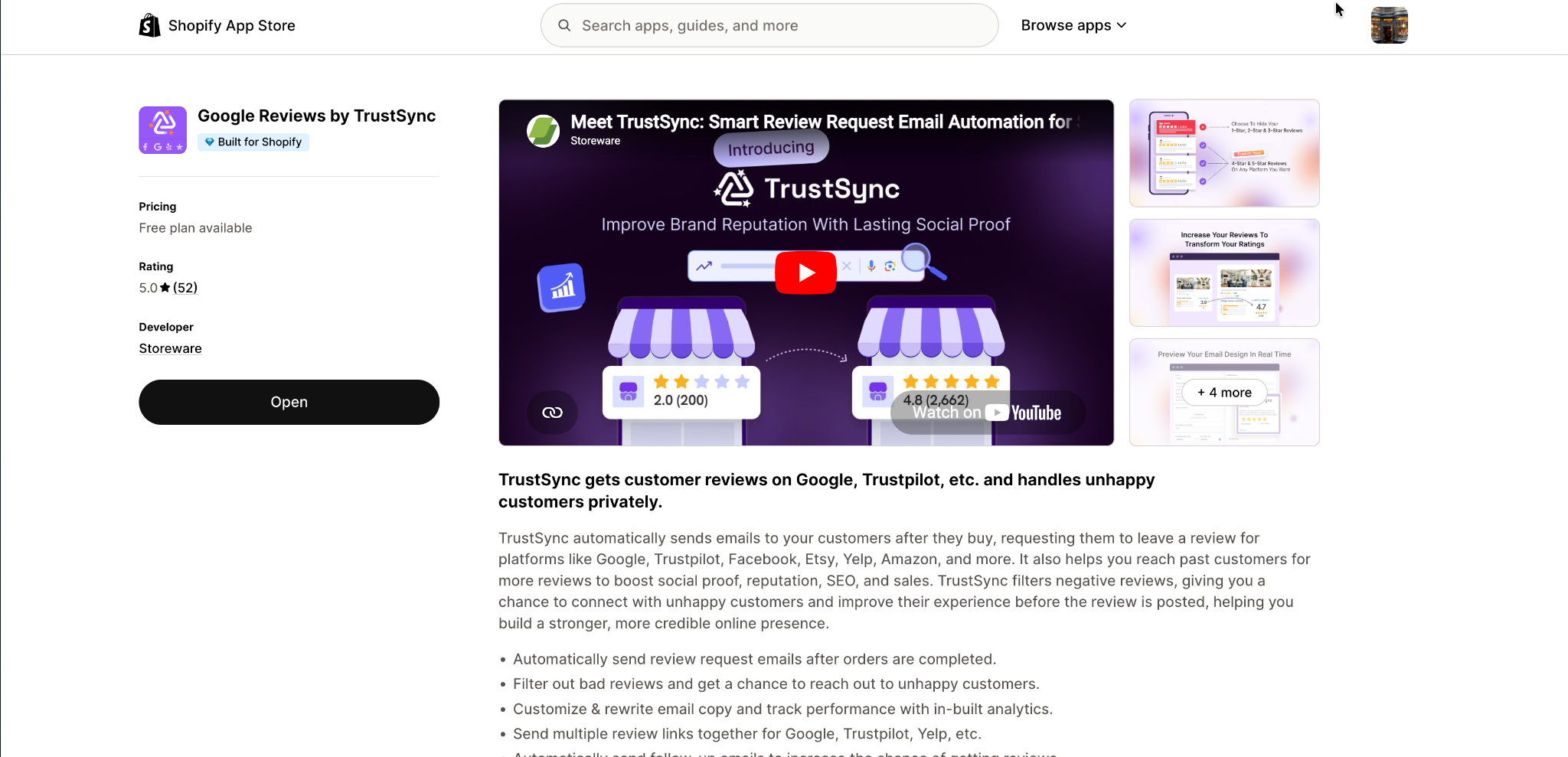
The 4.2 to 4.5 star sweet spot and the 270 percent lift from 5+ reviews are not theoretical; they are measurable forecast inputs. TrustSync turns reviews into a predictable revenue lever inside your sales plan.
Build A Perfect Sales Plan for Your Shopify Store In 2026
A working Shopify sales plan does three things. It forces clarity on where revenue actually comes from. It exposes the levers you can pull to change the trajectory. And it gives you a structured way to respond when reality breaks from plan.
Three takeaways are worth holding on to. First, sales planning for eCommerce is its own discipline (not a generic finance exercise). Second, product mix and customization belong inside the plan as active levers, not fixed assumptions. Third, the plan only works if you review and update it on a regular cadence.
If you are ready to bring customization, file uploads, and price add-ons into your 2026 sales plan as deliberate AOV levers, explore the EasyFlow pricing plans and pick the option that fits your store.
FAQs (Frequently Asked Questions)
What is eCommerce sales planning?
How is eCommerce sales planning different from B2B sales planning?
What are the 7 components of a Shopify sales plan?
How often should you update your Shopify sales plan?
Do small Shopify stores need a sales plan?
Yes. Even small stores benefit from a structured sales plan because it forces clarity on unit economics, customer acquisition cost, and cash runway before capital gets burned. Founders who plan in advance spot LTV-to-CAC problems early, while those who do not often discover the problem only after spending heavily on ads.