
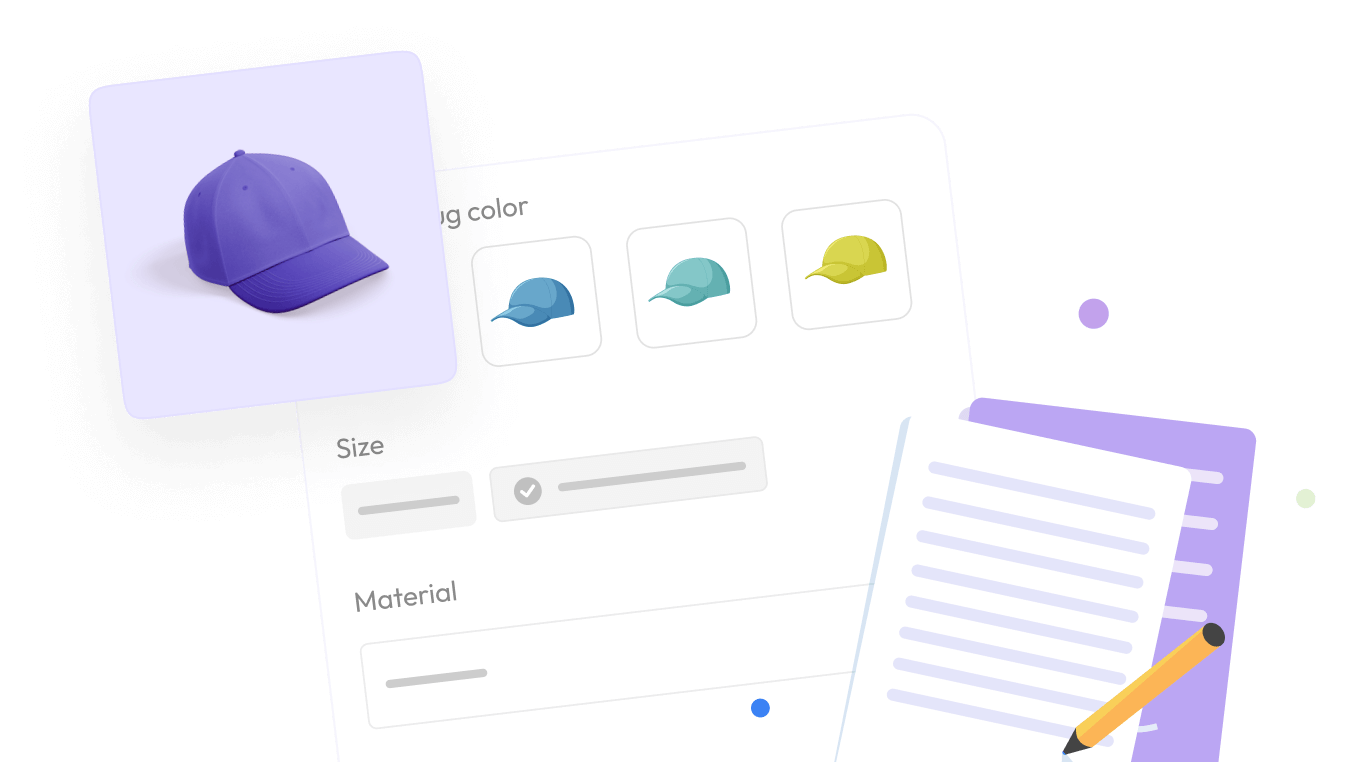

If you sell customizable products on Shopify, you already know the platform’s native variant system runs out of room fast. Shopify limits stores to three option types and one hundred variant combinations per product. That ceiling works fine for a basic T-shirt with three sizes and four colors. It falls apart the moment you sell engraved jewelry, made-to-order furniture, print-on-demand apparel, or any product where customers want to add their own text, upload a file, or pick from a long list of add-ons.
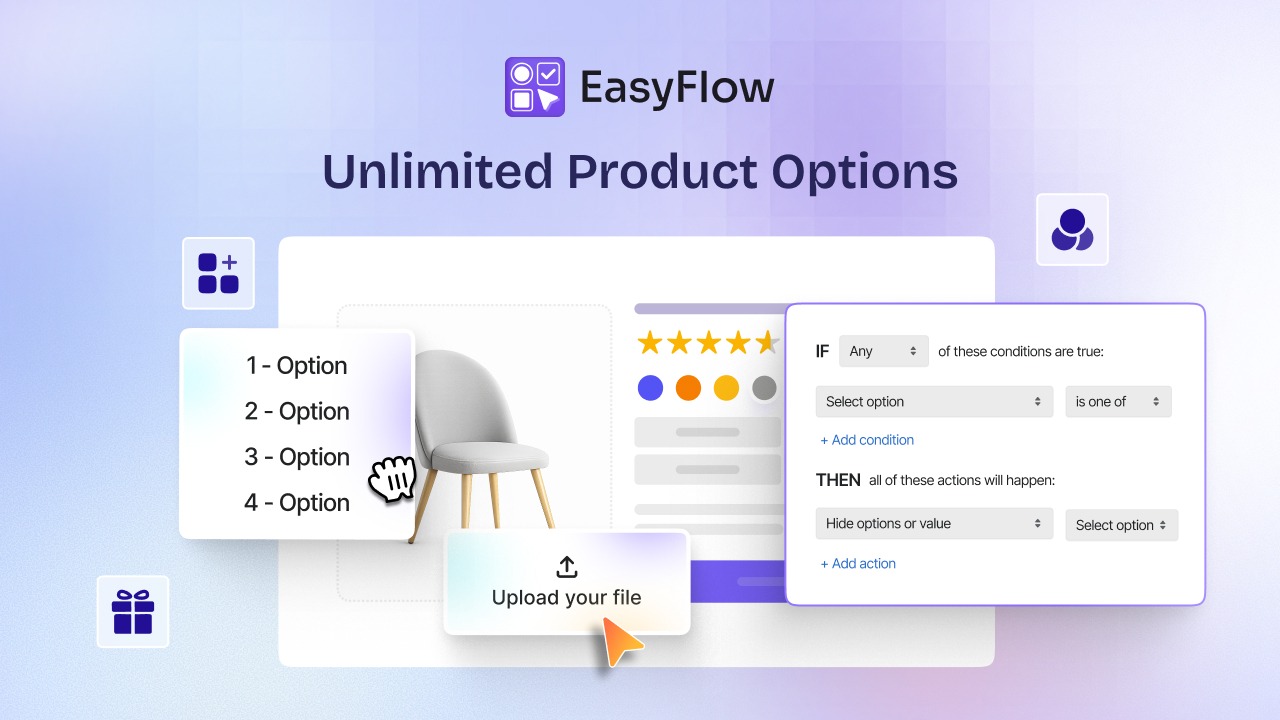
This is exactly the gap EasyFlow is built to close. EasyFlow is a Shopify product options and variants app that lets merchants create unlimited custom options, conditional logic, and price add ons directly on the product page. The PRO plan unlocks the deeper, store-wide version of these tools so growing catalogs can offer real personalization without slowing down the storefront or complicating checkout.
In this guide, we will walk through every major feature inside EasyFlow PRO, explain how each one works in practice, and help you decide whether it fits your store. Whether you are comparing Shopify product customization apps for the first time or you already use EasyFlow and want to get more out of it, this article covers what you need.
TL;DR: EasyFlow at A Glance
Let us have a quick glimpse at the features that make EasyFlow a must-try Shopify product options app.
| Feature | What It Does | Best For |
| Works with native Shopify variants | Combines with existing color or size variants instead of replacing them | Stores that do not want to rebuild their catalog |
| Unlimited product options | Removes Shopify’s three-option and one hundred-variant limit | Stores with complex or highly configurable products |
| Multiple option types | Text boxes, dropdowns, image swatches, checkboxes, buttons, file uploads, calendar fields | Personalized gifts, apparel, and made-to-order goods |
| Conditional logic | Shows or hides options based on earlier customer selections | Keeping long product pages clean and easy to follow |
| Price add-ons | Adds extra charges for premium choices, upgrades, or customization | Boosting average order value through upsells |
What Is EasyFlow: Everything You Need to Know About
Before looking at individual features, it helps to understand what EasyFlow actually is and why the PRO tier specifically matters for growing stores. This section sets the context for everything that follows.
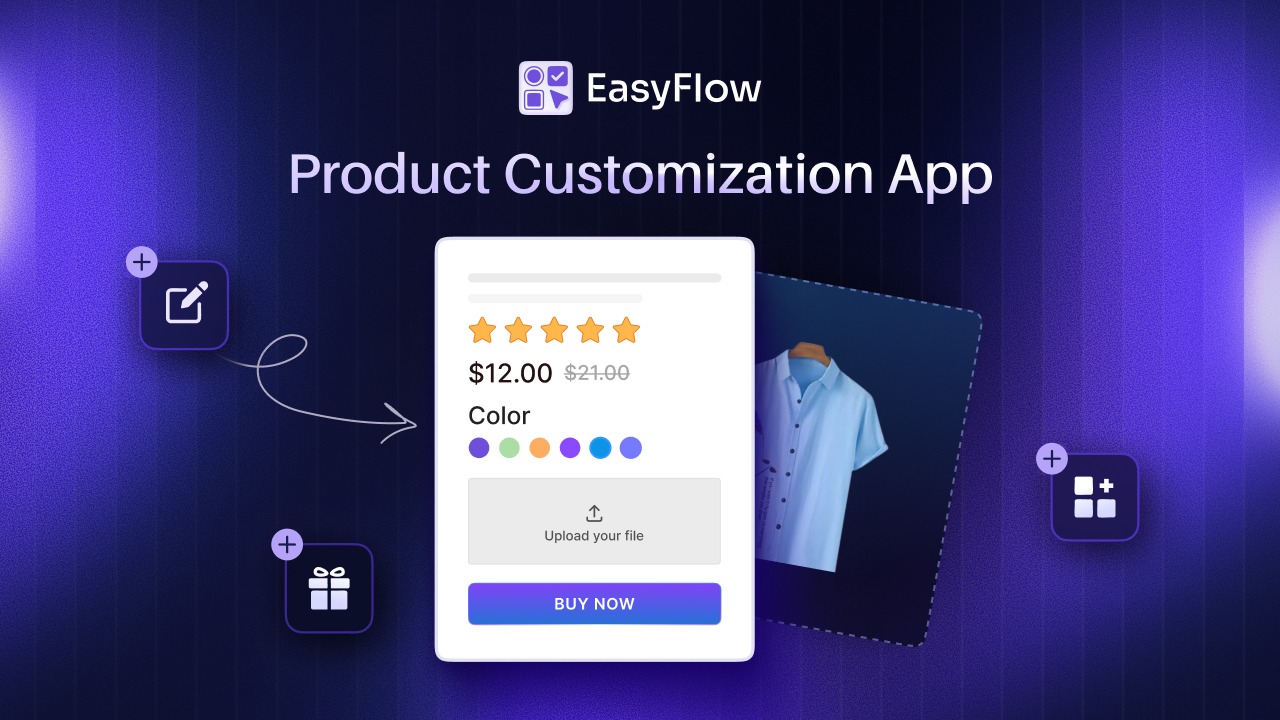
EasyFlow is a Shopify product options app built to extend product customization beyond what the platform offers by default. It lets merchants add unlimited custom options such as text boxes, dropdown menus, image swatches, and file uploads to products, which makes it well suited for stores selling customizable items like personalized gifts, clothing, jewelry, or made-to-order products. EasyFlow also has the ‘Built for Shopify’ badge which is a mark of excellence that highlights its commitment to delivering exceptional value to merchants.

Setting up customization for one product is simple. Doing it for a catalog of two hundred products is a different challenge entirely. For stores with many similar products, rebuilding the same set of options on every listing wastes hours. EasyFlow addresses this with reusable option sets, which merchants can apply across multiple products.
On top of reusability, EasyFlow includes bulk edit and apply functionality, allowing merchants to copy and add existing options to customize products and save time. In practice, this means you can build one option set called “Standard Engraving Options,” apply it to fifty jewelry products at once, and later update the wording or pricing in one place rather than fifty.
For stores managing a large number of options and option sets, the app also includes pagination and search and filter features so merchants can set how many options or option sets to display per page, which keeps the admin dashboard manageable as your customization library grows.
Why Do You Need EasyFlow PRO?
The free version of EasyFlow covers all the basic needs, such as a handful of option types on a limited number of products. The PRO plan removes those caps. It is designed for stores that have moved past simple customization and now need to manage dozens or hundreds of products with multiple option sets, pricing rules, and conditional behavior.
If your catalog is growing and you find yourself duplicating the same options across many product pages, PRO is the tier that saves real time.
Now that you know what EasyFlow is, let’s dive deeper into the PRO features that this product option app offers.
Unlimited Product Options And Variants in EasyFlow PRO
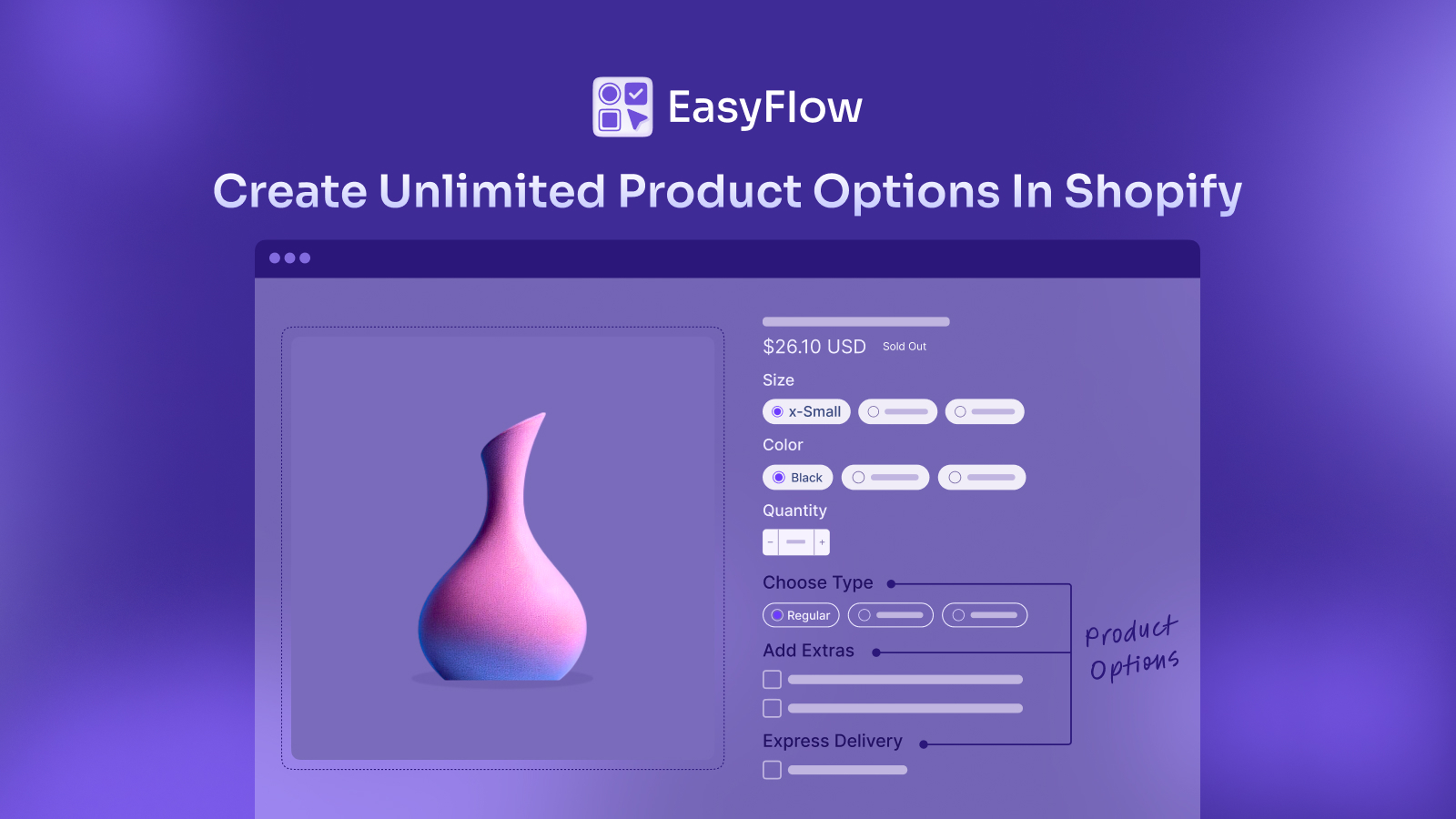
The most crucial of EasyFlow PRO is the removal of Shopify’s built-in variant restrictions. This section explains exactly what that means and why it matters for stores with configurable products.
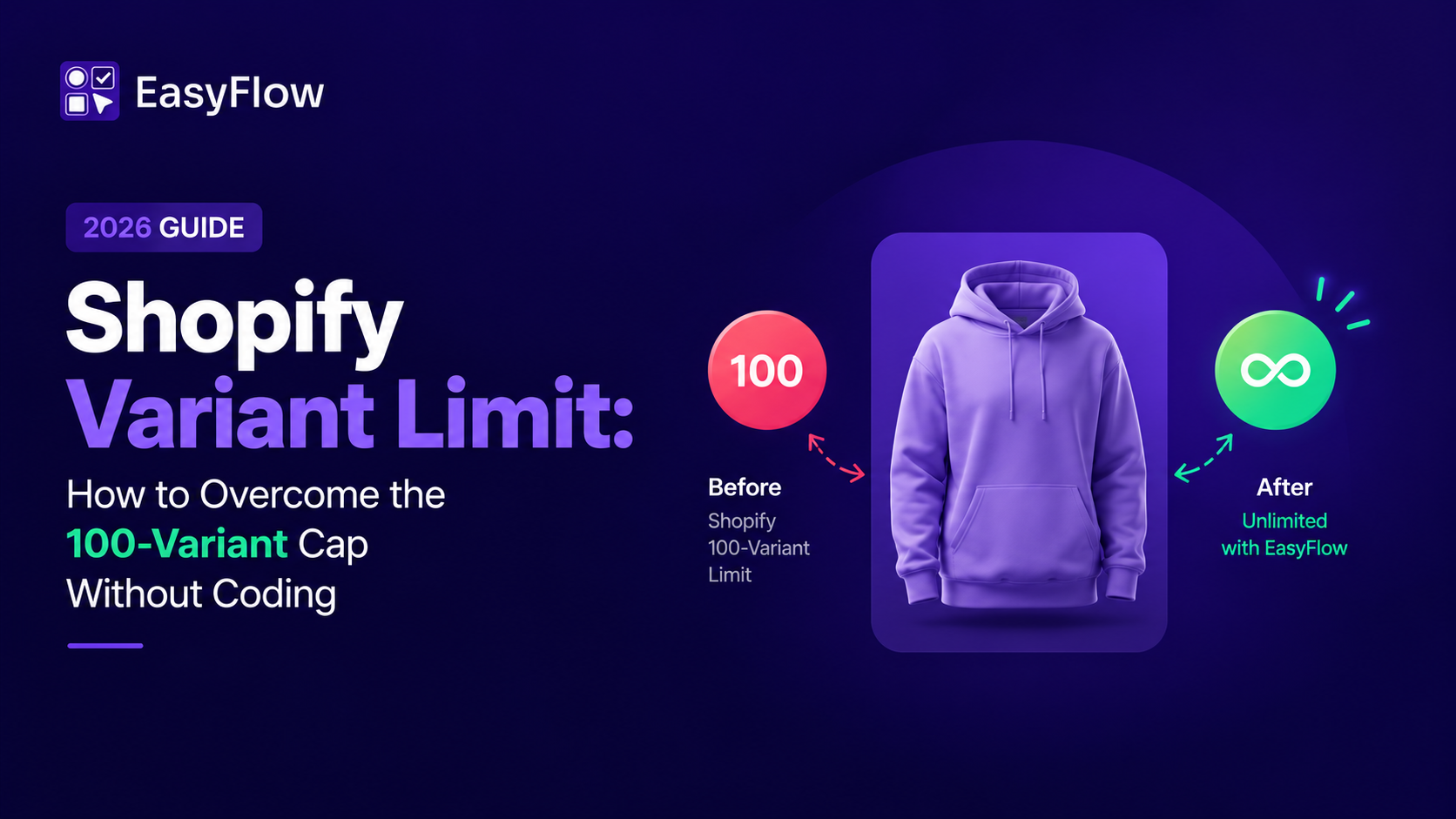
Shopify’s native system caps every product at three option categories, such as size, color, and material, and one hundred total variant combinations. For a simple product, this is rarely a problem. For a custom furniture maker offering multiple fabrics, leg styles, sizes, and monogramming, it becomes a hard wall almost immediately.
EasyFlow PRO solves this by letting merchants create from 100 to an unlimited number of variant options, product options, and product personalizer fields on top of or instead of Shopify’s native variant system. In practice, this means you can:
- Add as many option groups as a product needs without hitting a combination limit
- Mix free form options like custom text with structured choices like size or color
- Keep your core Shopify variants for inventory tracking while layering EasyFlow options on top for personalization
This combination matters because many merchants do not want to abandon Shopify variants entirely. Variants still handle inventory counts, SKU tracking, and pricing per combination well. EasyFlow is designed to work alongside that system rather than replace it, which keeps your backend reporting accurate while still letting customers personalize freely on the storefront.
Multiple Customization Field Types for Product Personalization
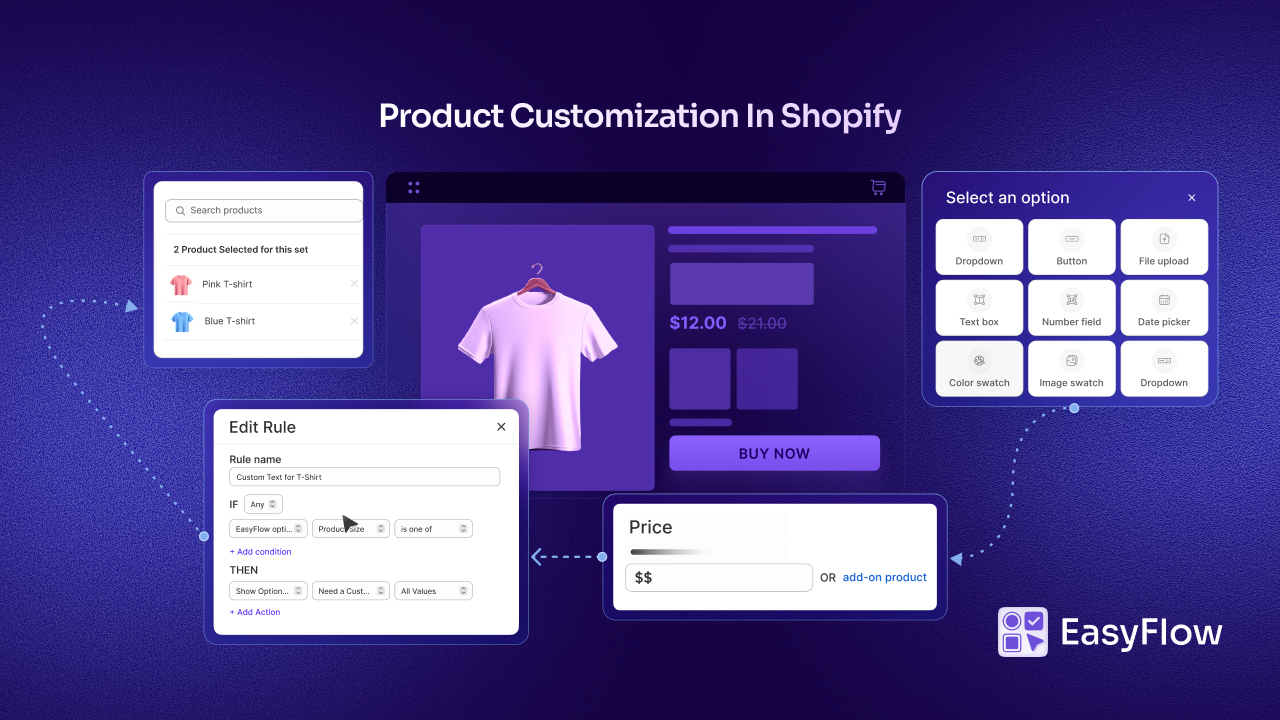
A product options app is only as useful as the input types it offers. This section breaks down the specific field types available in EasyFlow, and the options that are available specifically in PRO, and where each one fits best.
EasyFlow supports a wide range of input formats so merchants can match the option type to the product. Based on the app’s listed capabilities, the available field types include text input, dropdown, calendar, file upload, swatches, button, and checkbox fields, among others.
Here is how each type tends to get used in real stores.
Text Boxes And Multiline Text Fields
Text fields let customers type in custom information such as a name for engraving, a short message for a greeting card, or special instructions for a baker. Input option types like text box, multiline text box, number field, and date picker do not require predefined values, since the customer simply enters their own information.
Dropdowns And Radio Buttons
Dropdowns work well when you have a moderate list of choices, such as font style or thread color, and you want to keep the page compact. They are simple to scan and do not take up much vertical space on mobile.
Image And Color Swatches
Swatches give customers a visual way to choose, which is especially useful for color, fabric, or finish selection. Seeing the actual color or material before adding to cart reduces returns caused by mismatched expectations.
Checkboxes And Buttons
These work well for add on style choices, such as gift wrapping, rush production, or extra accessories, where a customer might select more than one option at a time.
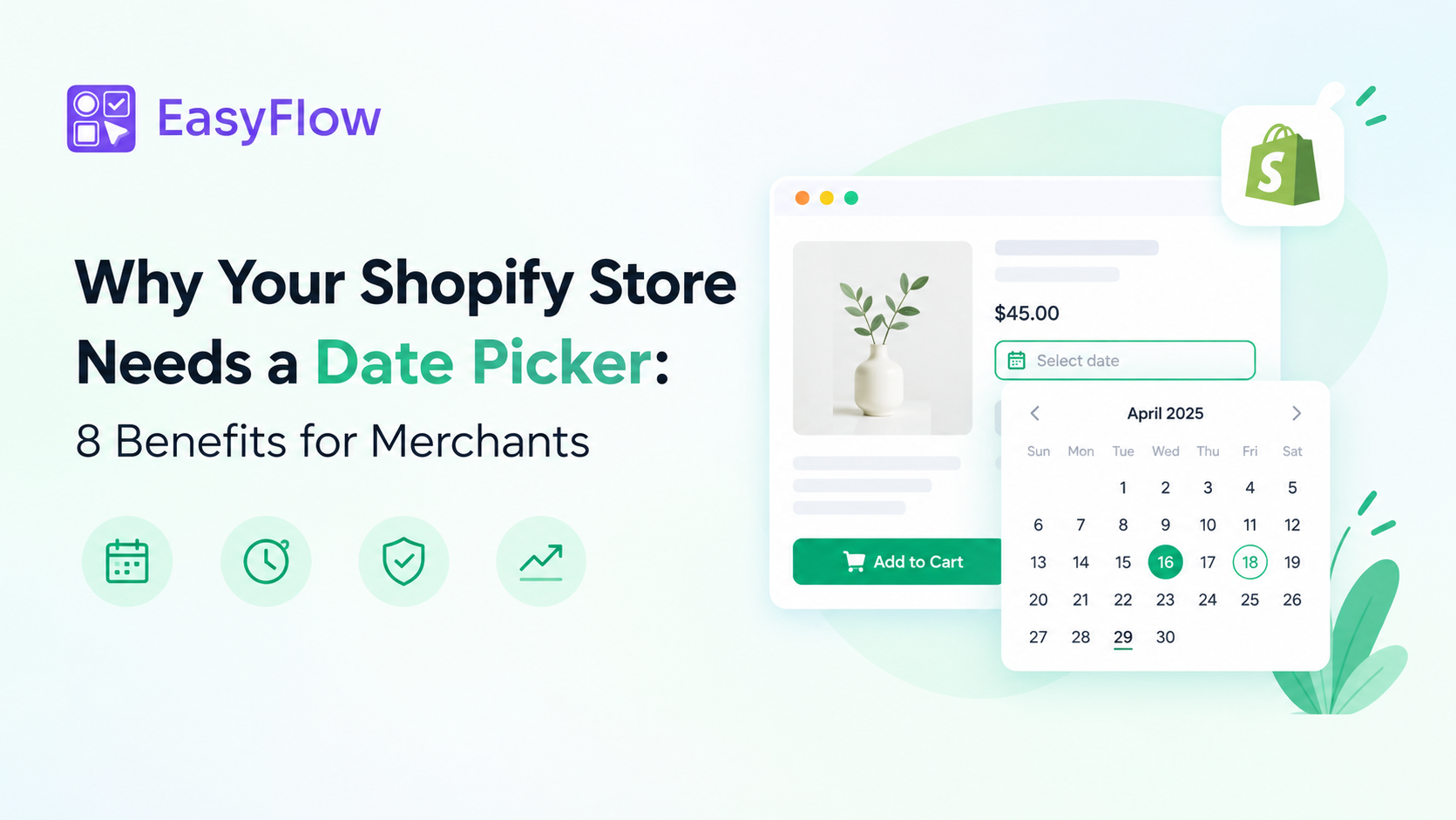
Calendar And Date Picker Fields
Date fields are useful for rental products, event-based orders, or anything tied to a delivery date or appointment, such as flower arrangements or cake orders.
The option types mentioned above are available in the free version. Moving to PRO unlocks more options like,
File Upload [PRO]
File upload fields allow customers to submit their own images or design files, which is essential for print-on-demand products, custom portraits, or personalized apparel. EasyFlow also lets merchants set an upload limit and choose whether to hide the file name and size from the customer view.
Multiple File Upload [PRO]
EasyFlow PRO allows to upload multiple files at a time as well. So, no matter if your customer have multiple files to upload, you can allow them to do so.
Conditional Logic: Showing the Right Options At the Right Time
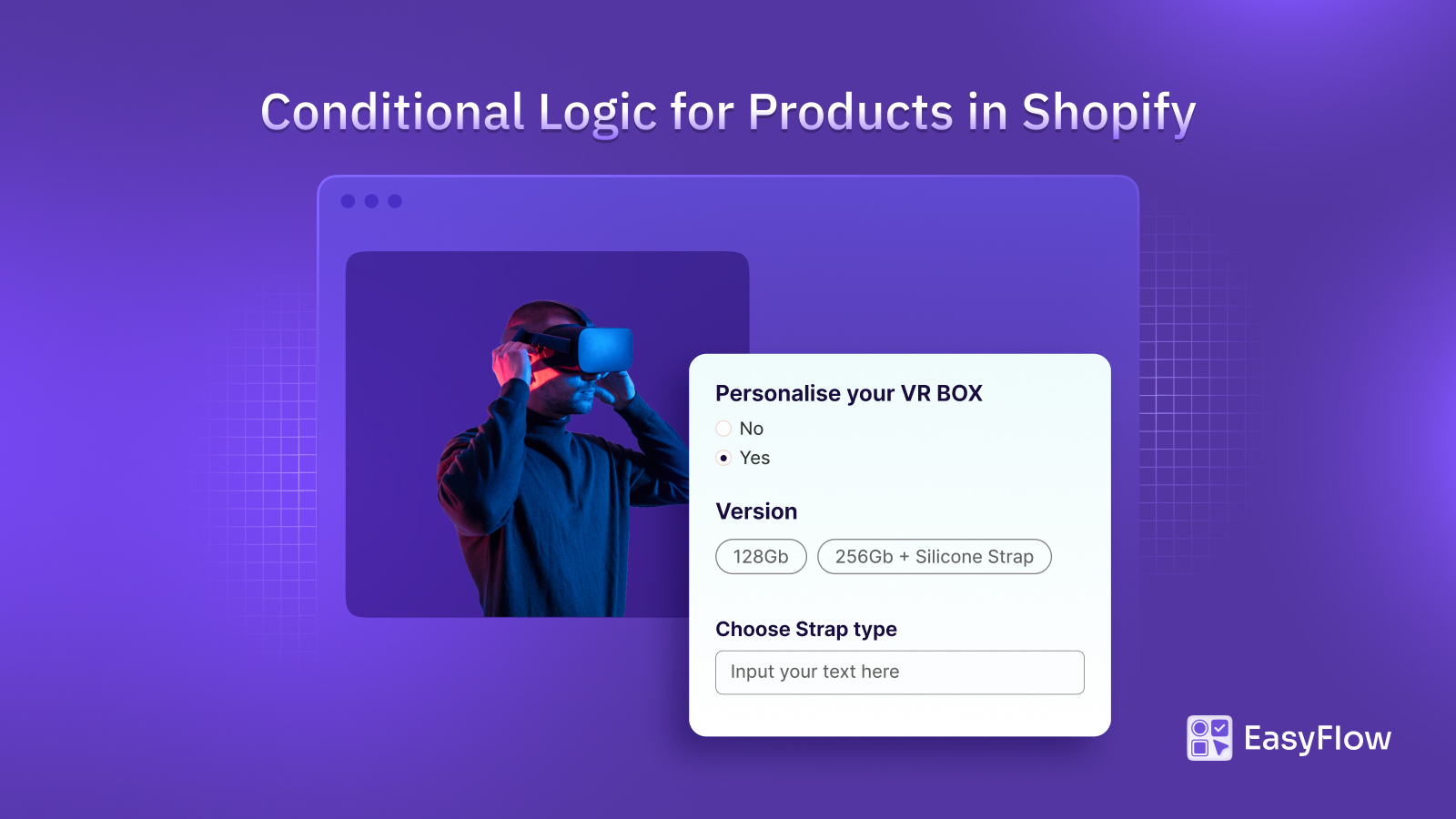
Long product pages with dozens of options can overwhelm shoppers. This section explains how conditional logic keeps the experience clean by only showing relevant fields.
Conditional logic is one of the most valuable features available in both EasyFlow Free and PRO because it prevents option overload. While the free version offers basic conditional logic, the PRO offers conditional logic for Shopify variants. Instead of displaying every possible field at once, the app can show or hide options based on customer selections, working seamlessly with existing Shopify variants.
A simple example makes this clear. Imagine a jewelry store that offers engraving as an add-on. Without conditional logic, the engraving text box would sit on the page at all times, even for customers who do not want engraving.
With conditional logic, the text box only appears after the customer selects “Add Engraving” from a checkbox or dropdown. EasyFlow’s own documentation gives nearly this exact scenario, explaining that the app can display product options dynamically based on user selections, such as showing a text box for engraving input only after a customer selects the custom engraving option.
This approach keeps pages shorter, reduces decision fatigue, and lowers the chance that a customer accidentally skips a required field because it was buried among irrelevant ones.
Price Add-Ons and Upselling Inside EasyFlow PRO
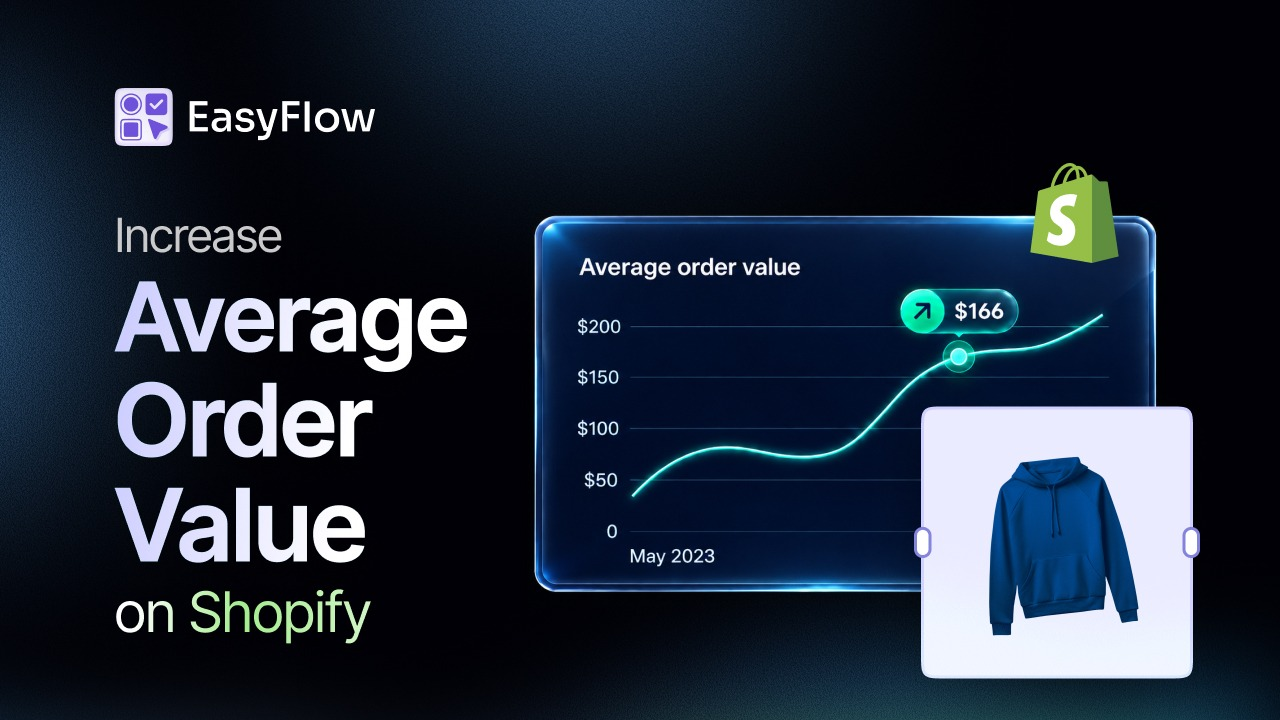
Customization features are not just about personalization. They are also a direct revenue lever. This section covers how EasyFlow PRO turns product options into an upsell tool.
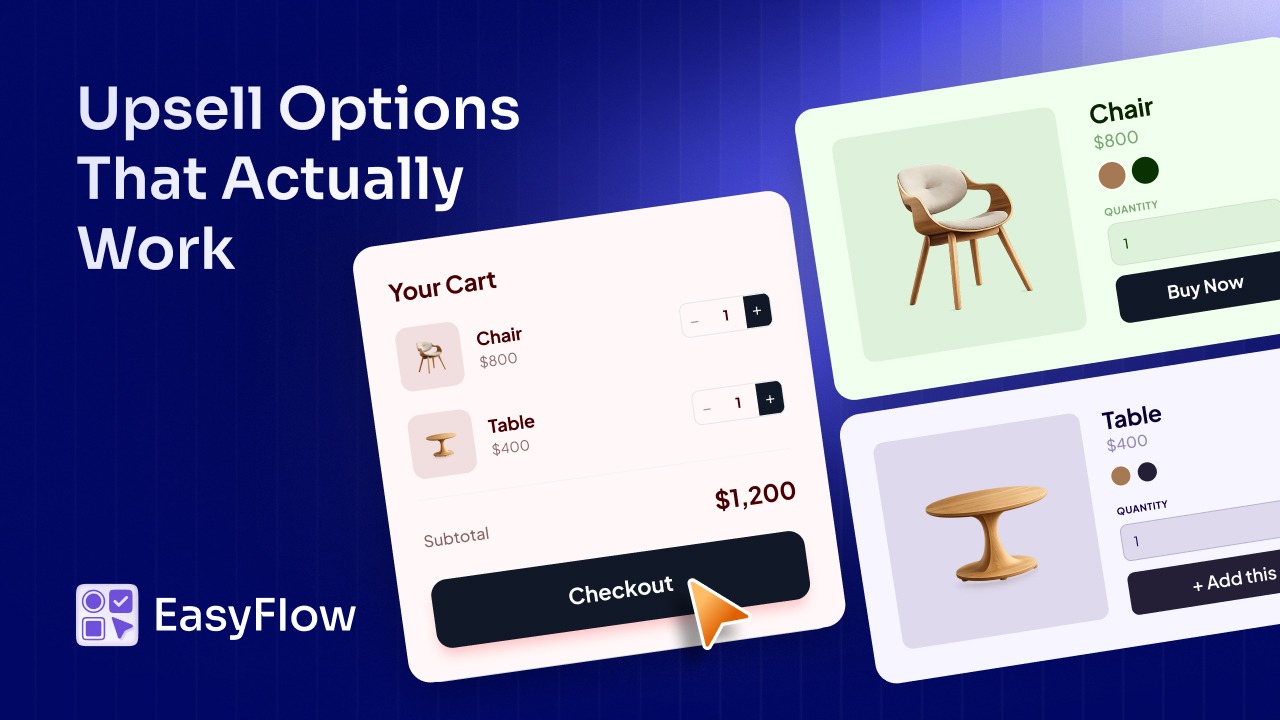
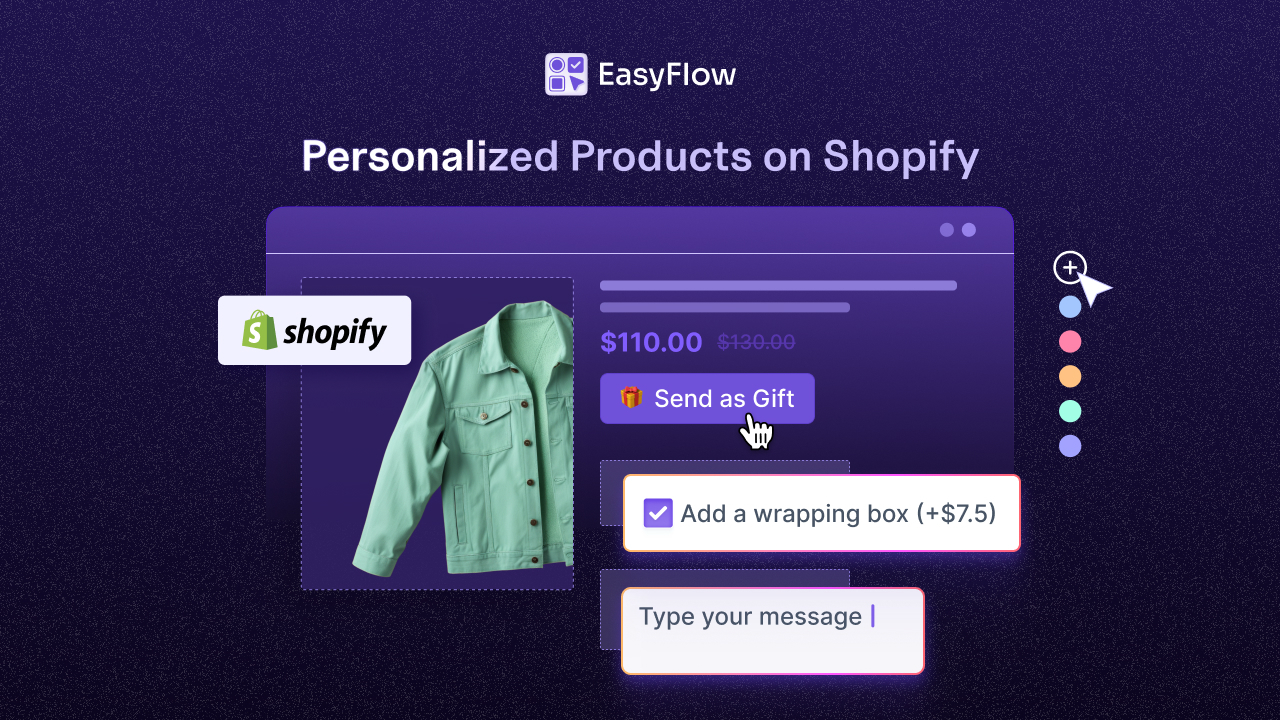
EasyFlow lets merchants attach extra charges to specific option values, which means premium choices can carry a price difference automatically. The app allows you to charge extra when a customer selects a specific value within an option, and more broadly to charge extra fees for certain customizations or add-ons, such as premium gift wrapping, extra large sizes, or rush production.
This is a practical way to increase average order value without creating entirely new product listings. Instead of building a separate “Large Size Plus Gift Wrap” product, you simply attach the price differences to the relevant option values on your existing listing. The checkout reflects the correct total automatically, and your product catalog stays clean.
How to Decide If EasyFlow PRO Is Right for Your Store
Not every store needs the full PRO feature set. This final section offers a quick way to evaluate whether upgrading makes sense for your specific catalog.
If your store sells a small number of simple products with one or two variant types, a free or basic options app may be enough. PRO becomes worthwhile once any of the following applies to your business.
- You regularly bump into Shopify’s three options or one hundred variants limit.
- You sell personalized products that require text input, file uploads, or engraving.
- You want to charge extra for specific customization choices rather than creating duplicate product listings.
- You manage a catalog large enough that copying options product by product has become a noticeable time cost.
- You sell to customers in multiple countries and need pricing that adjusts automatically.
If two or more of these describe your store, the time saved through reusable option sets and bulk editing alone often justifies using EasyFlow, before even counting the potential revenue increase from price add-ons and a cleaner customization experience that you will unlock in EasyFlow PRO.
The pricing is also affordable, starting only at $9.99/month for you to explore EasyFlow PRO. If you love using the PRO version, there’s always scope to upgrade to higher tiers and unlock unlimited products and option sets.
Let EasyFlow PRO Work for You!
EasyFlow PRO is built for one core purpose: helping Shopify merchants offer real product customization without running into the platform’s built-in limits or slowing down their storefront. Between unlimited options, conditional logic, price add-ons, and much more, it covers the practical needs of stores selling personalized, made-to-order, or highly configurable products.
If your catalog has outgrown Shopify’s default three-option and one hundred-variant limit, or if you are spending too much time copying the same customization fields across product after product, it is worth exploring what the PRO plan can take off your plate. You can review current plan details and feature breakdowns directly on the EasyFlow app listing to see which tier fits your store today.
Was this blog helpful for you? Then, subscribe to our blogs to get more tips, and insights on product customization in Shopify.
Frequently Asked Questions About EasyFlow PRO
What does EasyFlow PRO add compared to the free plan?
EasyFlow PRO generally unlocks 100 to unlimited product options, advanced conditional logic, price add ons, across a larger number of products. The free plan typically covers basic option creation on a more limited scale, which suits small catalogs but becomes restrictive as a store grows.
Does EasyFlow replace Shopify’s native variant system?
No. EasyFlow PRO is designed to work alongside Shopify variants rather than replace them. Merchants can keep using native variants for core attributes like size or color while adding EasyFlow options for personalization features such as custom text, file uploads, or conditional logic, etc.
Can EasyFlow PRO handle file uploads for custom designs?
Yes. EasyFlow supports a file upload option type that lets customers submit images or design files directly on the product page.
Will adding many product options slow down my store?
EasyFlow is built with storefront performance as a priority and has received Shopify’s Built for Shopify badge, which reflects performance, design, and integration standards. Conditional logic also helps by displaying only relevant options at a time instead of loading every field at once.
Can I charge extra for premium customization choices?
Yes. EasyFlow PRO allows merchants to attach price add ons to specific option values, so choices like rush production, premium materials, or gift wrapping can carry an additional charge that reflects automatically in the cart and at checkout.
Is EasyFlow PRO suitable for stores with large product catalogs?
Yes. Reusable option sets and bulk edit and apply features are specifically built for this use case. Merchants can create one option set and apply it across many products, then update it in a single place rather than editing each product individually.