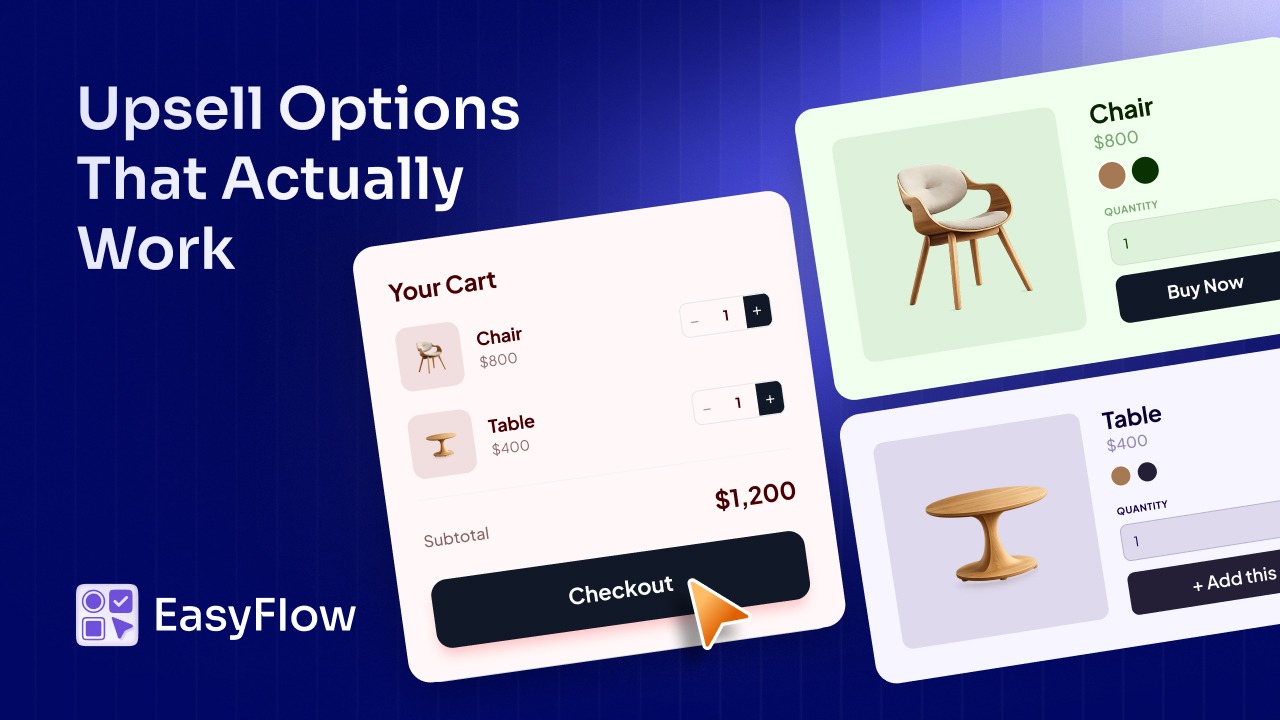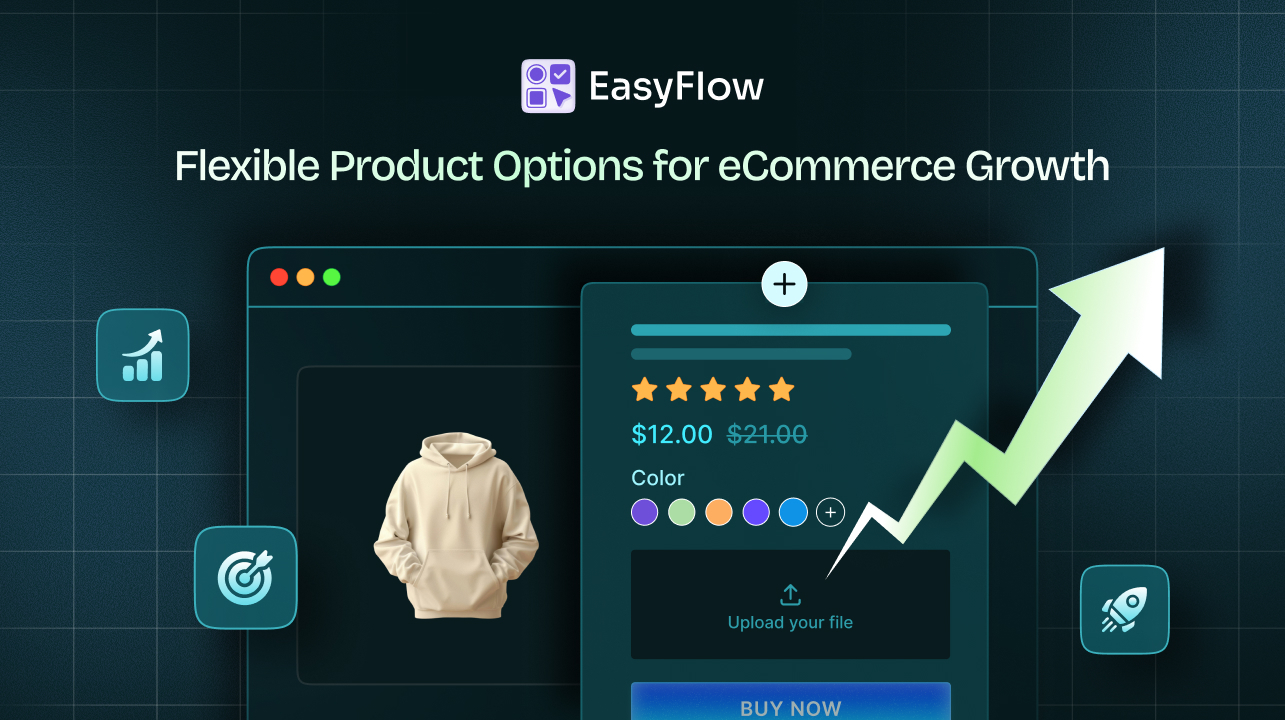


EasyFlow, the Shopify customization app from Storeware, has partnered with Flits. The partnership connects the product page, where EasyFlow captures exactly what each shopper configures, to the account page, loyalty program, and wishlist that Flits runs, so a made-to-order store can recognize and reward the customer who took the time to design something.
Nothing has to be wired together in code: the plays below come from how you set the rules across two apps that now share one goal.
A Quick Summary / TL;DR
- EasyFlow captures zero-party data, the choices a shopper makes on the product page. Flits stores loyalty, VIP tiers, and wishlists on the account page.
- Most stores run both apps and never connect them, so personalization stops at the Add to Cart button.
- Four configuration plays link the two: reward customized orders with points, hold half-finished configurations on the wishlist, turn premium add-ons into VIP perks, and use configuration data for segmentation.
- Install EasyFlow first, then Flits, then test the seams where the two apps meet.
- Budget roughly $59 a month combined at entry-paid tiers.
Why Configurator Data Drives Product Customization and Customer Retention
Most of what you learn about a shopper is inferred. A page view might mean interest. Time on page might mean consideration. Both might mean nothing.
An option field is not inferred. It is stated.
A customer who selected “left-handed,” chose “vegan leather,” and typed a gift message for a parent turning 60 has told you three specific, durable things about themselves in plain language. They were not guessing, and neither are you. This is zero-party data: volunteered, unambiguous, and the raw material of product customization and customer retention that most brands pay a platform to approximate.
On most Shopify stores, it goes exactly one place: the packing slip. Printed, sent to the workshop, forgotten.
But a preference does not expire when the order ships. Someone left-handed this year will be left-handed next year. Someone who bought an engraved gift for a milestone birthday has a gifting pattern, not a one-off purchase, which is exactly why product customization and customer retention belong in the same conversation.
EasyFlow captures that information at the moment the customer volunteers it. Flits gives you somewhere to put it.
What Each of These Apps Actually Does for Shopify Merchants
Neither app is trying to do the other job. That is the point.
They sit at opposite ends of the same store: one at the moment a customer decides what they want, the other at every moment after. Together they cover both sides of product customization and customer retention, which makes it worth being precise about what each does.
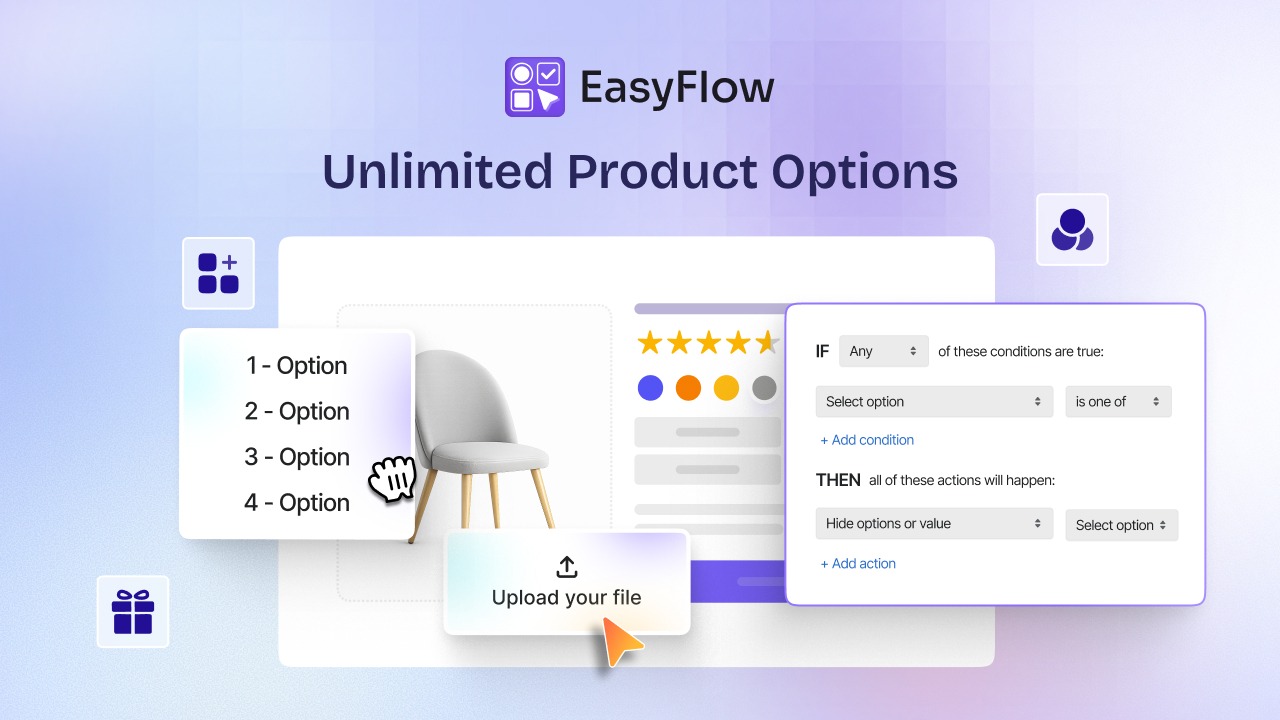
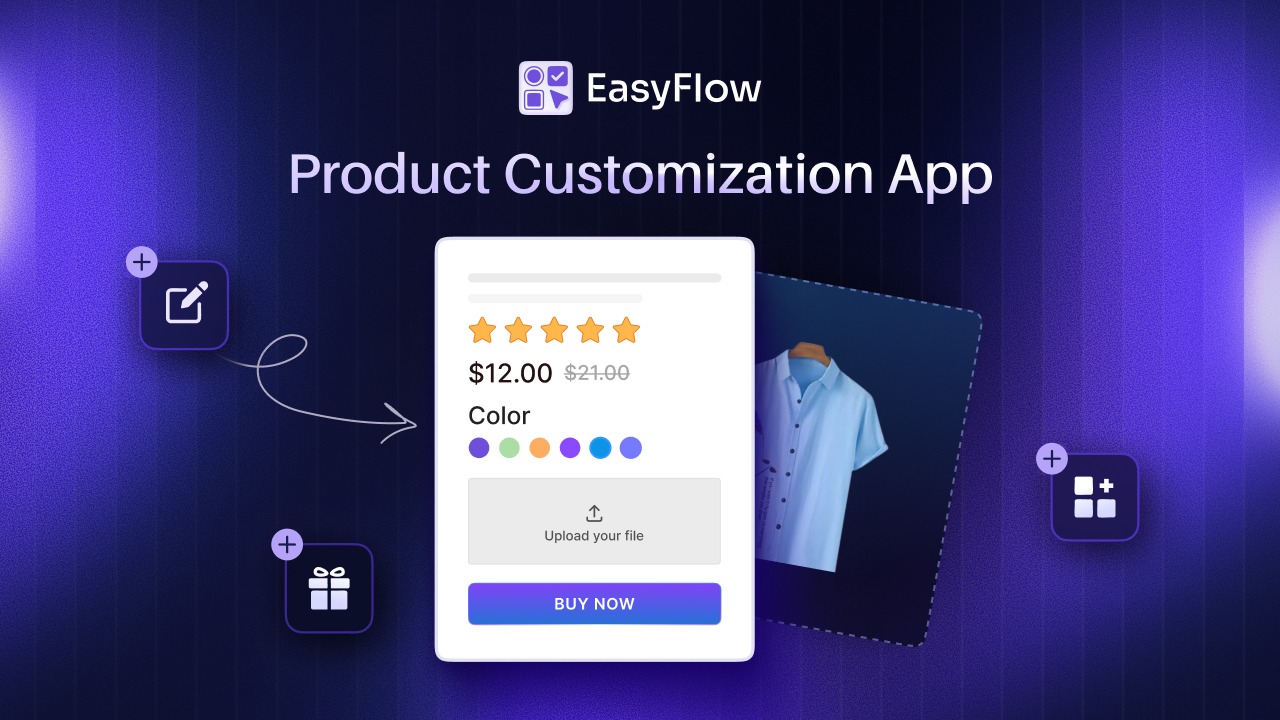
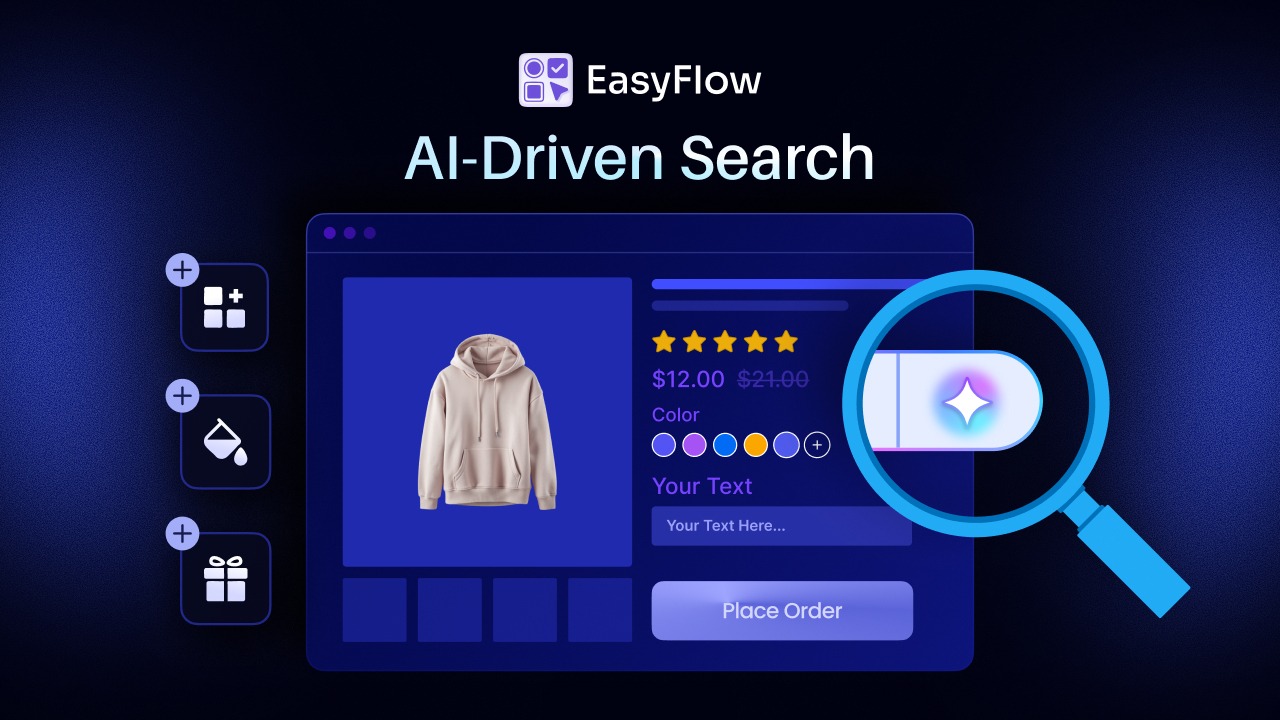
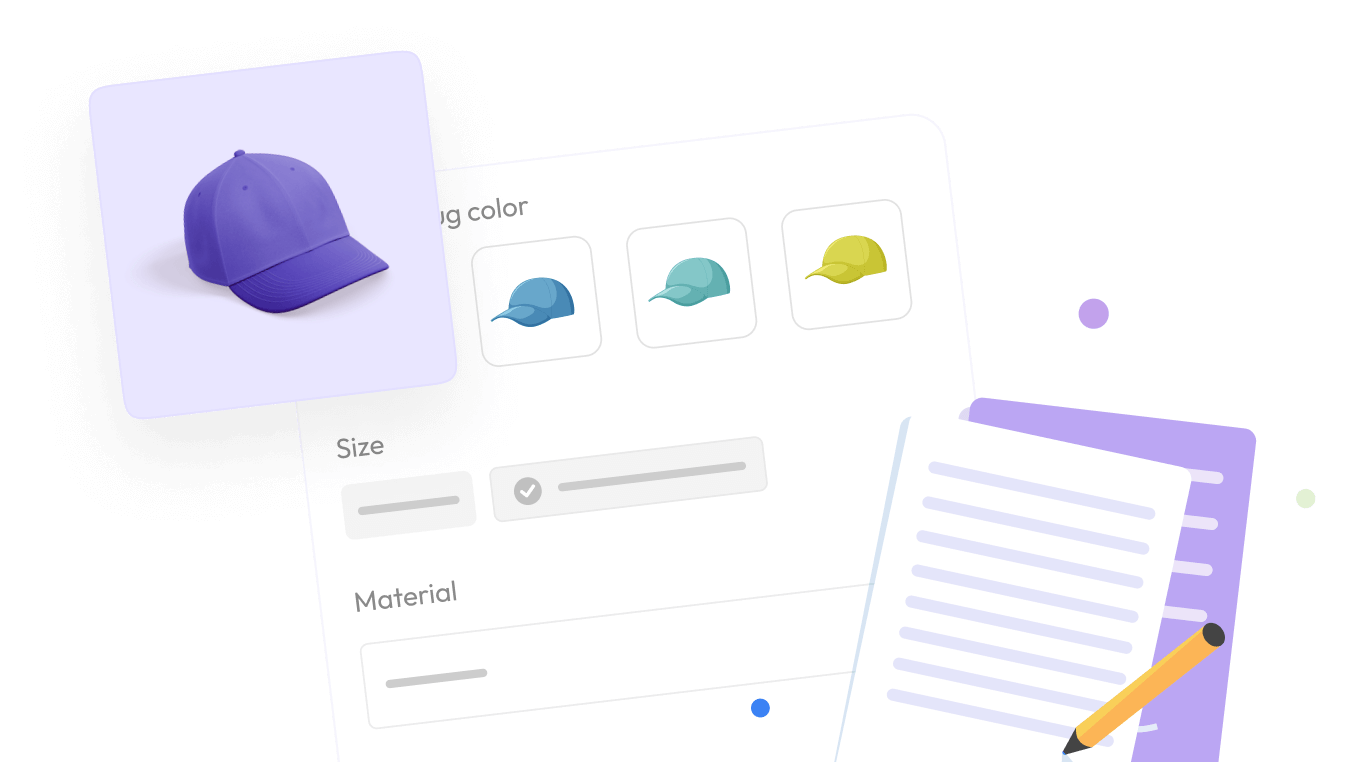
EasyFlow Product Options covers the product page: text inputs, dropdowns, image and color swatches, checkboxes, file uploads, number fields, and date pickers. Conditional logic shows or hides options based on what the shopper has already selected, so a configurator can stay short without losing depth.
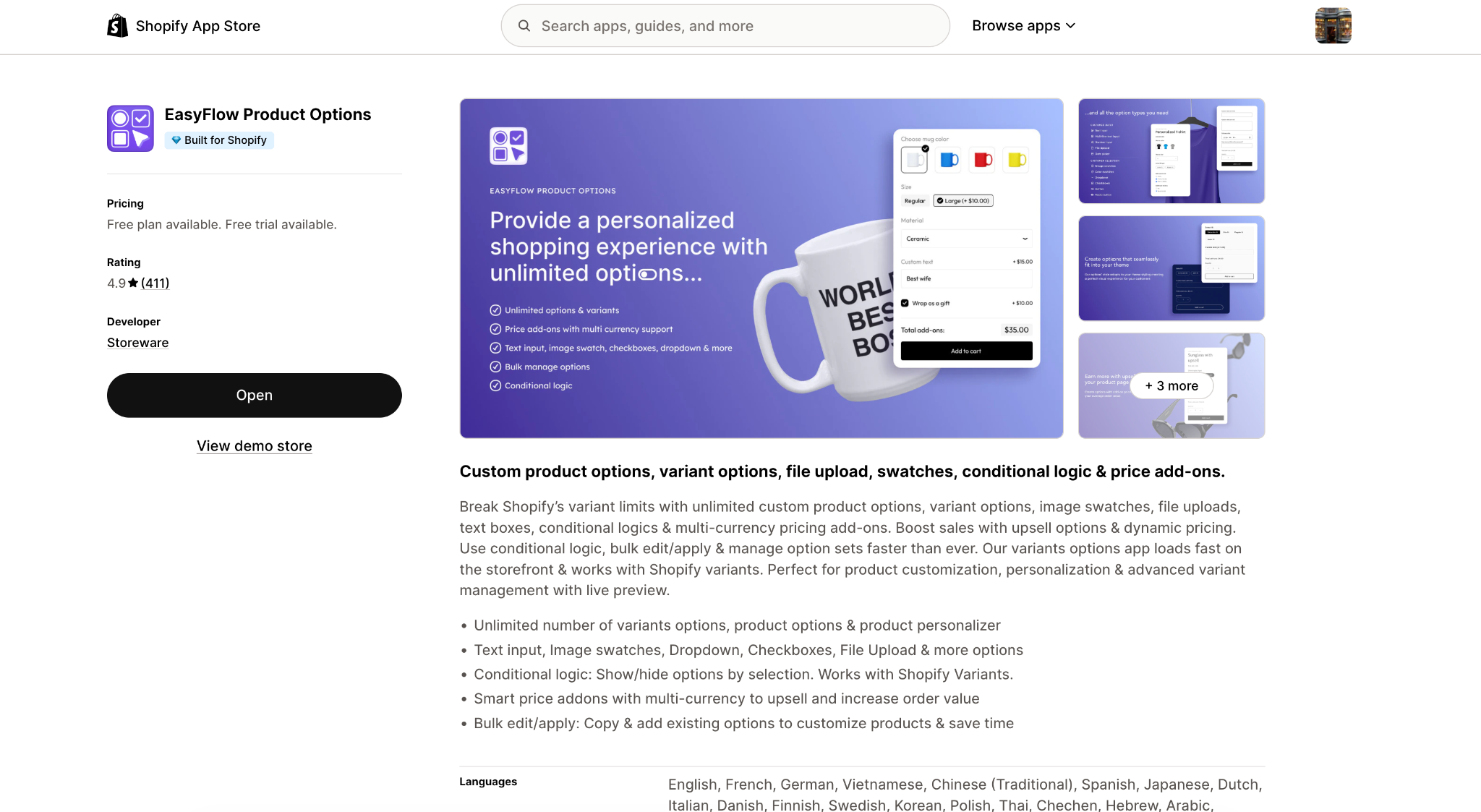
Price add-ons let an upgrade like engraving or premium gift wrap carry its own charge, and bulk edit and apply means option sets can be reused across a catalog rather than rebuilt product by product.
Flits covers the customer. Flits Loyalty turns purchases, referrals, reviews, and signups into points. VIP tiers group customers by how much they actually engage with the brand.
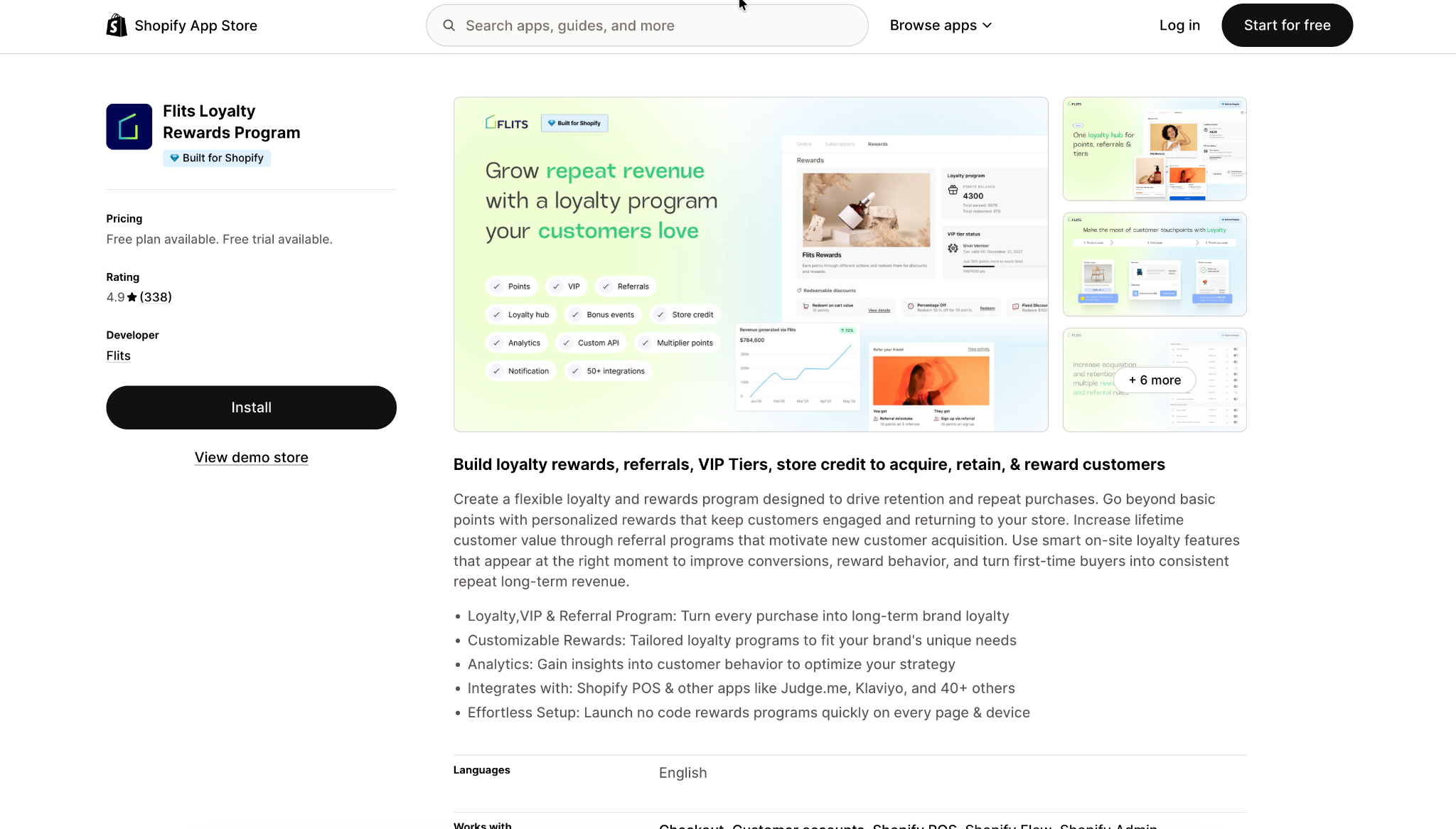
Flits Wishlist lets shoppers save products they are not ready to commit to, with back-in-stock alerts and wishlist analytics showing what is being saved and by whom.
One app knows what the customer wants. The other knows who they are and whether they came back. Bridging the two is the whole story of product customization and customer retention.
Most stores run both and never introduce them to each other.
Four Plays for Product Customization and Customer Retention
With both apps live, the value comes from how you connect them. Here are four plays that turn what EasyFlow captures into something Flits can act on, each a one-time configuration rather than a build.
1. Reward the Customer Who Did the Work
Customized orders take more thought than standard ones, and they often carry a higher order value. That is precisely the moment a loyalty program is most likely to land, and precisely when product customization and customer retention reinforce each other.
Awarding points on a made-to-order purchase through Flits Loyalty gives the customer a concrete reason to open their account page. That page is where the wishlist, the order history, and the reorder button live, so the loyalty point is not the reward; it is the doorway.
Deloitte Digital reports that nearly three in four consumers are more likely to buy from brands delivering personalized experiences, and that they spend around 37% more with them. Custom-product merchants have already earned that preference on the product page. The account page is where you keep it, where product customization and customer retention stop being two separate metrics.
2. Give the Half-finished Configuration Somewhere to Go
High-consideration custom products have long decision cycles. Nobody buys a $900 configurable sofa on a Tuesday lunch break.
Without a save mechanism, that intent simply evaporates. The shopper closes the tab and the eleven minutes of configuration work go with it.
Flits Wishlist holds it instead. And the wishlist analytics tell you something a conversion report cannot: which configurations get saved repeatedly but never bought. When the same specification keeps landing on wishlists and never converting, that is usually a pricing signal, not a product signal, and a direct lever for product customization and customer retention.
3. Make a Premium Option a Tier Benefit, Not Just an Upcharge
In EasyFlow, an add-on like engraving, rush production, or premium gift wrap is configured as a price add-on with its own charge.
In Flits, VIP tiers define who your most engaged customers are.
Merchants can bring the two together by making that premium add-on part of what the top tier receives, covered by points or store credit rather than paid for a second time. It reframes an upsell as a perk, which is a materially different conversation with a repeat customer and a textbook move for product customization and customer retention.
4. Treat Customization Data as Segmentation Data
If your option fields are only reaching the workshop, you are throwing away first-party preference data that most brands pay to acquire.
Pull it into your segments. A customer base sorted by what people actually configured, such as sizes, materials, occasions, and recipients, produces far more relevant campaigns than one sorted by order value alone. This is where product customization and customer retention become one workflow instead of two.
How the Partnership Works in Practice
Both apps operate on the same store but at different points in the customer journey.
EasyFlow runs on the product page, where the customer specifies what they want. Flits runs on the account page, the loyalty widget, and the wishlist, where the customer is recognized and rewarded for coming back.
The connection between them is currently configured by the merchant rather than automated. In practice, that means deciding three things:
- What a customized order is worth in loyalty points, relative to a standard order
- Which EasyFlow price add-ons, if any, become VIP tiers benefits
- Where the wishlist appears on pages that carry configurable products
It requires deciding, once, how the two halves of the store should treat the same customer.
Setting EasyFlow and Flits Up
There is no connection step here. Each app is configured on its own, and the plays above come from how you set the rules, not from wiring anything together.
Both apps need to be live. EasyFlow Product Options handles the customization layer. Flits handles loyalty, tiers, and wishlist. Neither depends on the other, but the plays above assume both are running.
Audit your option sets first. Build reusable option sets rather than one-off configurations per product. Bulk editing and applying exist for this, and it makes everything downstream easier to reason about.
Decide your points rule before you launch it. Work out what a customized order is worth to you in loyalty terms up front. Adjusting a points rule after customers have started earning is a much less comfortable conversation.
Getting Started with EasyFlow and Flits
Installing two apps that both touch your cart, in the right order, so that neither quietly breaks the other, takes a little more thought.
The good news is that EasyFlow and Flits mostly do not interfere with each other. EasyFlow works on your product page and writes customer selections into cart line items. Flits works on your account page and adds a loyalty and store credit layer on top of the cart. Two different jobs, two different surfaces.
The bad news is that “mostly” is doing some work in that sentence. There are a handful of places where the two overlap, and if you set them up in the wrong order, you will find them the hard way, usually via a customer support ticket about a personalized order that arrived blank.
So here is the sequence that avoids that.
Why Order Matters
Install EasyFlow first. Not because it is more important, but because of what it creates.
When you attach a price to an option in EasyFlow, say $5 for gift wrapping, the app does not just add $5 to the product price. It creates a real, hidden product in your catalog and drops it into the cart as a separate line item. That is how the charge gets applied cleanly through Shopify checkout.
Those hidden add-on products are the thing Flits needs to be configured around. They can show up in wishlists, in recently viewed feeds, and as confusing extra rows in order history. If Flits is already live and configured when you generate them, you are now cleaning up rather than preventing.
Build the thing that generates products first. Configure the thing that reads products second.
Phase One: EasyFlow on Its Own
Install the app and enable its theme embed. Then pick a single test product, not your bestseller, and build one option set on it. Make sure that option set includes at least one priced add-on, because you want to see the add-on product get generated before you go any further.
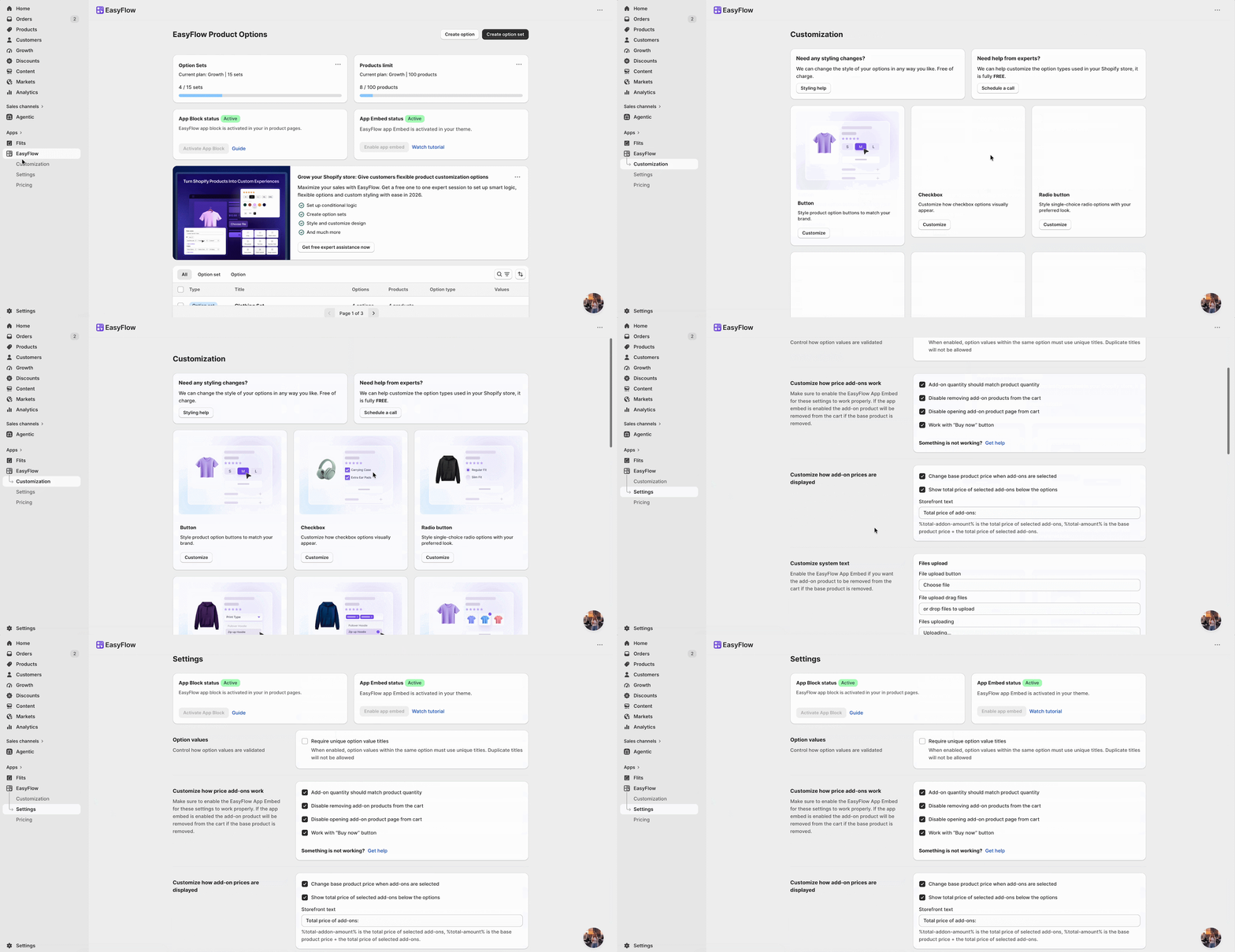
Once it exists, hide it immediately. Unpublish it from your online store and every other sales channel, and check that it has not been swept into any automated collections. The EasyFlow documentation has a dedicated guide for this, and it is worth following properly rather than eyeballing it.
Now place a test order and follow it all the way through. The customer selections should appear on the order in your Shopify admin, on the packing slip, and in the confirmation email. If any of those are missing the personalization data, fix it here before Flits is anywhere near the picture.
When one product works end to end, use bulk apply to roll the option sets out across the rest of your catalog.
Phase Two: Flits on Its Own
Install Flits and choose your plan. Worth knowing upfront: the account page, store credit, referrals, and third-party integrations all sit on the Growth tier. The free plan gives you basic loyalty points and a floating widget but not the account page, which is usually the reason people install Flits in the first place and the hub where product customization and customer retention actually meet.
If you want to unlock more integrations and unlimited VIP tiers, you can try out their “Established” tier.
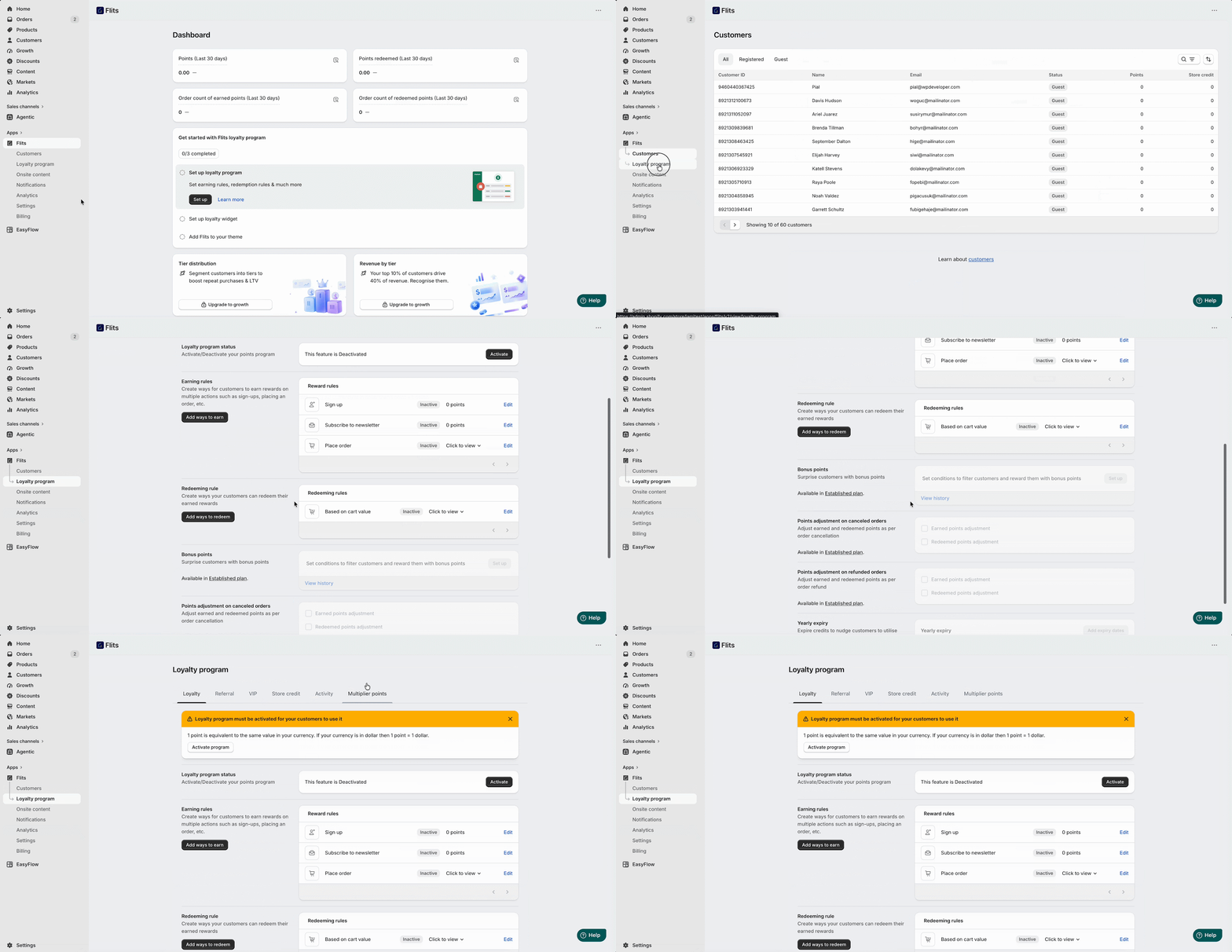
Configure your account page or widget, set your earning rules, and set your redemption rules. Then test all of it on a plain product that has no EasyFlow options attached.
This step feels redundant. It is not. When something breaks in phase three, you want to already know that Flits works correctly in isolation so you can be confident the problem is in the interaction rather than the configuration.
Phase Three: Test the Seams
This is the phase people skip, and it is the only one that actually tells you anything.
Buy a customized product with a paid add-on, as a real customer would. Check three things:
- The cart shows both the main product and the add-on line correctly.
- The store credit dropdown still renders alongside them, and
- Loyalty points are awarded on the full order total, including the add-on.
Then go to your account page and hit reorder on that order. This is the single most important test in the whole process. The reorder needs to bring back the engraving text, the uploaded file, and the linked add-on line item. If it drops any of them, you have an order you cannot fulfill and probably cannot charge correctly either.
Next, add the same product to your wishlist and add it to the cart from there. Wishlist add-to-cart bypasses the product page, which is exactly where EasyFlow renders your required options. Make sure it is not letting customers skip fields you have marked as mandatory.
Run every one of these tests twice: once on the full cart page and once in your cart drawer if you use one. The drawer is where DOM conflicts between two cart-injecting apps actually show up.
Finally, process a refund using store credit on an order containing an add-on line, and make sure both lines are handled.
A Partnership That Boosts Revenue Growth at Much More Affordable Cost
At entry-paid tiers, you are looking at roughly $59 a month combined: around $10 for EasyFlow Growth and $49 for Flits Growth, with Flits scaling on order volume from there. For a full product customization and customer retention setup, that is a modest line item.
Resources you may need:
However, Flits published a case study with tea brand Harney & Sons that reports a 77% increase in revenue, a 69% increase in add-to-cart activity, and a 55% increase in orders against the previous six months, following a custom account page build with a wishlist and reorder.
FAQs
Do I need both apps for any of this to work?
No. Each works independently: EasyFlow handles customization; Flits handles loyalty, tiers, and wishlists. The four plays assume both are running because they are specifically about connecting the product page to the account page.
Can a VIP tier cover the cost of a paid product option?
Not automatically. The add-on is priced in EasyFlow, and the tier is defined in Flits, so there is no direct handshake between them. You would structure it through your redemption rules, with points or store credit covering the equivalent value.
Will adding product options slow my product pages down?
EasyFlow is Built for Shopify certified, which includes performance standards, and loads asynchronously on the storefront. That said, a page with fifty options and forty image swatches is heavier than one with three dropdowns. Run Lighthouse on your heaviest configurable product before and after.
Where do I go for setup help?
The EasyFlow documentation covers option sets, conditional logic, and price add-ons. The Flits help center covers loyalty, tiers, and wish list configuration.