
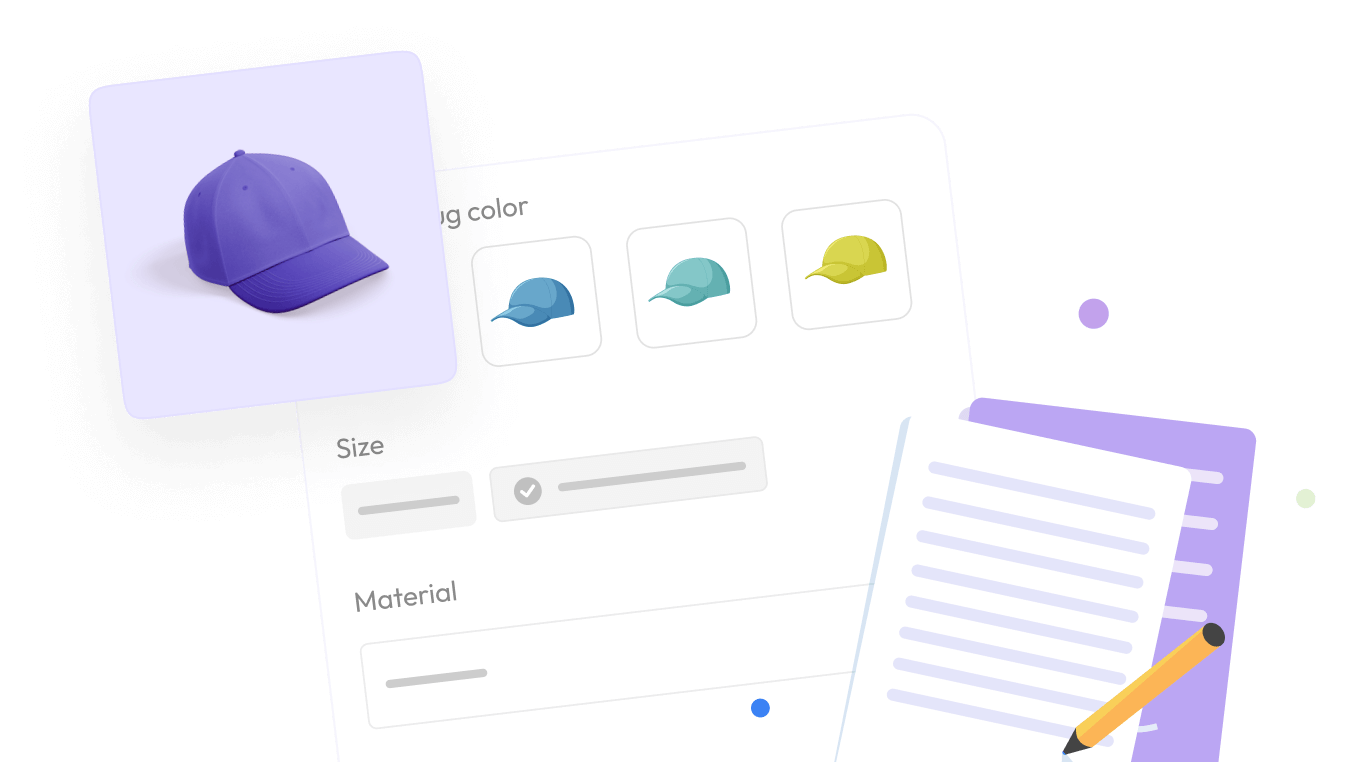

Most Shopify merchants do not realize they need a Shopify product customization app until the signs become impossible to ignore. Customers’ emails requesting custom requests that Shopify cannot handle natively. Product variants stack past the platform’s 100-variant ceiling. Sales quietly migrate to competitors who offer personalization in the same product category.
These signals all point to the same diagnosis. Your store has outgrown Shopify’s native product options. The fix is straightforward, but most merchants put off the install for months while the lost revenue compounds.
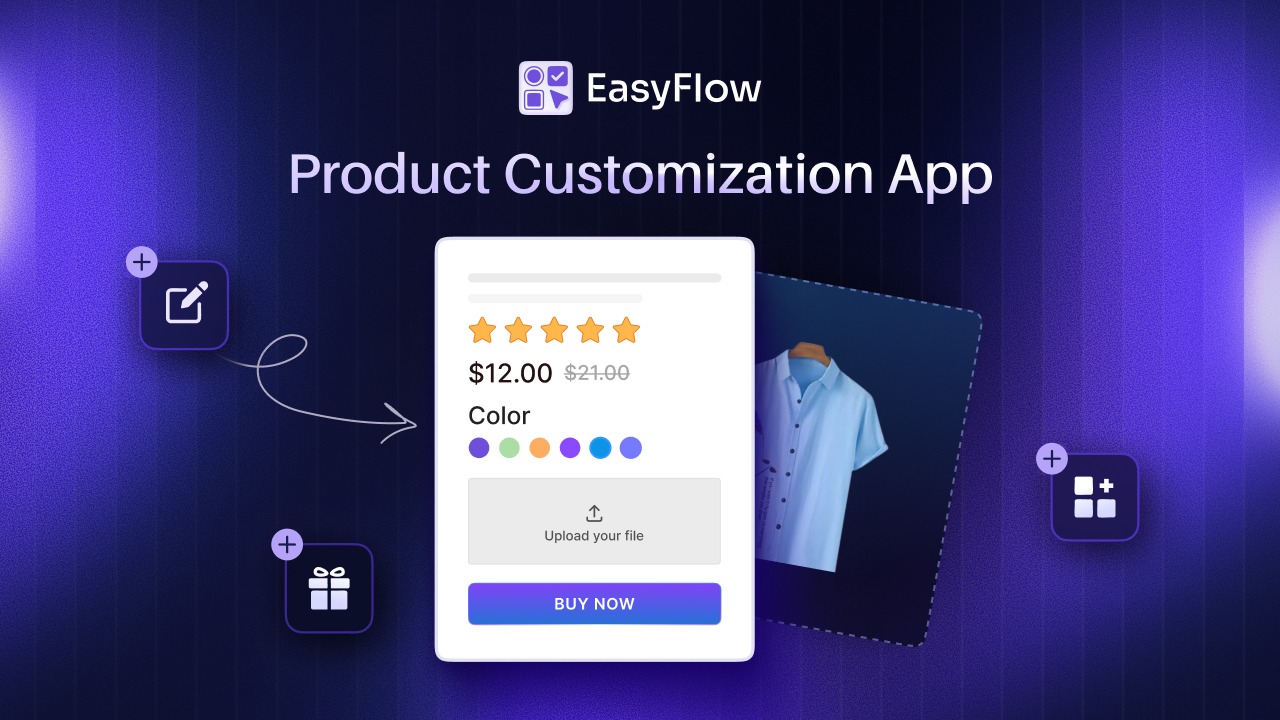
This guide walks through five specific signs that mean it is time to add a product customization layer to your store. Each sign is paired with the underlying business cost and what changes when you fix it. By the end, you will know whether your store needs a customization app, and which features matter most for your specific category.
For context, EasyFlow is a Shopify product customization app built for stores running into exactly these problems. Where relevant, we will reference how a customization app solves each sign, but the signs themselves apply to any merchant evaluating this category.
Quick Summary / TL;DR
Here are the five signs in 60 seconds.
- Customers are emailing you to ask for custom options that Shopify cannot offer through standard variants.
- You are hitting Shopify’s 100-variant limit and duplicating products as a workaround.
- Your products need file uploads (artwork, logos, specs) that Shopify does not natively support.
- Competitors offering personalization are winning shoppers that your store should have converted.
- Manual customization handling is consuming hours of team time per week.
If two or more of these match your store, a Shopify product customization app is no longer optional.
Sign 1: Customers Are Asking You for Custom Options Shopify Can Not Handle
The first sign appears in your live chat, Instagram DMs, and support tickets. Shoppers who land on your product page but cannot configure what they actually want will reach out before they buy. Some open the chat widget. Some slide into your DMs. Some simply leave and try a competitor.
1. How This Shows Up in Your Support Queue
The pattern is consistent across stores. Questions like “Can I add my name in gold script?” or “Can you do this in size 2X with the navy color?” or “Will you accept my logo file?” all signal the same thing. The customer wants to buy, but your storefront cannot accept the order on their terms.
According to Shopify’s own guide to product customization, advanced personalization (adding names, dates, text, or uploaded images) requires a customization app. The native variant system was not built for it.
This is exactly the friction one Shopify merchant described in their EasyFlow app store review. Their product needed a wide range of variations that Shopify’s native options could not handle, and once they installed a dedicated product options app, the entire customization workflow moved onto the product page itself. The manual back-and-forth disappeared, and every custom detail was automatically included with the order.
2. What You Lose When You Cannot Capture This Demand
Every live chat asking about custom options is a signal that demand exists. The friction of moving the conversation off-page is what kills the sale. Customers who wait for a support reply lose the buying momentum they had on your product page. Many drop off before your team responds.
The fix is to capture that demand at the moment of intent. A customization app turns “Can you do this?” into “Add to cart” without the support round-trip. The shopper configures what they want, the order arrives with full specs, and your team ships rather than negotiates.
Sign 2: You Are Hitting Shopify’s 100-Variant Limit
The second sign is technical, and it sneaks up on stores that grow their product lines without thinking about how variants stack.
1. How Variants Stack Faster Than Merchants Expect
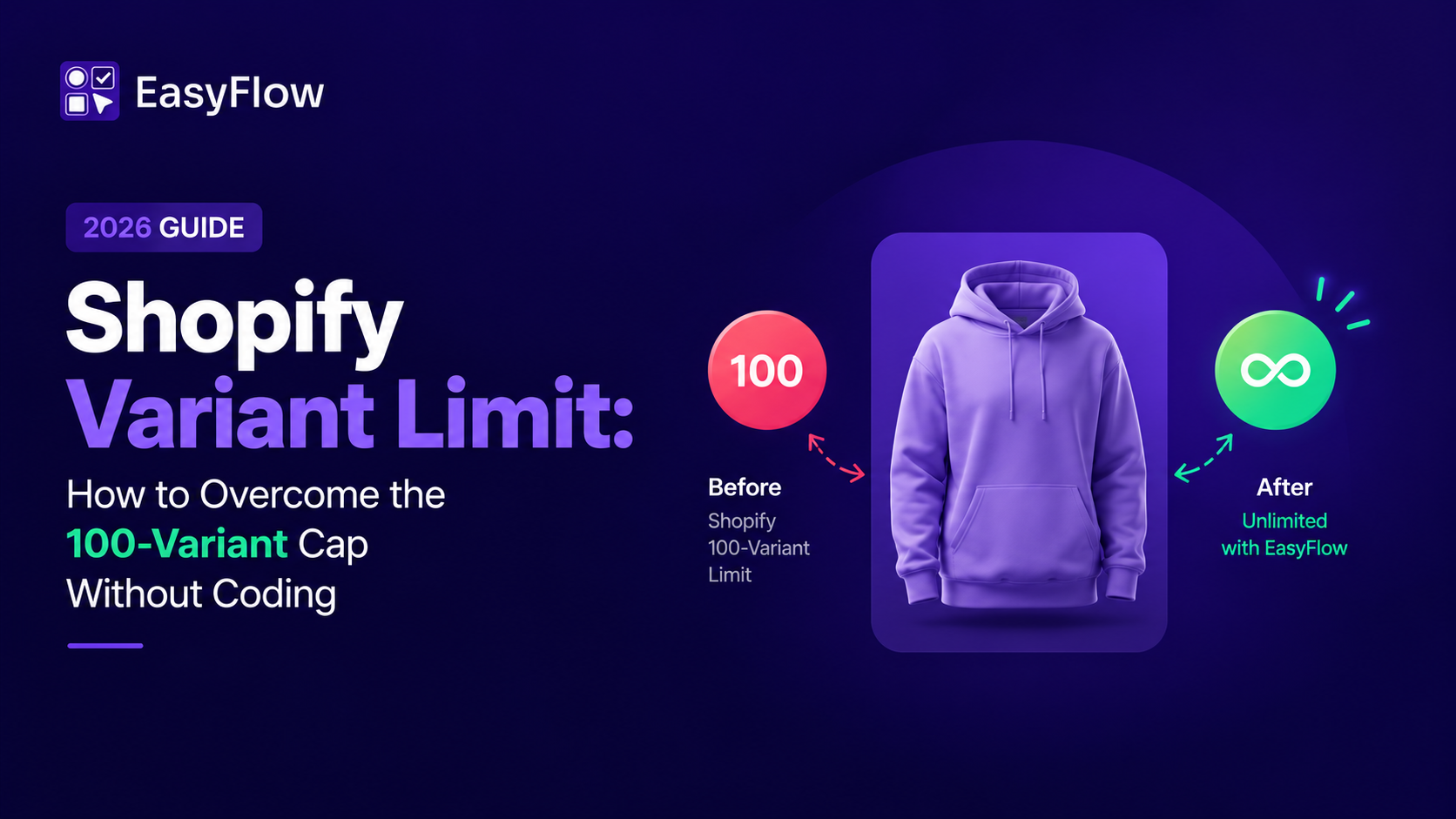
Shopify natively supports a maximum of 100 variants per product, with up to 3 options (such as size, color, and material). Per Shopify’s official variant documentation, this is a hard limit. The math gets tight quickly. A T-shirt with 5 sizes, 7 colors, and 4 sleeve lengths is already 140 variants. You have run out of room before you have even added a finish option.
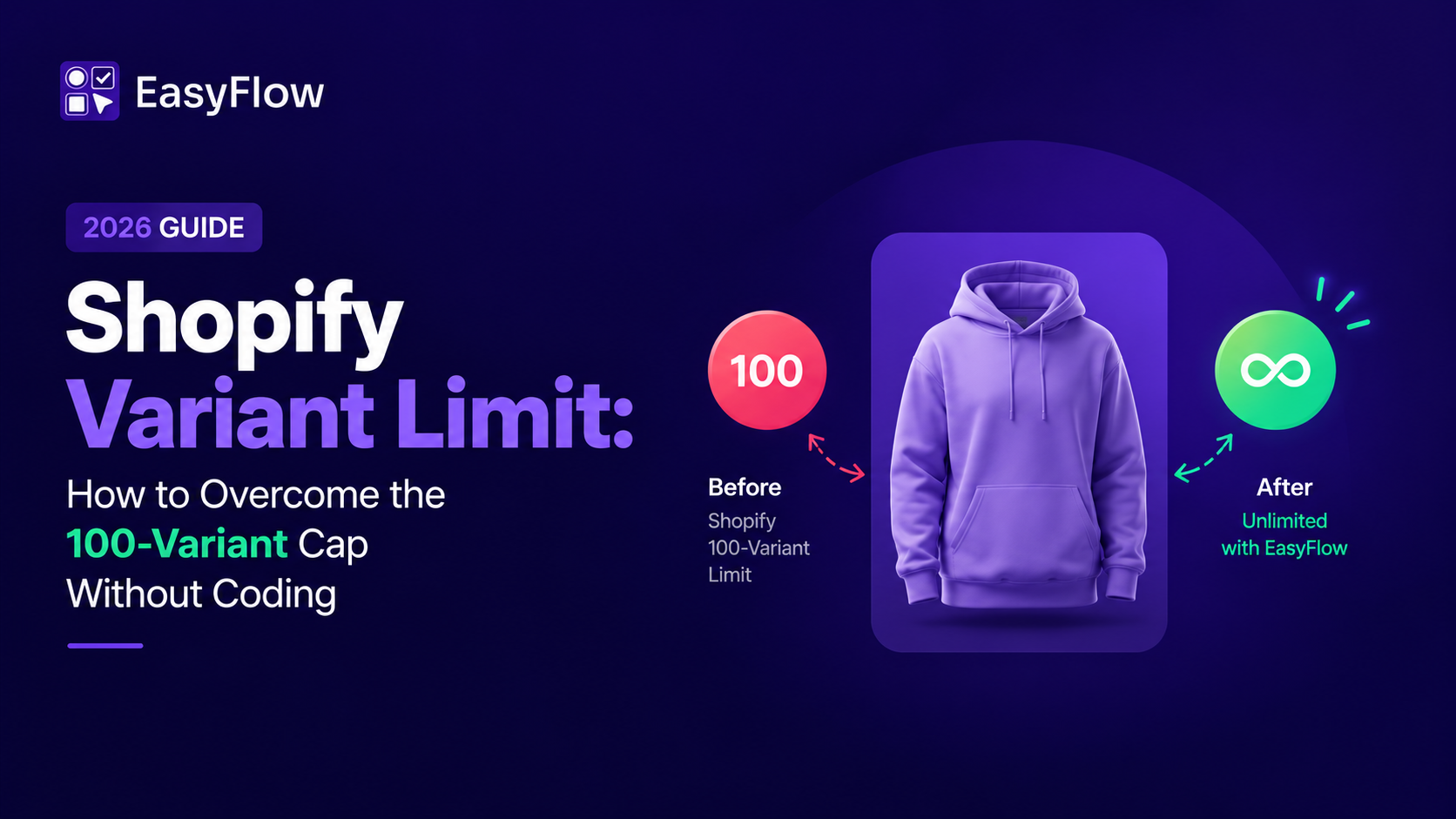
For merchants in jewelry, custom apparel, B2B configurators, and home goods, this ceiling becomes a daily constraint. Every new product attribute means choosing what to remove.
2. What Duplicating Product Listings Costs You
The common workaround is to split one product into multiple duplicate listings. “Shirt – Cotton” becomes a separate product from “Shirt – Polyester.” This pattern hurts the store in three ways at once.
Search engines see duplicate content. Shoppers get confused trying to compare almost-identical listings. The conversion rate on each split product drops because reviews and traffic get diluted across listings. A product customization app removes the variant cap entirely by letting you add unlimited options without creating new SKUs in the underlying Shopify product.
Sign 3: Customers Want to Upload Files, Photos, or Specs
The third sign applies to any store selling something the customer wants to make personal. Print-on-demand. Custom apparel. Engraved jewelry. Branded merchandise. Pet portraits. Wedding stationery. The list is long.
1. Why These Categories Need File Uploads
Shopify does not natively support file uploads on product pages. There is no built-in field for customers to attach an artwork file, logo, or specification document at the point of purchase. For categories where the order genuinely needs a file to be fulfilled, the storefront has a missing piece.
The workaround most stores fall back on is asking customers to email the file after checkout. This pattern is operationally expensive in ways that show up in support tickets, fulfillment delays, and missed details.
2. Why “email me your file after checkout” Hurts Your Operations
Three problems compound. First, the order sits in fulfillment limbo until the file arrives. Some customers take days. Some never send. Second, your team has to chase missing files, which creates a constant administrative drag. Third, when files do arrive, they sometimes have errors (wrong size, wrong format) that trigger another round of back-and-forth.
Capturing the file at checkout solves all three. The order arrives in fulfillment with everything attached. No chasing. No delay. A customization app that can set up file uploads for Shopify products handles this in a single configuration step.
Sign 4: You Are Losing Sales to Competitors Offering Personalization
The fourth sign is the hardest to see directly. Customers who choose a competitor over you usually do not tell you why. But the data on personalization is consistent enough that the pattern is clear.
1. How Personalization Changes Purchase Intent
The 2026 consumer data on personalization is striking. According to DemandSage’s personalization statistics, 76% of consumers prefer brands that offer personalized experiences. Research from Salesforce on the connected customer shows that most shoppers now expect companies to understand and adapt to their individual needs as a baseline, not a premium feature.
In ecommerce specifically, this expectation translates into measurable behavior. Customers who can configure a product show stronger purchase intent than customers shopping a fixed catalog. They are more invested by the time they reach checkout because they have already participated in creating what they are buying.
2. The AOV Gap Between Personalized and Non-personalized Stores
BigCommerce’s personalization research reinforces this pattern. Stores running even basic personalization typically see lifts in conversion rate and average order value. Customized products consistently command price premiums of 30% or more over their standard equivalents, because the customer perceives the item as uniquely theirs.
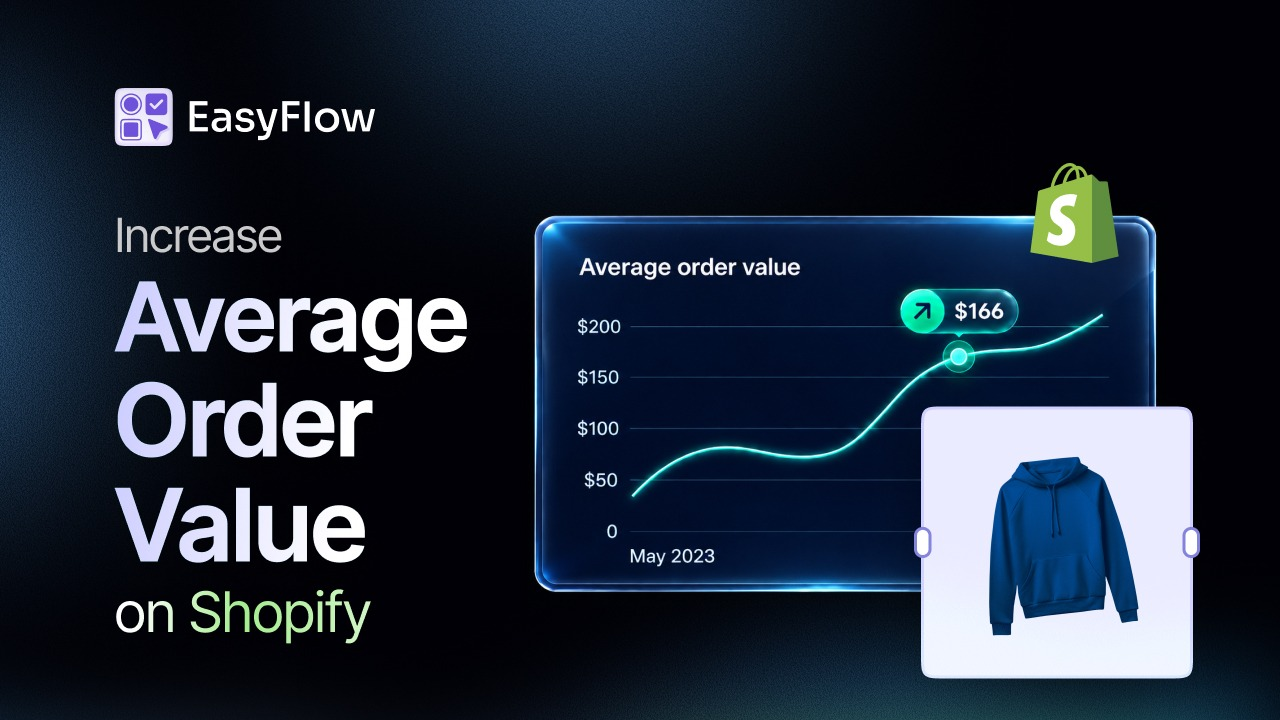
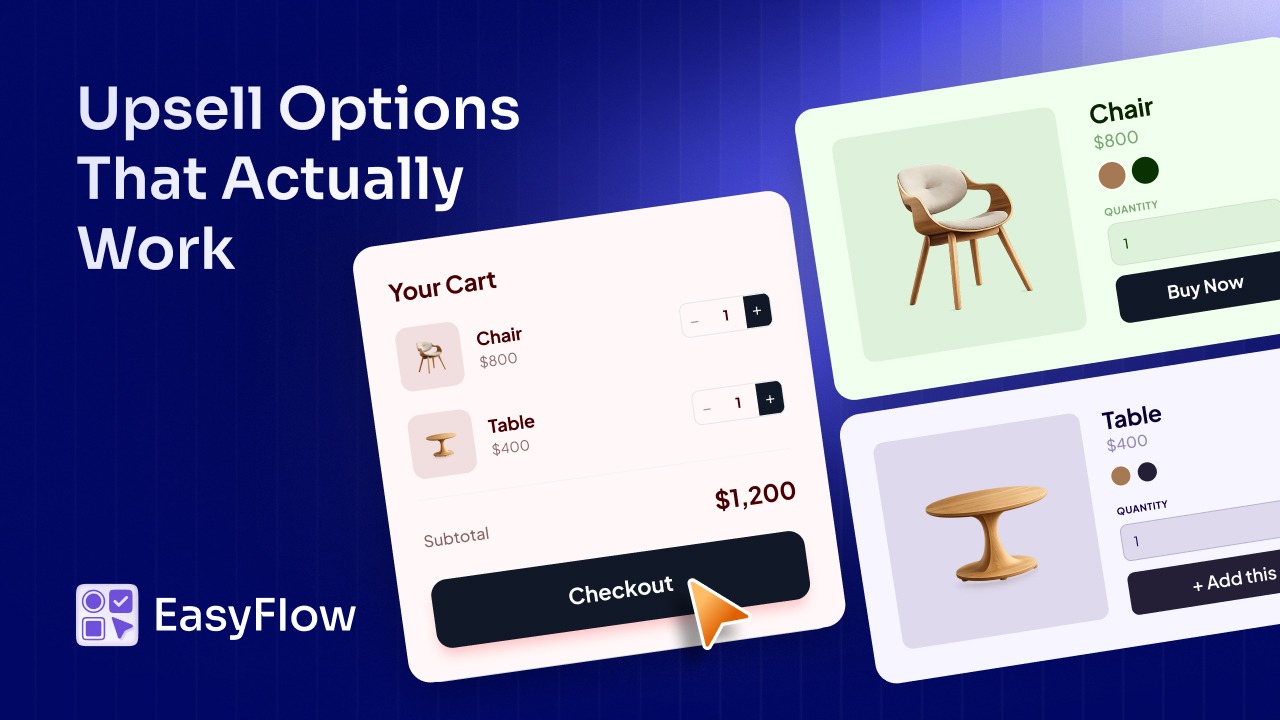
A Shopify product customization app captures that premium directly. Live price add-ons charge customers automatically for the customizations they choose, with no manual invoicing or post-purchase upcharges. The lift compounds across every order.
Sign 5: Manual Customization Handling Is Draining Your Team
The fifth sign is internal. It shows up in the time your team spends on tasks that should be automated.
1. The Hidden Support Cost of Unstructured Personalization
If you currently offer any form of customization but handle it manually (taking notes in checkout comments, emailing customers for clarification, copying specs into fulfillment software by hand), every order is consuming team time that it should not. The cost is rarely obvious because it spreads across multiple people and tasks. A few minutes per order across hundreds of orders adds up to a meaningful share of your operations budget.
This cost compounds at scale. According to Baymard Institute’s cart abandonment research, checkout friction is one of the leading drivers of lost orders. Manual customization processes that delay confirmation, require email back-and-forth, or surface errors after purchase all add friction precisely where conversion is most vulnerable.
2. What Automating Customization at Checkout Looks Like
When customization is captured in structured fields at checkout, three things change. The order arrives in fulfillment with complete specs (no chasing). Pricing is calculated automatically based on what the customer configured (no manual invoicing). Your team can focus on fulfillment quality and growth, not on chasing missing details.
A customization app converts a manual process into a structured workflow. Most merchants who make this switch report saving 30 to 60 minutes per custom order, which translates into hours of reclaimed team time every week.
What to Look for in a Shopify Product Customization App
If two or more of the signs above match your store, the next question is which app to choose. Four feature areas matter more than the rest.
| Feature | Shopify | 3rd Party Apps like EasyFlow |
| Variations | 100 variants | Unlimited |
| File upload support | No | Full support (JPG, PNG, PDF, SVG, AI, large files) |
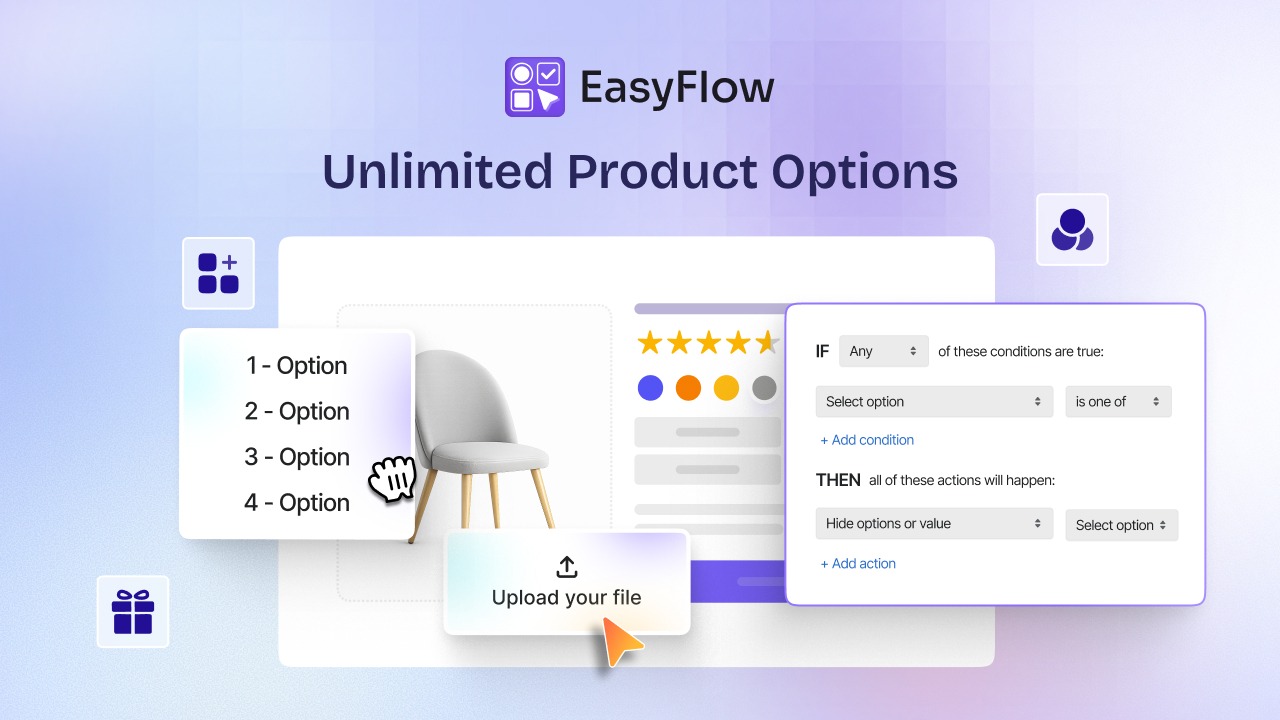
| Conditional logic | No | Show or hide options based on customer selections |
| Live price add ons | No | Automatic real-time pricing |
| Best for | Simple catalog stores with fixed variants | Custom product stores (print, engraving, apparel, branded merchandise, made-to-order) |
1. File Upload Support and Large-file Handling
Any store selling print, engraving, branded merchandise, or any custom artwork needs file uploads as a primary feature. Look for support for common formats (JPG, PNG, PDF, SVG, AI), large file sizes, and a clean preview for both you and the customer. Cheap apps cut corners here and either limit file size or hide files in unclear admin locations.
2. Conditional Logic for Decision-free Customer Flows
Conditional logic shows or hides options based on what the customer has already selected. Pick “engraving” and the font picker appears. Pick “no engraving,” and it stays hidden.
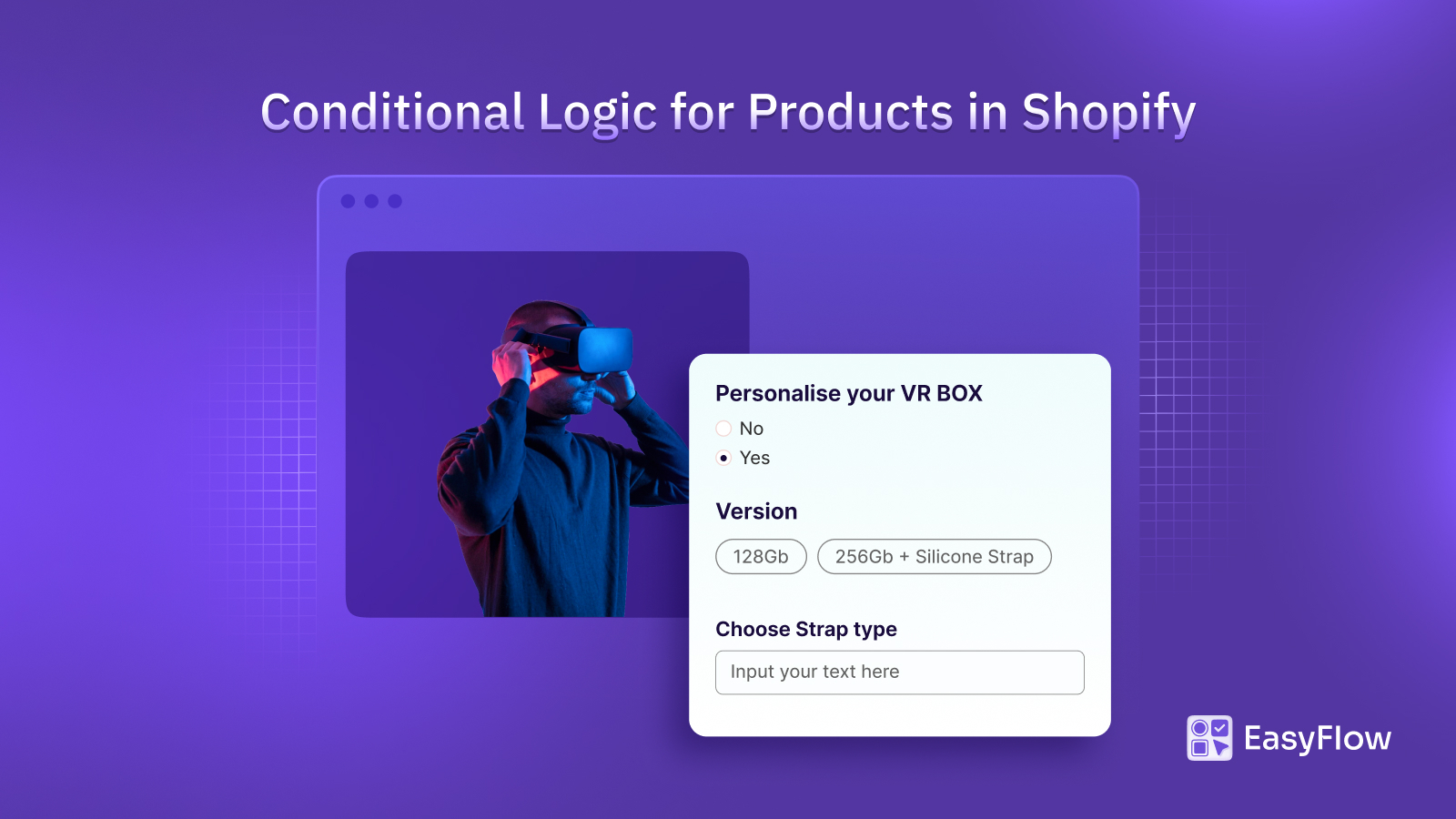
This reduces decision fatigue and keeps the product page clean. Conditional logic rules are one of the most useful but least understood features in this category. Apps without them force customers through every possible option, which kills conversion.
3. Live Price Add-ons That Match the Customer’s Configuration
If your customizations have a cost (engraving, premium fabric, rush production), the app needs to charge for them automatically and transparently. Live price add-ons calculate the final price in real time as the customer builds their configuration. The customer sees the cost. You get paid correctly. No manual invoicing.
4. Mobile Responsiveness and Live Preview
Mobile traffic now accounts for the majority of Shopify visits. A customization interface that works perfectly on a desktop but breaks on a phone is functionally broken. Live preview matters even more on mobile, where customers cannot see two windows side by side. Test any app you evaluate on an actual mobile device before committing.
Frequently Asked Questions (FAQs)
What is a Shopify product customization app?
How is product customization different from Shopify variants?
Can Shopify have more than 100 variants?
Does Shopify support file uploads natively?
How much does a Shopify product customization app cost?
Which types of stores benefit most from product customization?
Do product customization apps affect SEO?
Can I add custom text without creating variants?
What is conditional logic in Shopify?
Can customers upload images on Shopify product pages?
Are product customization apps compatible with Shopify themes?
Do You Really Need a Product Customization App for Your Shopify Store?
The five signs in this guide are not subtle. If your customers are emailing for custom options, your variants are stacking past 100, your team is chasing files after checkout, your competitors are winning on personalization, or your operations team is spending hours per week on manual customization tasks, your store has outgrown Shopify’s native options.
A Shopify product customization app fixes all five at once. It captures demand at the moment of intent, removes the variant ceiling, accepts files at checkout, prices customizations automatically, and structures every order so fulfillment is faster and cleaner.
If two or more of these signs match your store, the next step is straightforward. Install EasyFlow from the Shopify App Store and configure your first customization on a single product to see the lift before rolling it out everywhere.